Table of Content
Focus on what matters. BIXO handles the rest!

Managing changes in projects can be challenging. The right change management tools make it easier for teams to keep track of updates, stay organised, and know exactly what needs to be done. With the right change management software, changes are easier to handle, errors are minimised, and projects stay on track. In this blog, you’ll take a look at some of the best change management software for 2025 and see how they can make managing change a lot easier for your team.
What is Change Management Software?
Change management software helps teams plan, track, and implement changes in a structured way. It keeps everyone organised, ensures smooth communication, and reduces the risk of errors. These are some of the most effective change management tools.
1. Whatfix
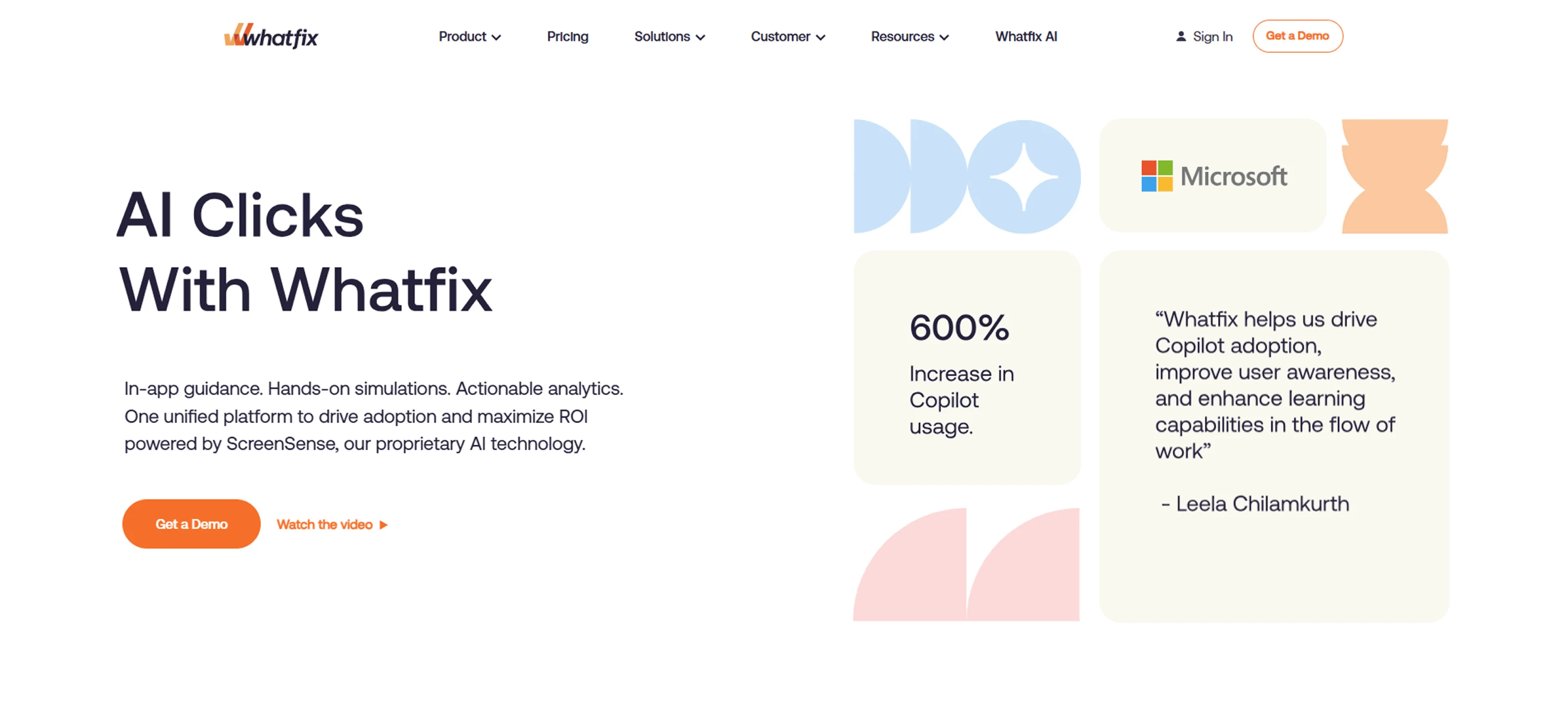
Whatfix is a digital adoption tool that helps teams quickly adjust to new software with ease. It provides on-screen guides and simple step-by-step instructions that make it easier for employees to understand and use tools faster. For change management, Whatfix supports teams during transitions by showing them how to use new systems in real time, helping everyone adapt quickly, reduce confusion, and keep daily work running smoothly.
Key Features :
- Step-by-Step On-Screen Help : Provides the user with easy pop-ups and directions on what to do next inside the software.
- Smart Training Tools : This replaces the lengthy training sessions with in-app training that trains employees during work.
- Real-Time Updates : The Guide is automatically updated as the software is changed, so that information is always up to date.
Pros :
- Helps employees learn new tools quickly with clear on-screen steps
- Makes it easier for teams to adapt when processes or tools change
- Saves time by giving instant help directly on the screen
- Works smoothly with tools like Salesforce and Workday
Cons :
- Setting up detailed guides takes time, especially for large projects
- Doesn’t have many time-saving automation features for daily work
- Customisation options are limited, so teams can’t change everything as they want
- A bit expensive for small teams or startups with tight budgets
- Needs regular updates to work well with new software changes
- Feels slightly confusing in the beginning, but gets easier once the team gets used to it
Pricing :
- Free plan available with basic task and project features
- Premium plan starts around $10.99 per user/month (when billed annually) with more views and custom fields
- Business plan from about $24.99 per user/month with portfolios, workload tracking, and advanced integrations
- Enterprise plan available on request with enhanced security, admin controls, and dedicated support
Ratings :
- G2 : 4.6 / 5
- Capterra : 4.6 / 5
2. Jira Service Management
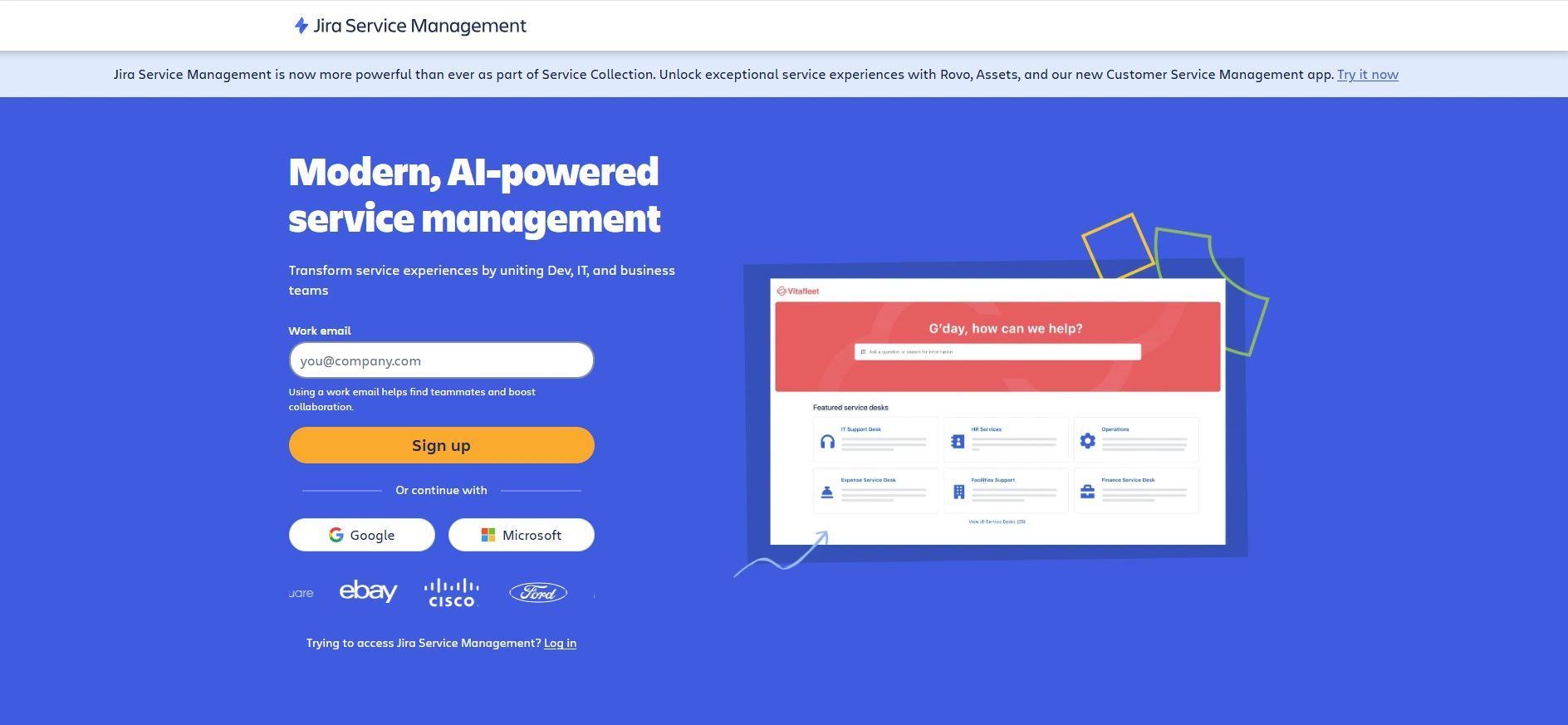
Jira Service Management is a change management and service desk tool by Atlassian. It helps IT and business teams manage requests, incidents, and changes in one place. Teams can review, schedule, and track changes in real time to keep updates safe and well-organised. It also integrates with Jira Software and Confluence to help teams collaborate better and maintain visibility across the change process.
Key Features :
- Smart Automation : Speeds up routine approvals and updates, helping teams focus on important tasks.
- Clear Workflows : Keeps every request and update organised, so teams know what’s happening at each step.
- Smooth Collaboration : Works well with tools like Confluence and Jira Software, keeping everyone connected and informed.
Pros :
- Simplifies change management with clear approval workflows
- Strong workflow automation features save time and reduce human errors
- Real-time tracking improves transparency and accountability
- Smooth integration with Atlassian tools enhances team productivity
- Easy to customise for different business needs
Cons :
- Setup can feel complex for new users
- Some advanced features require higher-tier plans
- Customisation options are limited, so teams can’t change everything as they want
- Interface may seem technical for non-IT teams
- Automation setup takes time initially
- Reporting tools could be more detailed
Pricing :
- Free plan available for up to 3 agents
- Standard plan costs around $20 per agent per month when billed annually
- Premium plan starts from about $47 per agent per month with advanced features and larger team support
- Enterprise plan offers custom pricing with enhanced security and dedicated support
Ratings :
- G2 : 4.3 / 5
- Capterra : 4.5 / 5
3. Monday Service
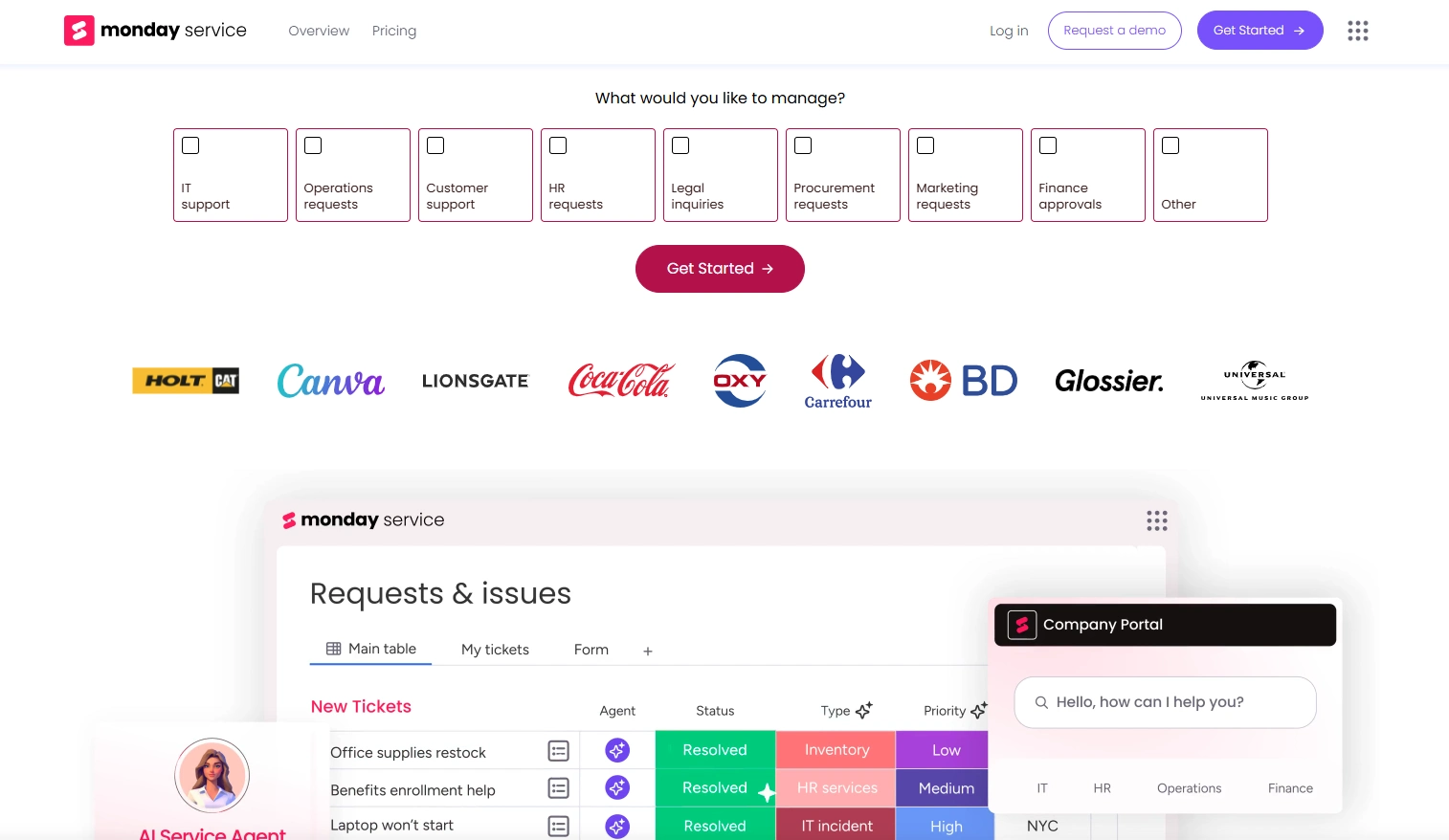
Monday Service is an easy-to-use service management tool built to help teams handle customer and internal support requests in one place. It allows users to track tickets, assign tasks, and manage workflows visually, all on one simple dashboard. The tool helps IT, HR, and other departments stay organised, respond faster to requests, and maintain clear visibility into ongoing tasks, helping teams work more efficiently and stay connected.
Key Features :
- Automated Workflows : Automates ticket routing, notifications, and approvals to speed up processes.
- Visual Ticket Boards : Organise support requests with clear, easy-to-follow boards for better tracking.
- Smart Integrations : Connects with popular tools like Slack, Gmail, and Microsoft Teams for smooth communication.
Pros :
- Very simple and colourful interface that’s easy for anyone to learn
- Helps teams track requests and tickets in one shared view
- Works well with other Monday.com tools for full visibility
- Offers lots of templates to start quickly
- Easy to customise for different business needs
- Easy automation options for reminders and task updates
Cons :
- Pricing increases as you add more users or advanced features
- Lower plans offer fewer options for customisations
- Requires some setup time to get all workflows
Pricing :
- Starts around $10 per user/month, includes basic ticket tracking
- Around $12 per user/month, adds automation and dashboards
- Premium plan starts from about $47 per agent per month with advanced features and larger team support
- Enterprise plan offers custom pricing with enhanced security and dedicated support
Ratings :
- G2 : 4.3 / 5
- Capterra : 4.5 / 5
4. InvGate Service Management
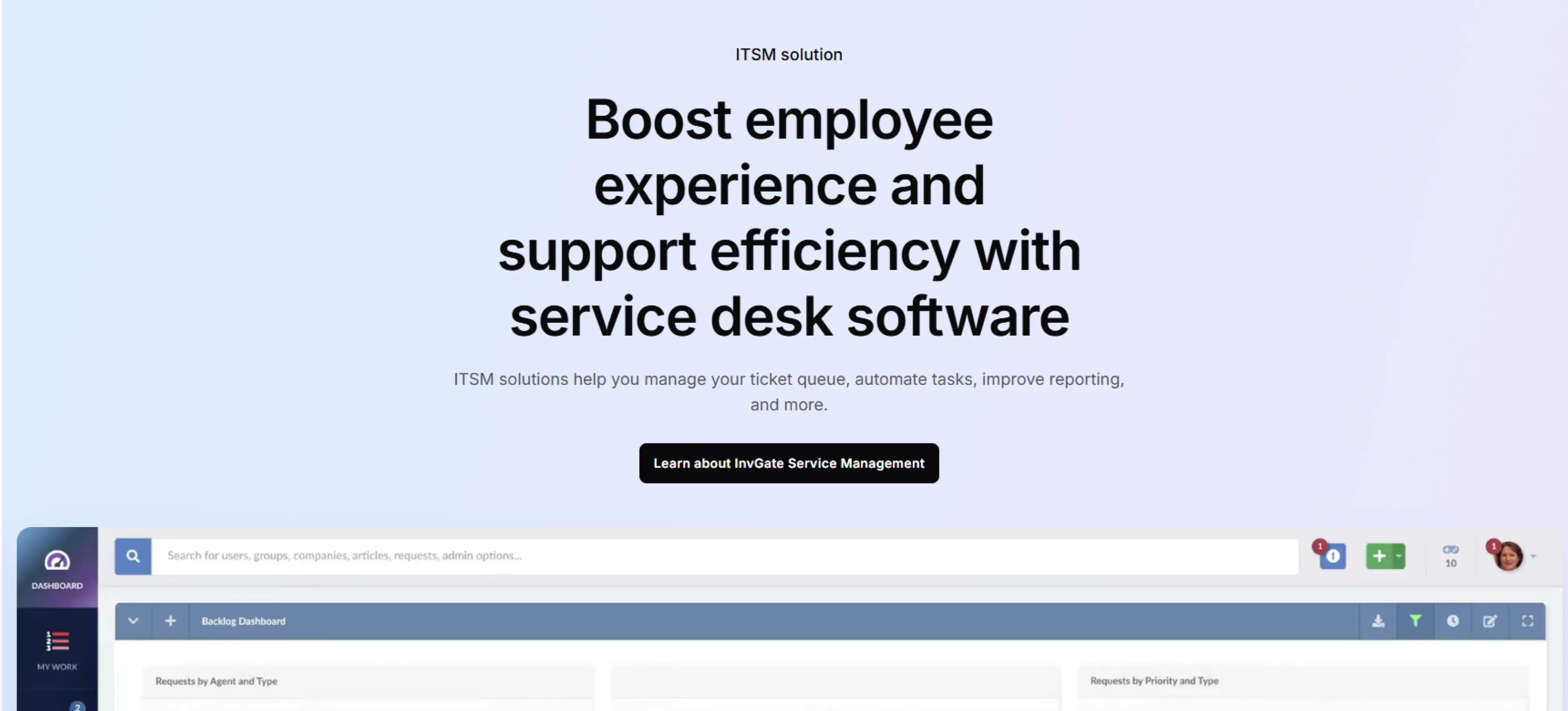
InvGate Service Management is a smart IT service management (ITSM) tool that helps businesses manage requests, incidents, and changes in one place. It is designed to make the IT support faster, more efficient, and easier to understand, even for non-technical users. With self-service portals and automation, teams can quickly solve problems and make users happier.
Key Features :
- Automation Rules : Automatically routes tickets, updates statuses, and sends reminders so the team can focus on real work.
- Self-Service Portal : Find answers or submit requests anytime, like a help desk that’s always open.
- Change Management : Tracks and approves IT changes to prevent mistakes and keep work running smoothly.
Pros :
- Clean and modern interface that’s easy to use
- Strong automation to reduce repetitive manual work
- Offers a self-service portal for faster problem-solving
- Includes ITIL-aligned processes for better service control
- Works well for both IT and non-IT teams
Cons :
- Set up can take time for large organisations
- Reporting tools may need more flexibility for custom reports
- Limited third-party integrations compared to bigger competitors
Pricing :
- Around $17 per agent/month (billed annually)
- Around $40 per agent/month (billed annually)
- Custom pricing based on the organisation's needs
Ratings :
- G2 : 4.6 / 5
- Capterra : 4.6 / 5
5. BMC Helix ITSM
BMC Helix ITSM is a cloud-based tool that helps IT teams manage incidents, problems, and changes more easily. It uses AI and automation to make the whole process quicker and more efficient. The platform is flexible, helping IT teams provide better support and a smoother experience for users. With smart workflows and data-driven insights, it helps teams solve issues faster and make smarter decisions.
Key Features :
- Incident and Change Management : Helps teams track and fix issues while managing IT changes safely.
- AI and Automation : Automates ticket routing and predicts problems before they happen.
- Service Request Management : Makes it easy for users to submit and manage service requests.
Pros :
- Easy to track and manage incidents, problems, and changes all in one place
- Strong integration with IT monitoring and asset management tools
- Provides real-time data and reports to help make better decisions
- Scalable for large organisations with expanding IT needs
- Helps IT teams respond faster and make things easier for users
Cons :
- Can be complex for new users to set up and configure
- Interface may feel heavy compared to simpler ITSM tools
- Requires training to fully use advanced automation features
- The pricing is a bit high for smaller teams
Pricing :
- Pricing starts around $19 per user/month (billed annually)
- Custom pricing is available for large enterprises and on-premises deployments
Ratings :
- G2 : 3.7 / 5
- Capterra : 4.6 / 5
6. SolarWinds Service Desk
SolarWinds Service Desk is a cloud-based IT tool that makes it easy for IT teams to handle incidents, assets, and service requests all in one place. With smart automation and AI, support becomes faster and less stressful for both IT staff and employees. Its self-service portal helps people find answers on their own. Built-in reports show where things can improve, helping teams work smarter and smoother every day.
Key Features :
- Incident and Problem Management : Helps IT teams track, manage, and resolve issues quickly to keep operations running smoothly.
- Automation and AI Tools : Speeds up ticket handling with automated workflows, virtual agents, and smart routing.
- Asset Management : Keeps a complete record of all hardware and software assets for better tracking and control.
Pros :
- All IT tasks are organised in one place, making it easy to track incidents, assets, and changes
- The interface is simple and user-friendly, so employees can get support without confusion
- A self-service portal allows employees to find answers on their own
- Automation and AI handle repetitive tasks, saving time and effort
- It works well for both small and large IT teams, growing as your operations grow
Cons :
- Can feel confusing for first-time users because there are many features
- Some useful features are only available in higher-tier plans
- Setting up custom workflows can be challenging
- The system may slow down when handling a very large number of tickets
Pricing :
- For the Essentials plan, $39 per technician/month with unlimited users
- For the Advanced plan, $79 per technician/month, including extra automation and management features
- For the Premier plan, $99 per technician/month with visual CMDB, dependency mapping, and AI tools
- Free 30-day trial available
- Asset tracking may cost extra, depending on the devices
Ratings :
- G2 : 4.3 / 5
- Capterra : 4.6 / 5
7. Freshservice
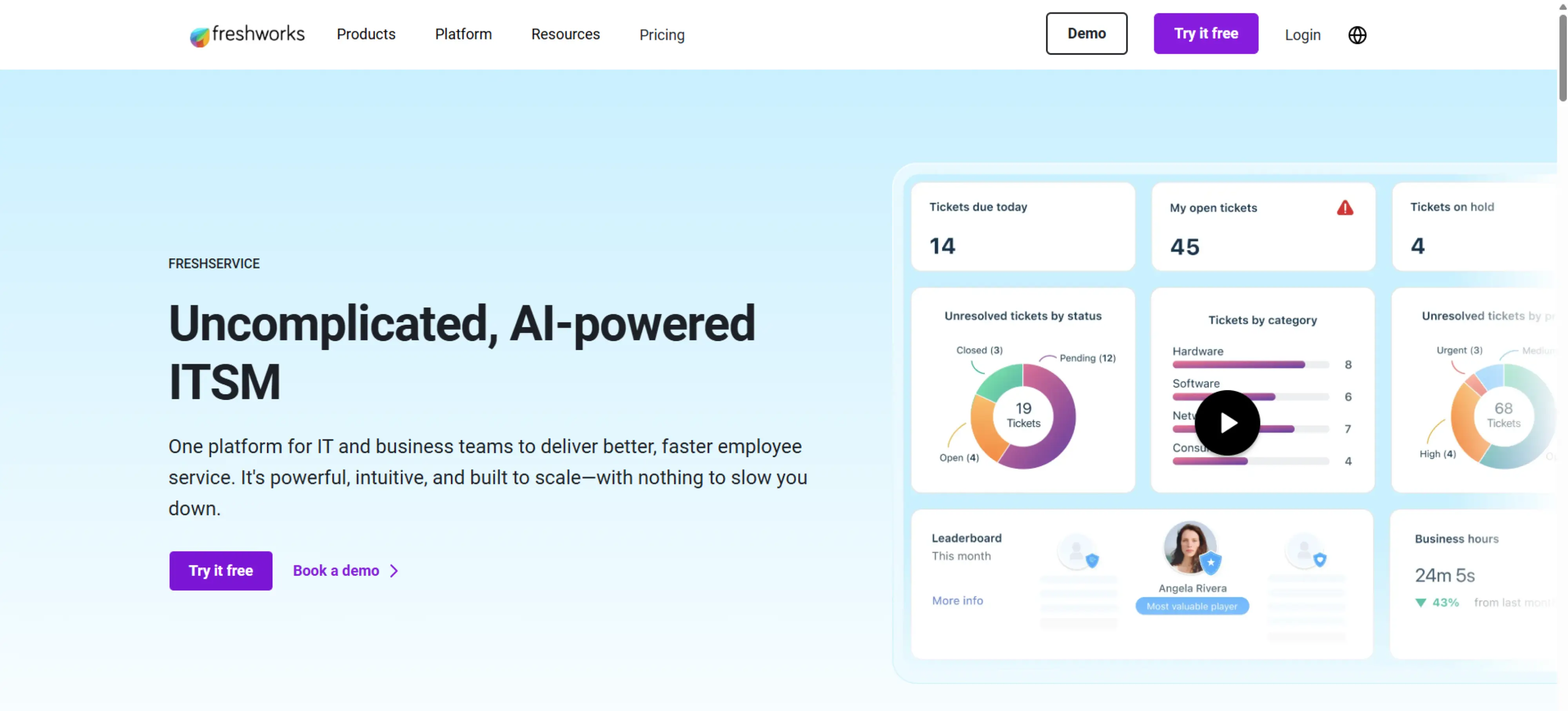
Freshservice is a cloud-based IT service management tool that makes IT tasks simple and hassle-free. It helps teams manage incidents, service requests, and changes in one organised place. With smart ticketing, self-service, and automation, employees get support quickly. This keeps IT teams on track and business operations running smoothly.
Key Features :
- Incident and Change Management : Keeps track of IT issues and helps resolve them quickly.
- Self-Service Portal : Allow employees to fix small problems on their own without waiting for IT.
- Workflows & Task Management : Handles routine tasks and keeps work organised.
Pros :
- Simple interface that’s easy for employees to use without heavy training
- Built-in reporting provides insights for better decision-making.
- It works well with tools like Slack, Microsoft Teams, and Azure
- Helps IT teams track, categorise, and resolve requests efficiently
- Automatically assigns tickets, prioritises issues, and manages workflows to save time
Cons :
- Some advanced customisations are limited unless you choose higher-tier plans
- A few features may feel a bit overwhelming for first-time users
- Reporting dashboards could be more flexible for complex setups
- Some users report slower performance when handling a large number of tickets
Pricing :
- Free trial available to explore the features
- Growth plan starts around $19 per agent/month
- Pro plan starts from $49 per agent/month, with more advanced workflows
- Enterprise plan custom pricing with premium support and extended features
Ratings :
- G2 : 4.5 / 5
- Capterra : 4.6 / 5
8. ManageEngine ServiceDesk Plus
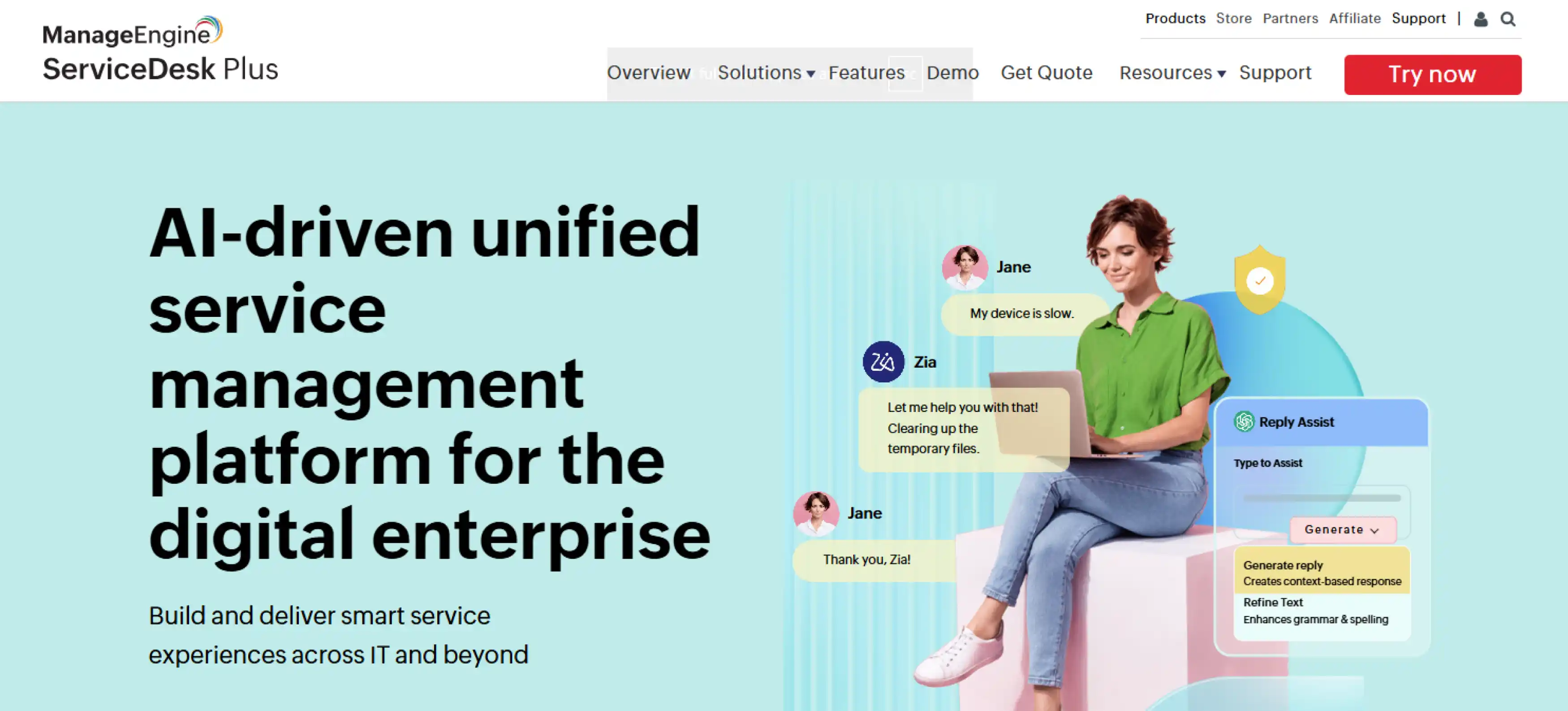
ManageEngine ServiceDesk Plus is an all-in-one IT help desk that makes IT support simple for both teams and employees. It centralises ticketing, asset tracking, and change management, so requests are handled faster. Automation and clear reporting make it easy to spot and fix issues. With ServiceDesk Plus, employees get the support they need quickly, keeping everything running smoothly.
Key Features :
- Incident, Problem & Change Management : Keep IT processes organised and on track.
- Asset Management : Track hardware and software across the organisation.
- SLA Management : Ensure tickets are responded to and resolved on time.
Pros :
- Covers all ITSM needs: tickets, assets, and changes in one place
- Automation saves time on repetitive work
- Detailed reporting helps improve IT performance
- Integrates with Active Directory, Microsoft Teams, and other enterprise tools
- Offers both cloud and on-premises options
Cons :
- The interface feels a little outdated compared to newer tools
- Some features are only available in higher-tier plans
- Initial setup and configuration can take time
- Customisation is powerful but may need technical knowledge
Pricing :
- Free edition for small teams
- Standard plan starts around $10 per technician/month
- Professional plan around $19 per technician/month with additional features
- Enterprise plan available on request with full ITSM coverage and added flexibility
Ratings :
- G2 : 4.4 / 5
- Capterra : 4.5 / 5
9. WalkMe
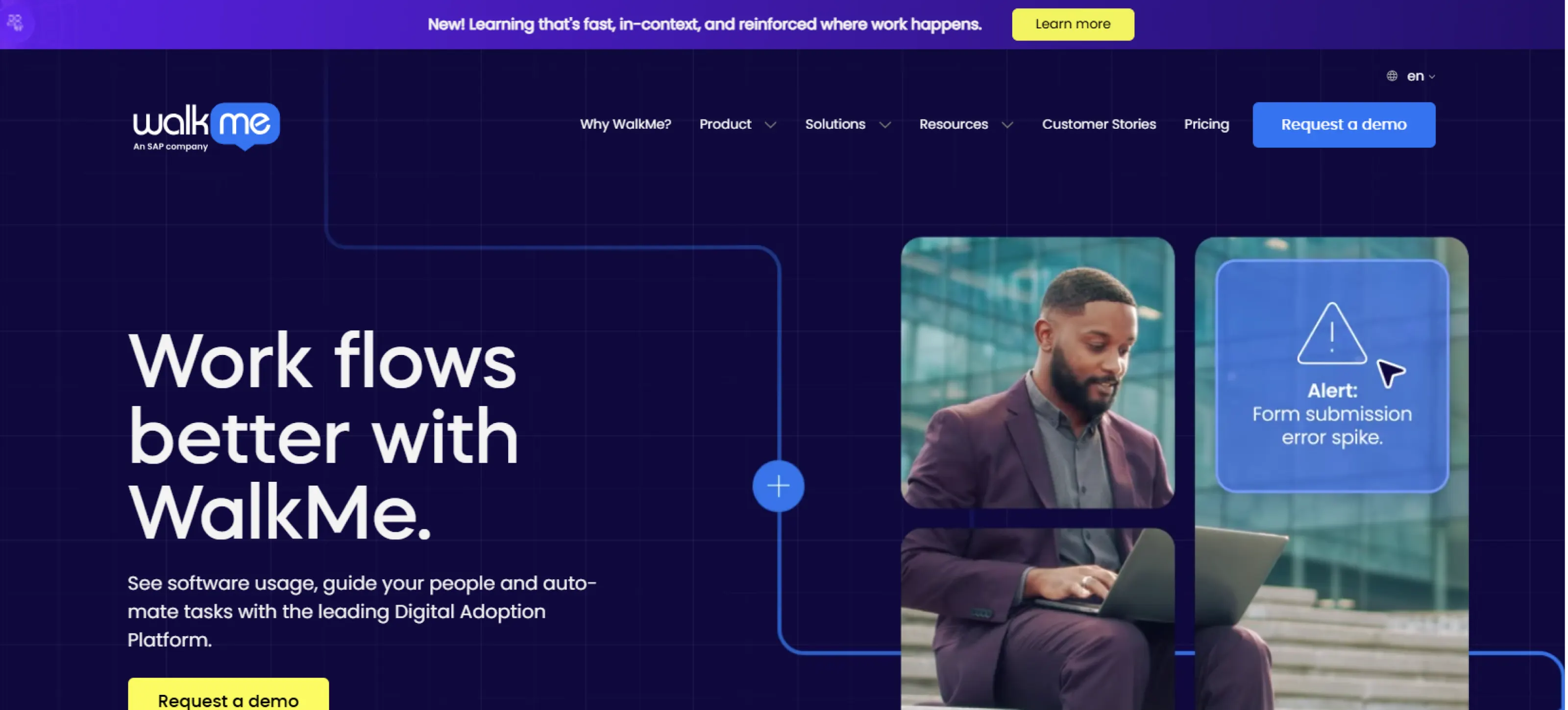
WalkMe is a digital adoption tool that helps employees learn new software by guiding them step by step, right when they need it. It also shows where users need extra support, making it easier to improve the overall experience. By making learning simpler and reducing mistakes, WalkMe saves time and helps teams adjust to new systems faster. It builds confidence and helps people work more smoothly without needing constant help.
Key Features :
- Insights & Tracking : Understand where people need the most help.
- Workflow Assistance : Streamline repetitive tasks for users.
- Works Across Platforms : Guides are available on web, desktop, and mobile.
Pros :
- Makes learning new software easy with clear on-screen instructions
- Reduces help requests by showing employees how to solve problems
- Helps managers see where employees need extra guidance
- Works with platforms like Salesforce, Workday, and SAP
- Easy to use for most basic setups
Cons :
- Can be costly for smaller businesses
- Initial setup may take time for complex systems
- Some customisations require technical knowledge
- Too many guides at once can feel overwhelming for users
Pricing :
- Custom pricing depending on company size and needs
- Free trial or demo available
Ratings :
- G2 : 4.4 / 5
- Capterra : 4.5 / 5
10. ServiceNow
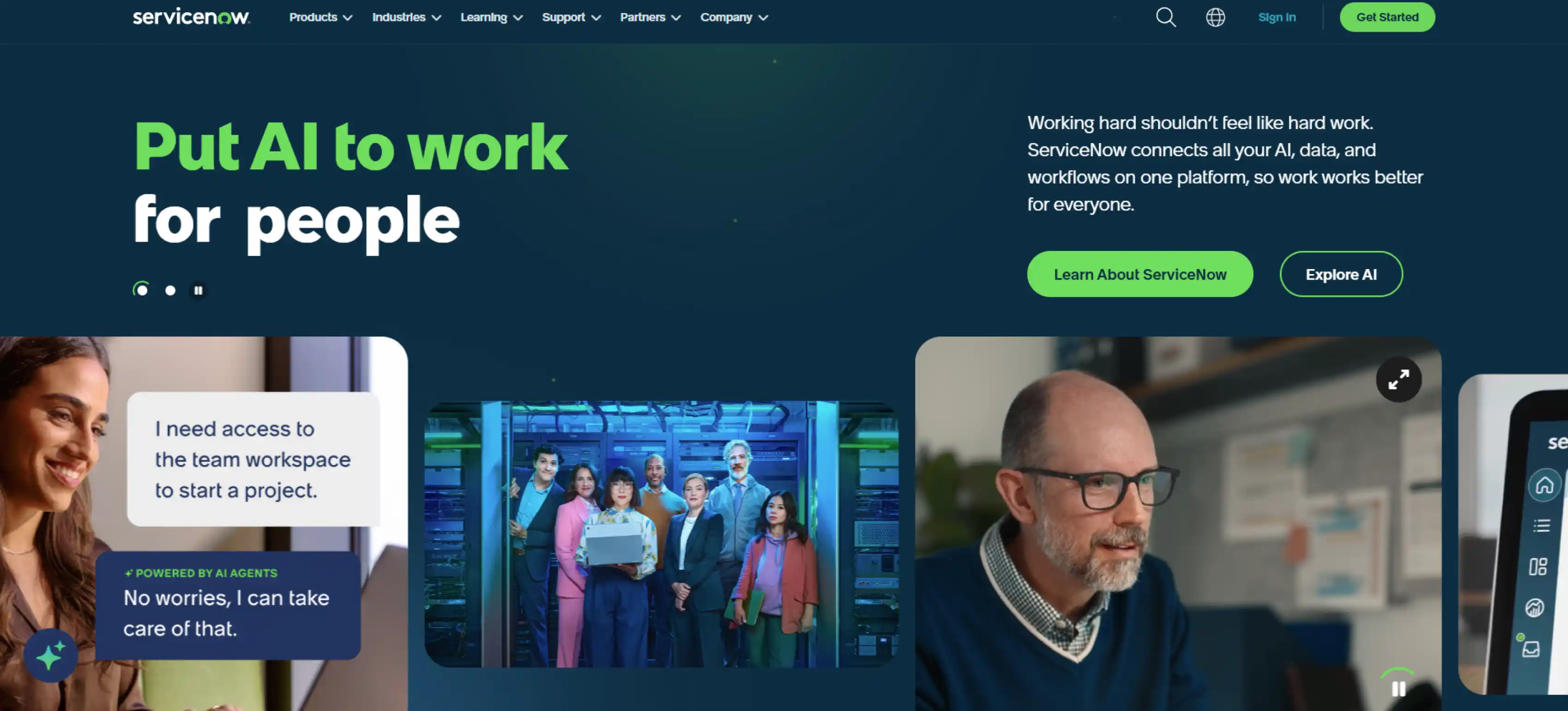
ServiceNow is a cloud platform that helps businesses manage IT services, workflows, and daily operations efficiently. It centralises tasks like incident management, change tracking, and asset monitoring, keeping everything organised. The platform also supports HR and customer service, making it useful beyond IT. With task automation and smooth integrations, ServiceNow reduces downtime and keeps teams productive.
Key Features :
- IT Service Management : Centralised ticketing, incidents, and changes.
- Workflow Automation : Simplifies repetitive processes across the teams.
- Asset & Configuration Management : Keep track of IT and business assets.
Pros :
- Strong reporting helps with better decision-making
- Supports workflows across multiple departments
- Integrates with Microsoft, Salesforce, SAP, and more
Cons :
- Can be complex to set up without training
- High cost may be tough for small teams
- Customisation requires technical knowledge
- Some features may feel overwhelming for non-IT users
Pricing :
- Custom pricing based on business needs
- Free trial available for limited testing
Ratings :
- G2 : 4.3 / 5
- Capterra : 4.4 / 5
Tools That Support Change Management Success
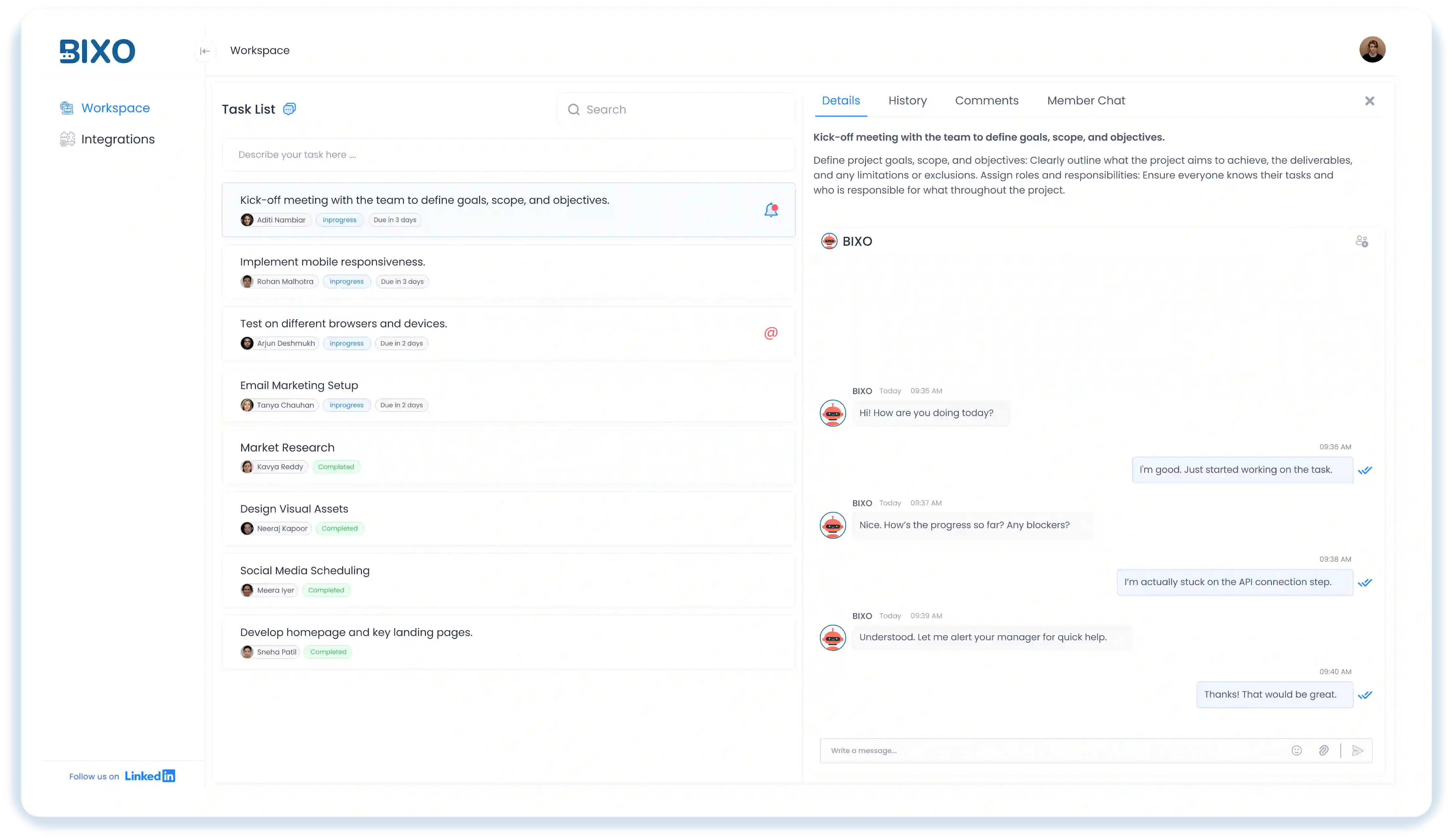
Traditional change management software handles planning, approvals, and risk assessment, but some tools make the actual execution easier. BIXO is an AI assistant for managers that automates follow-ups, collects project updates, and keeps teams in sync, helping organisations implement change smoothly while keeping productivity high. It also provides real-time insights and highlights tasks that need attention, so teams stay on track and deadlines are met.
Conclusion
Effective change management becomes easier with the right tools, helping keep workflows organised and teams adapting quickly. Choosing a platform that fits your team’s needs ensures smoother transitions and fewer disruptions. With proper change management, teams stay aligned and focused, keeping projects on track. The right solution helps maintain productivity and confidence throughout the process.
FAQs
The best tool depends on your team’s size and needs. Platforms like ServiceNow and Freshservice are ideal for larger organisations, while Monday Service and WalkMe work well for smaller teams that need something simple and easy to use.
Yes, most change management platforms integrate easily with tools like BIXO, Slack, Microsoft Teams, and Salesforce, helping teams collaborate better and keep communication flowing smoothly.
Pricing varies depending on the features and plan you choose. Many tools start at around $10–$20 per user per month, while enterprise-level solutions offer custom pricing with advanced options and dedicated support.
Most tools are designed to be user-friendly, and setup usually takes just a few steps. However, larger systems like ServiceNow or BMC Helix may require more time and guidance to configure properly for your organisation’s needs.
Get a demo of BIXO

Recommended Blogs
Project Initiation: Key Steps, Best Practices, & Mistakes to Avoid
Learn what project initiation is, why it matters, key steps to follow, best practices to apply, and mistakes to avoid for a strong and successful project start.
Project Management Triangle: Managing the Triple Constraints
Master the project management triangle by balancing scope, cost, and time with simple strategies that drive successful outcomes every time.
 Jahnavi Chintakrindhi |
 Oct 13, 2025
How to Delegate Tasks Effectively: 7 Tips for Managers
Learn how to delegate tasks effectively, save time, and boost team productivity with step-by-step tips, real examples, and smart AI tools.
Bhuvana Bitra |
Oct 17, 2025
×
Focus on what matters. BIXO handles the rest!