Table of Content
Focus on what matters. BIXO handles the rest!

Managing a construction project can be tough. There are tight deadlines, changing budgets, and lots of tasks to keep track of. But the right construction project management software can make a big difference. These tools help you stay organised, keep your team on the same page, and make sure your projects finish on time and within budget.
In this blog, you’ll learn about the 10 best construction project management software. These tools are designed to make your work easier, more organised, and more efficient.
What are the 10 Best Construction Project Management Software?
Managing a construction project can feel overwhelming when there are so many tasks happening at once. The right software helps you stay organised, avoid delays, and keep your team on the same page.
Here are the 10 best tools that make construction work easier and more manageable.
1. BIXO
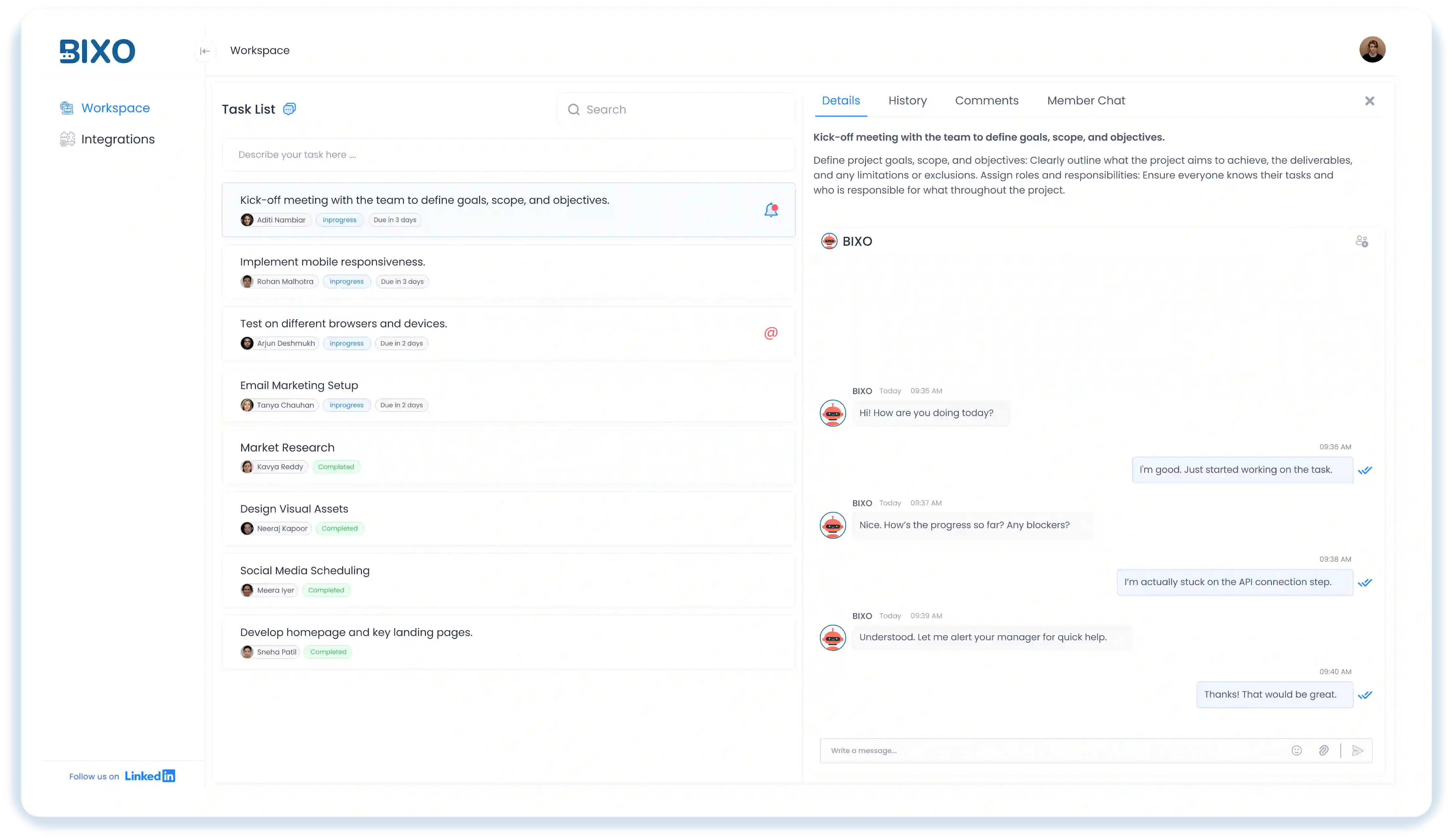
BIXO is a smart AI project management tool that helps you stay on top of tasks, deadlines, and team updates. It’s designed to make your workday easier by keeping everything organised and helping you stay clear about what needs to be done.
When you use BIXO for your construction projects, you will notice how easily it handles all the tasks and teams efficiently, such as sending reminders, tracking progress, and sharing updates automatically. It keeps your projects on track and your team connected. Many professionals choose BIXO because it saves time, builds accountability, and makes managing projects much simpler.
Key Features:
- AI Task Management: Assigns, tracks, and updates tasks automatically to save time.
- Team Collaboration: Keeps everyone connected with shared updates and task visibility.
- Automated Follow-Ups: Sends reminders and progress updates without needing manual input.
- Real-Time Insights: Gives a quick view of what’s done, what’s pending, and who’s responsible.
- Tool Integration: Works smoothly with tools like Jira, Trello, and Basecamp, keeping everything connected.
Pros:
- Automated follow-ups and check-ins
- Seamless integration with tools like Jira, Trello, and Basecamp
- Deadline tracking and alerts
- Team well-being insights
- Real-time progress tracking across tools
- AI task scheduling
- 24/7 project monitoring and update collection
Cons:
- Customisation options are expanding to match different team needs.
- Works best when team members actively respond to BIXO’s prompts.
2. Procore
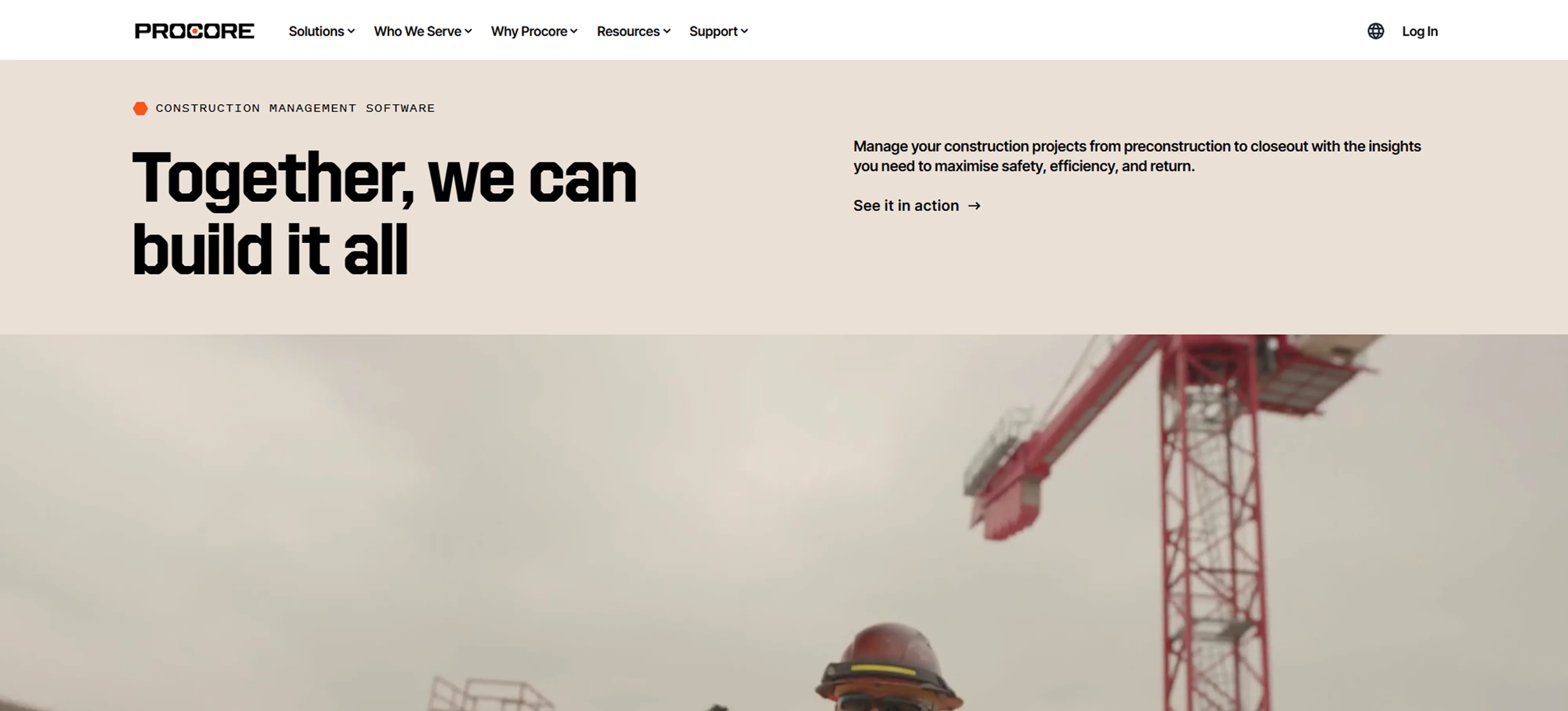
Procore is a robust project management platform designed for large, complex construction projects. It simplifies budgeting, scheduling, document sharing, and team communication in one centralised platform.
When you use Procore, you will see how everything connects seamlessly in one place. It helps you keep track of your project, whether you’re managing budgets, handling documents, or communicating with your team. Many people consider Procore one of the best tools for managing construction projects because it provides real-time updates and easy mobile access, so you’re always informed, no matter where you are.
Key Features:
- Budget Tracking : Manage project costs, track changes, and ensure financial control.
- Document Management : Centralise project documentation for easy access and sharing.
- Scheduling : Create and manage project timelines, assign tasks, and monitor progress.
- Real-Time Updates : Stay informed with instant notifications about project changes.
Pros:
- Centralises project management and data in one platform
- Real‑time collaboration between field and office teams
- Robust document management with version control and storage
- Strong reporting and analytics for data‑driven decisions
Cons:
- Can be expensive for smaller teams
- Some workflows and dashboards are inflexible
- Interface and options may confuse users
- Not ideal for very small projects
- Needs significant effort to manage roles and files
Ratings:
- G2: 4.6 / 5
- Capterra: 4.5 / 5
3. Buildertrend
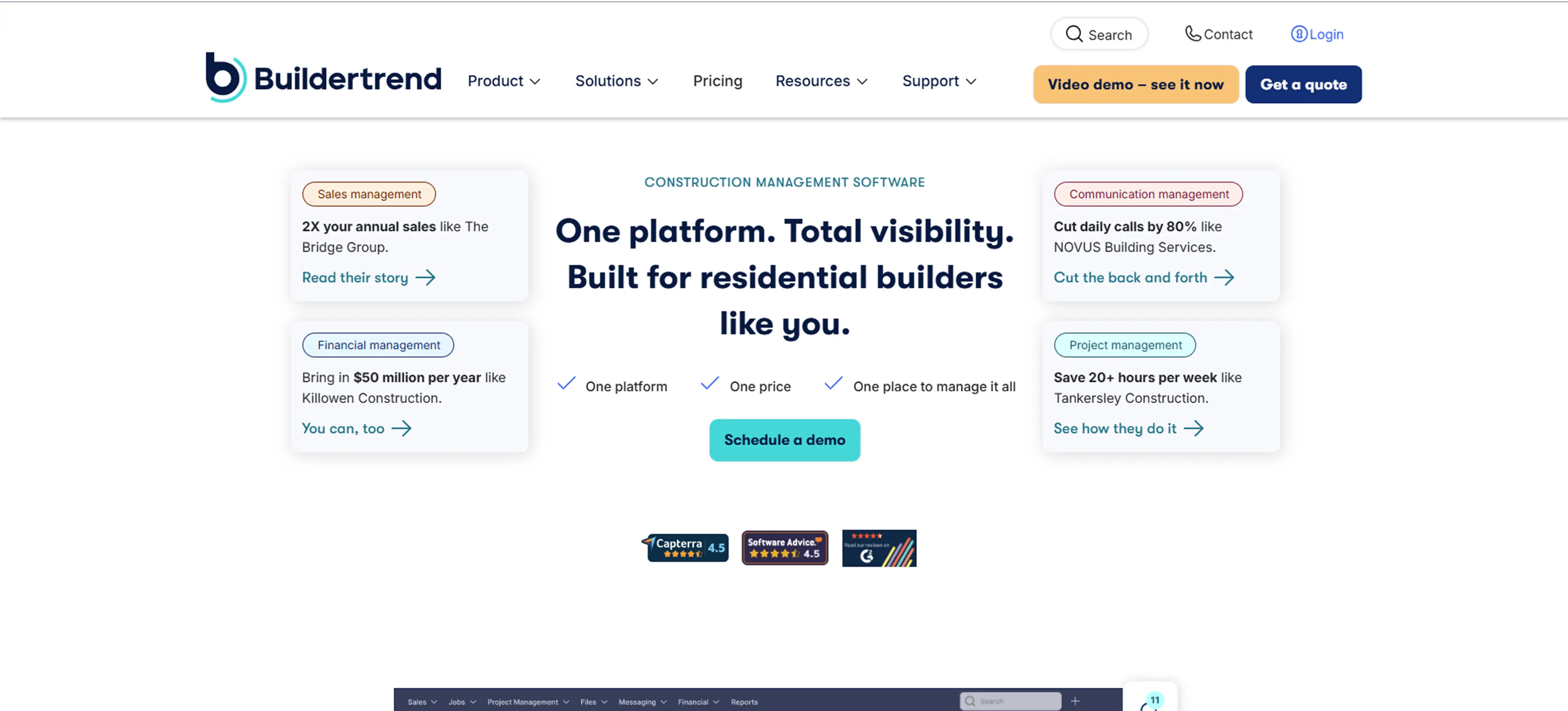
Buildertrend is a cloud-based project management tool that excels in residential construction, offering features for scheduling, budgeting, and communication. It’s perfect for contractors looking to stay organised and on top of every project detail.
With Buildertrend, you'll find it easy to navigate and manage everything from daily logs to updates for your clients. The built-in client portal is really helpful for keeping everyone informed and on the same page. It’s known for having a solid set of tools that work well for both small tasks and larger, more detailed projects.
Key Features:
- Client Portal: Share updates, photos, and documents with clients in real time.
- Scheduling: Plan and track project timelines and project milestones efficiently.
- Budgeting: Track costs, send invoices, and generate reports easily.
- Change Orders: Handle and document any changes to the project scope or costs.
Pros:
- Keeps track of expenses and invoices efficiently
- Provides instant visibility of project progress
- Makes it easy to share updates and get feedback
- Helps plan timelines and stay on track with tasks
Cons:
- It Can be expensive for small teams or projects
- Many features can feel overwhelming
- Adding new team members or subcontractors can be tricky
- Takes time for users to learn all the features
- May experience occasional slowdowns or glitches
Ratings:
- G2: 4.3 / 5
- Capterra: 4.5 / 5
4. CoConstruct
CoConstruct is built for custom homebuilders and remodelers, offering easy-to-use tools for tracking budgets, creating estimates, and staying in touch with clients. Its flexible design helps you manage all parts of your project without feeling overwhelmed.
With CoConstruct, you can keep everything about your project organised in one place. It makes it easy to handle budgets, estimates, and client updates, so you can focus on getting the work done smoothly. Many people find it practical and easy to use, especially for projects that need special attention.
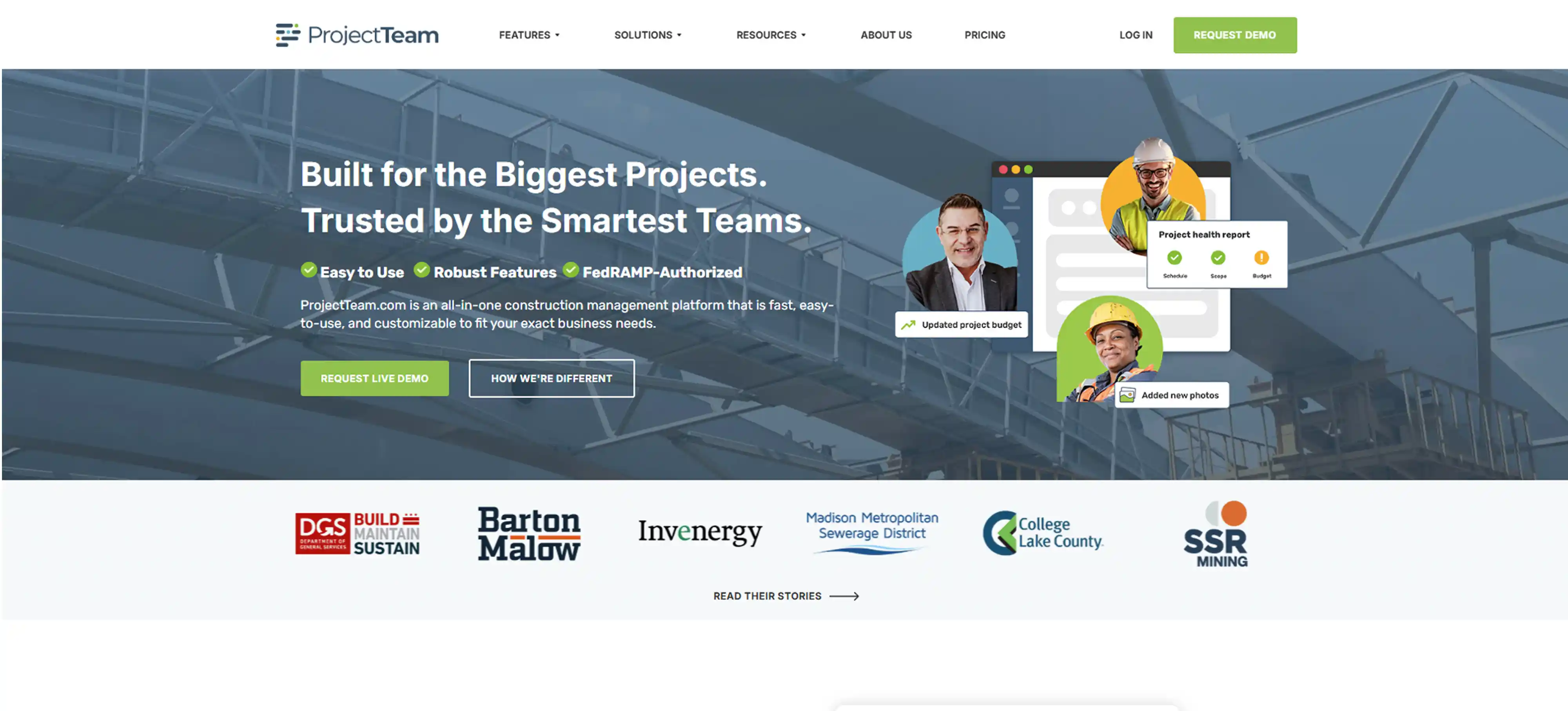
Key Features:
- Budgeting & Estimating: Create accurate budgets and estimates for your projects
- Client Communication: Share project details, updates, and photos with clients
- Scheduling: Organise and track all stages of the project
- Daily Logs: Keep a record of daily activities and job-site progress
Pros:
- Assign tasks, track timelines, and adjust schedules easily
- Provides real-time project cost tracking and expenses
- Uses cost catalogs and templates for fast, accurate estimates
- Provides real-time project cost and expense management
Cons:
- Takes time for teams to learn all the features and adapt fully
- Can feel slow or unresponsive, especially on some devices
- The number of features can feel a bit much for new users
- Doesn’t connect with many third-party tools
- Exporting data from the platform can be difficult
Ratings:
- G2: 4.0 / 5
- Capterra: 4.7 / 5
5. Monday.com
Monday.com is a versatile tool that adapts to the needs of your team, making it easy to organise and manage tasks. It's simple, visual layout allows you to create workflows that suit your specific project needs, whether big or small.
Whether you’re handling a few tasks or managing a bigger project, everything stays clear and organised. Many teams prefer Monday.com because it keeps things easy and helps manage every part of a construction project from beginning to end.
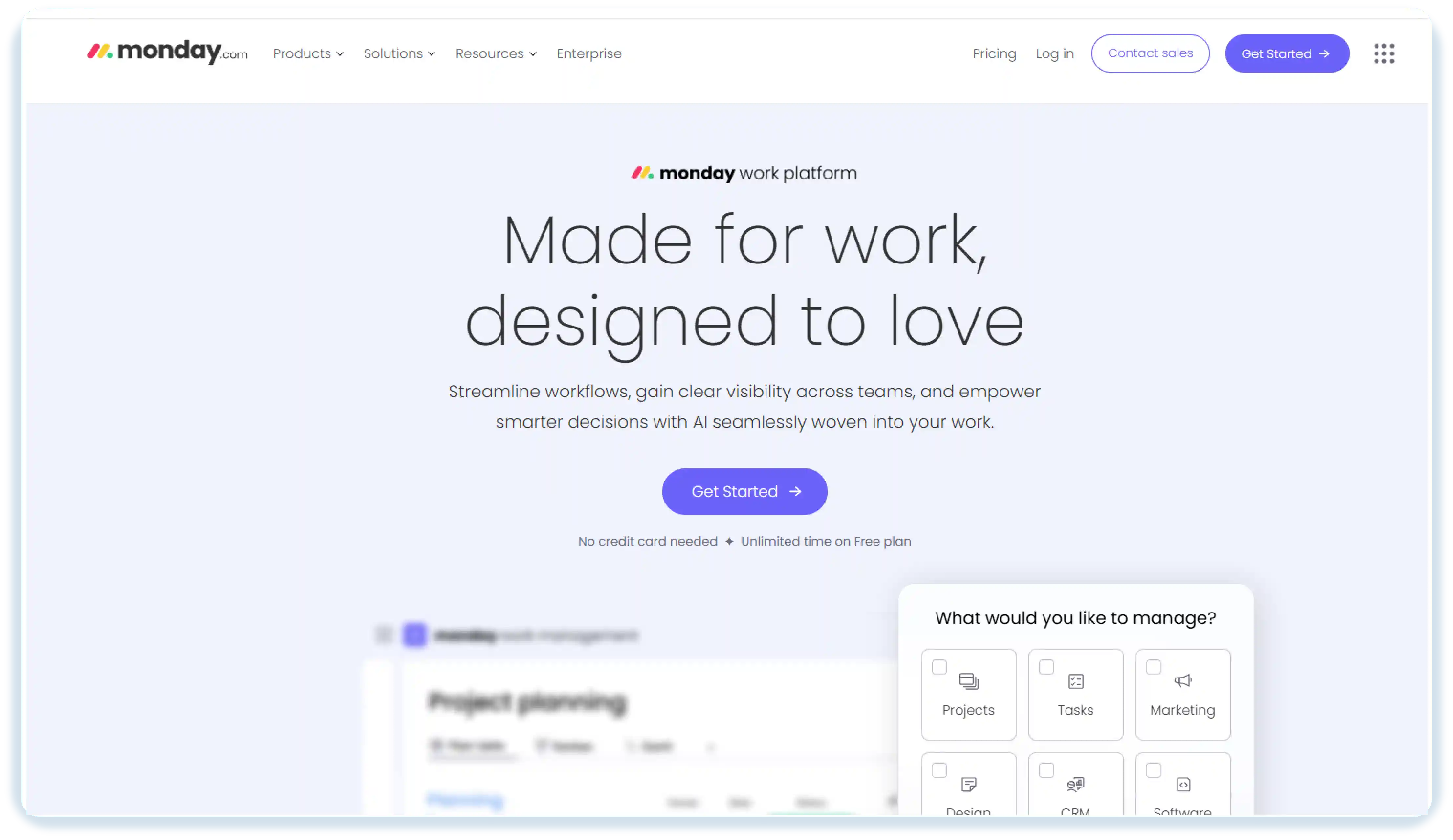
Key Features:
- Custom Workflows: Create workflows that work best for your team’s needs.
- Task Management: Assign tasks, set deadlines, and keep track of progress.
- Collaboration Tools: Easily communicate and work together with your team.
- Gantt Chart View: See project timelines and how tasks depend on each other.
Pros:
- Very clean and user‑friendly interface
- Highly customisable workflows to match different team needs
- Powerful automations that reduce repetitive tasks
- Strong integration ecosystem with many third-party apps
Cons:
- Performance may lag when handling very large or complex projects
- Limited free/basic plan features compared to higher-tier ones
- Too many email or in-app alerts can overwhelm users
- The mobile version doesn’t always offer full desktop functionality
Ratings:
- G2: 4.7 / 5
- Capterra: 4.6 / 5
6. Fieldwire
Fieldwire is a project management tool made specifically for construction teams working on-site. It helps manage tasks, track progress, and keep everyone in the loop, making it perfect for teams that need real-time updates while working.
Fieldwire allows your team to be connected and organised at the work site. It is simple to track progress and share information because its mobile-friendly design and real-time updates can help track progress fast. It is known to be simple and efficient when handling tasks in the field.
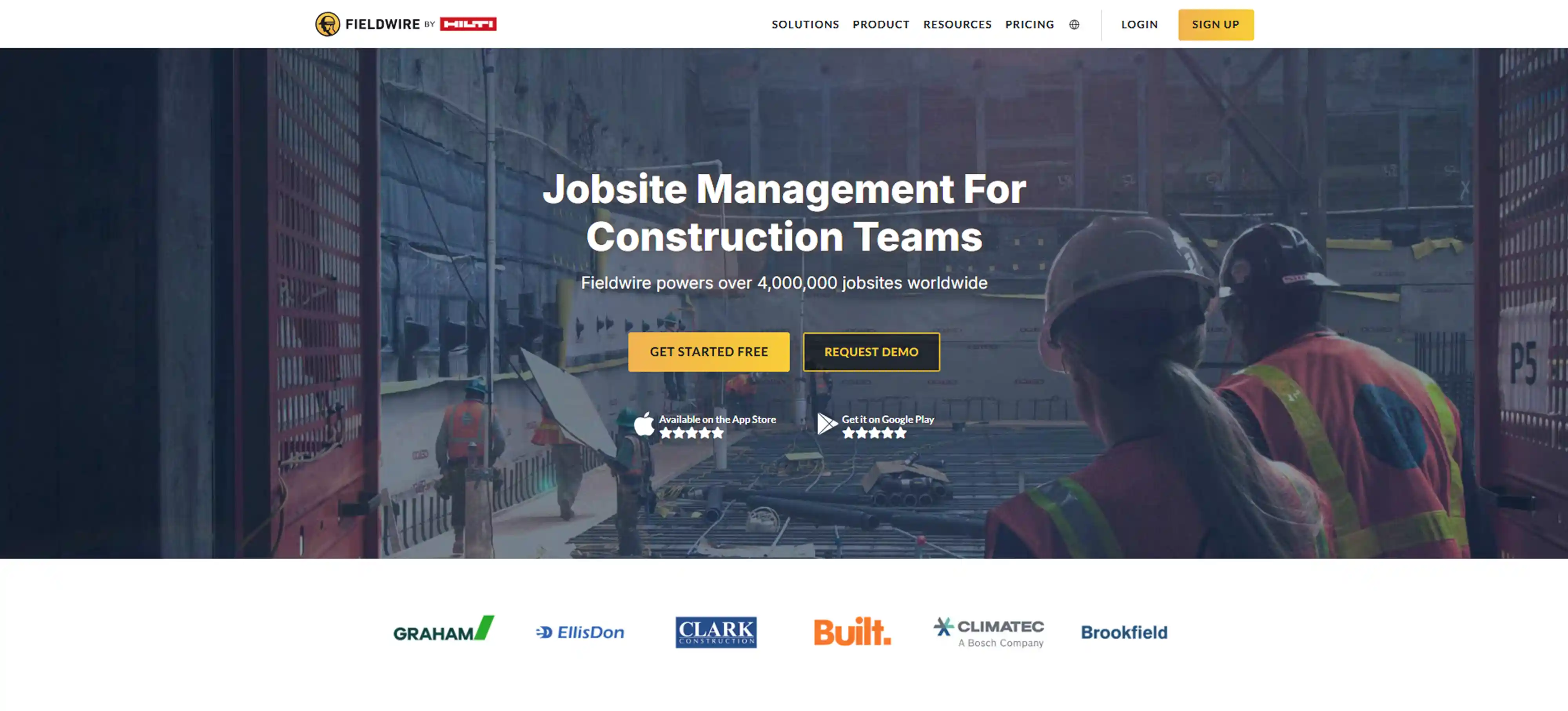
Key Features:
- Task Management: Assign and track tasks to keep everything on schedule.
- Blueprints: View and mark up plans on your mobile device for easy access.
- Real-Time Collaboration: Share updates with your team instantly to stay on the same page.
- Issue Tracking: Identify and fix problems quickly to avoid delays.
Pros:
- Strong mobile interface on iOS and Android
- Helps teams assign and track tasks on site
- View drawings and add markups or notes easily
- Manage change orders, RFIs, and site issues
Cons:
- Some tools are only available on higher-tier plans
- Data does not always sync instantly, causing inconsistencies
- Large files or markups load slowly, especially on mobile
- Reporting across multiple projects is limited for some users
- Forms and reports offer fewer customization options
Ratings:
- G2: 4.5 / 5
- Capterra: 4.6 / 5
7. Smartsheet
Smartsheet combines the familiarity of spreadsheets with powerful project management tools, making it easy for construction teams to stay organised. It helps you manage tasks, track budgets, and collaborate in real time, all in one simple platform.
With Smartsheet, you can easily visualise your project’s timeline using Gantt charts, helping you stay on track. It’s also highly customisable, so you can adjust the tool to meet the specific needs of your project and ensure everything runs smoothly.
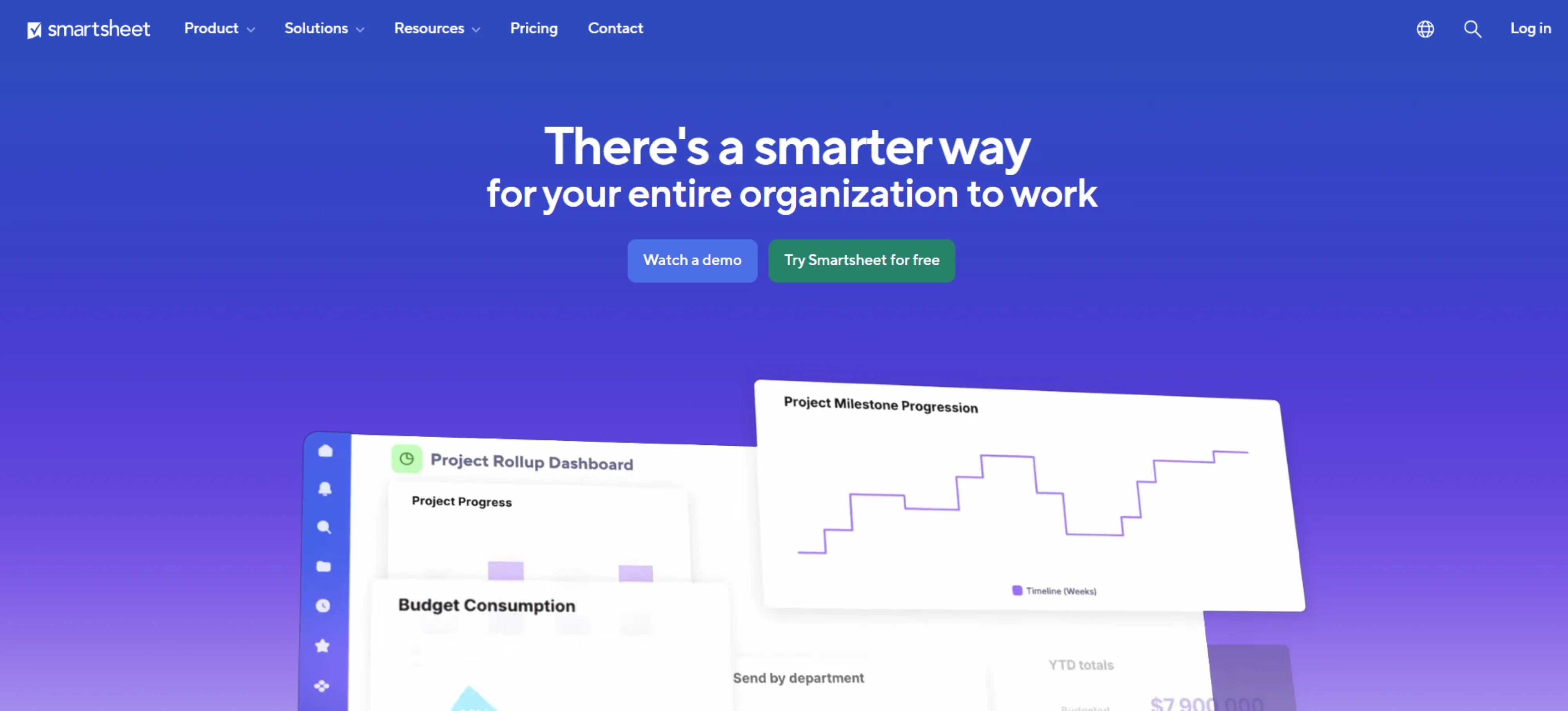
Key Features:
- Task & Project Tracking : Keep track of all tasks and project timelines so nothing gets missed.
- Collaboration : Easily share project sheets with your team and stakeholders to stay on the same page.
- Gantt Charts : See your project’s timeline clearly and monitor how each task is progressing.
- Automation : Save time by setting up workflows that handle repetitive tasks automatically.
Pros:
- Teams can comment, share updates, and work together instantly
- Offers Grid, Gantt, Calendar, and Kanban views to suit different project styles
- Provides clear visual reports to track progress and make informed decisions.
- Works well for both small teams and large organisations, growing with project needs
Cons:
- Large projects or files can load slowly, affecting efficiency
- Reports and dashboards cannot always be tailored as much as needed
- Some desktop features are missing on mobile devices
- Add-ons like resource management may increase expenses
Ratings:
- G2: 4.4 / 5
- Capterra: 4.5 / 5
8. Aconex
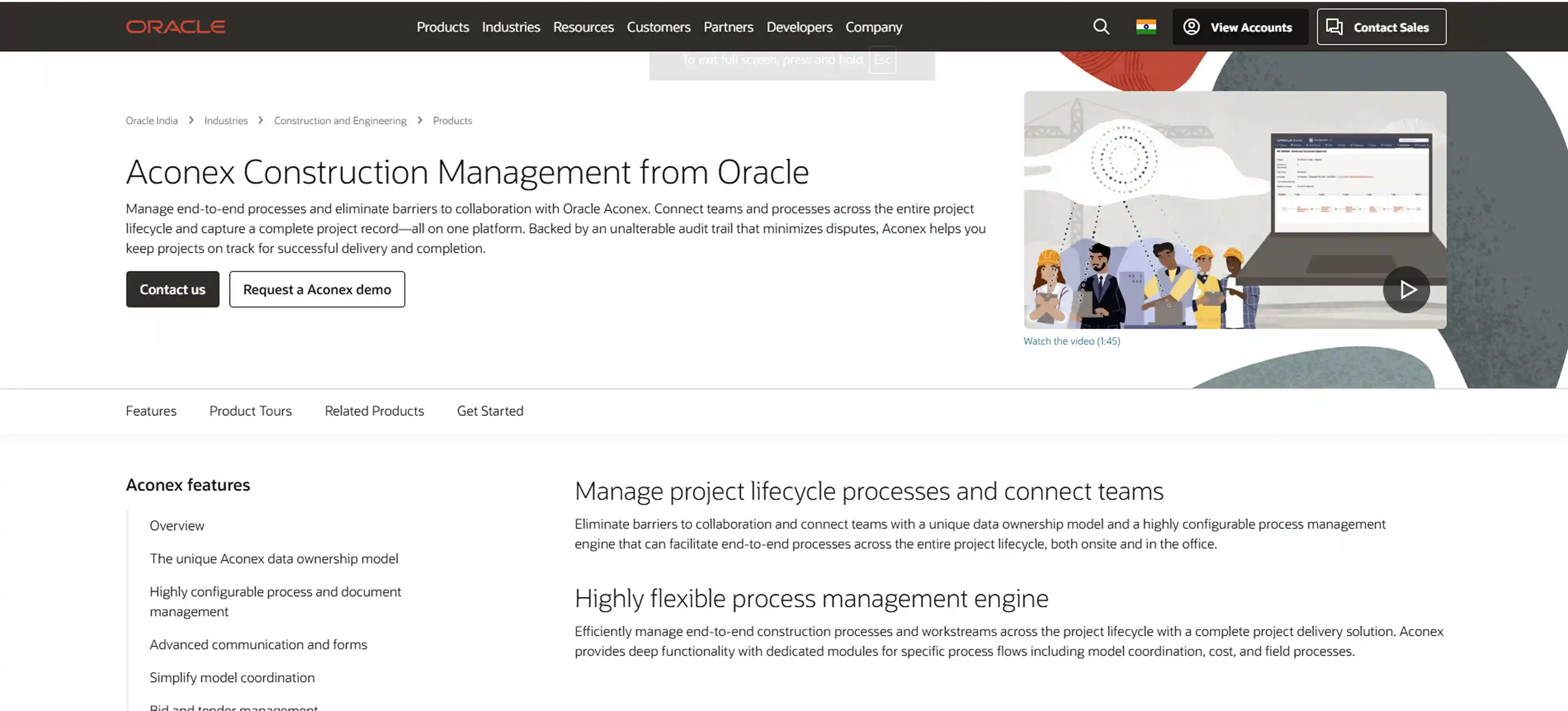
Aconex is a cloud-based platform designed to manage large construction projects, focusing on document control, workflow automation, and communication. It’s especially useful for projects involving multiple stakeholders, ensuring smooth collaboration.
Aconex makes it easy to manage project documents and communication by bringing everything into one place. With real-time updates, it helps your team stay on track and reduce mistakes, making it easier to work together. This tool is especially useful for larger projects that require strong document and project management, ensuring all team members stay connected and informed.
Key Features:
- Document Control: Keep all project documents in one place, making it easy to find and share information securely.
- Workflow Automation: Automate repetitive tasks, so you can focus on more important work and save time.
- Collaboration: Stay connected with your team and stakeholders, sharing updates and communicating efficiently.
- Real-Time Reporting: Get live updates on your project’s progress, so you can make quick decisions and stay on top of everything.
Pros:
- Helps all team members and stakeholders work together safely
- Tracks all activity to ensure data is secure and accountable
- Teams can inspect sites and track issues even without internet
- Keeps all project files in one place with easy version control
Cons:
- Takes time to get used to because of many features
- Can be expensive, especially for smaller projects or teams
- Large files can load slowly and affect speed
- Mobile and offline functionality is not fully robust
- Large files can load slowly and affect speed
Ratings:
- G2: 4.4 / 5
- Capterra: 4.4 / 5
9. Trello
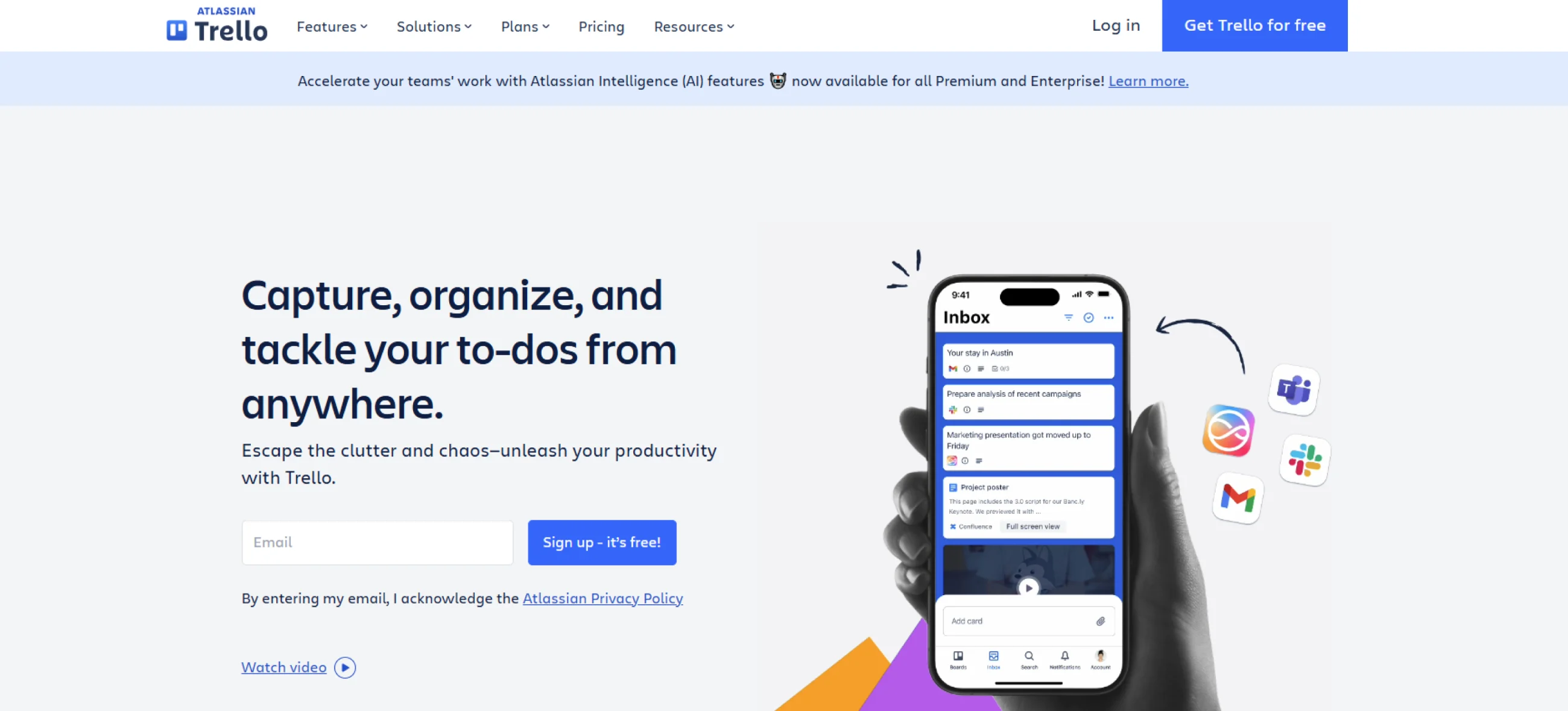
Trello is a simple, visual project management tool that helps teams organise tasks using boards, lists, and cards. Its straightforward, drag-and-drop interface makes it easy for teams to manage smaller construction projects.
Trello helps you break work into small, easy-to-handle steps and track progress easily. Its simple design makes it easy to stay organised, even if your team is small. Many people like Trello because it’s easy to use and works well for projects that don’t need complicated tools.
Key Features:
- Visual Task Management: Organise tasks with boards, lists, and cards to easily see what needs to be done.
- Team Collaboration: Assign tasks and communicate with your team directly in Trello.
- Due Dates & Alerts: Set deadlines and get reminders to stay on track.
- Integration with Tools: Connect Trello to apps like Slack or Google Drive for seamless workflow.
Pros:
- Adapts easily to many different project types and work styles
- Supports 200+ Power‑Ups (apps/extensions), making it very extendable
- The free tier is surprisingly capable, making it a great starting point
- Mobile app works well and supports offline use
Cons:
- Some features work differently on mobile, and offline use is limited
- Free version does not give full control over user permissions
- Too many cards can make boards confusing and hard to follow
- Many useful features need paid add-ons or third-party apps
Ratings:
- G2: 4.5 / 5
- Capterra: 4.5 / 5
10. Wrike
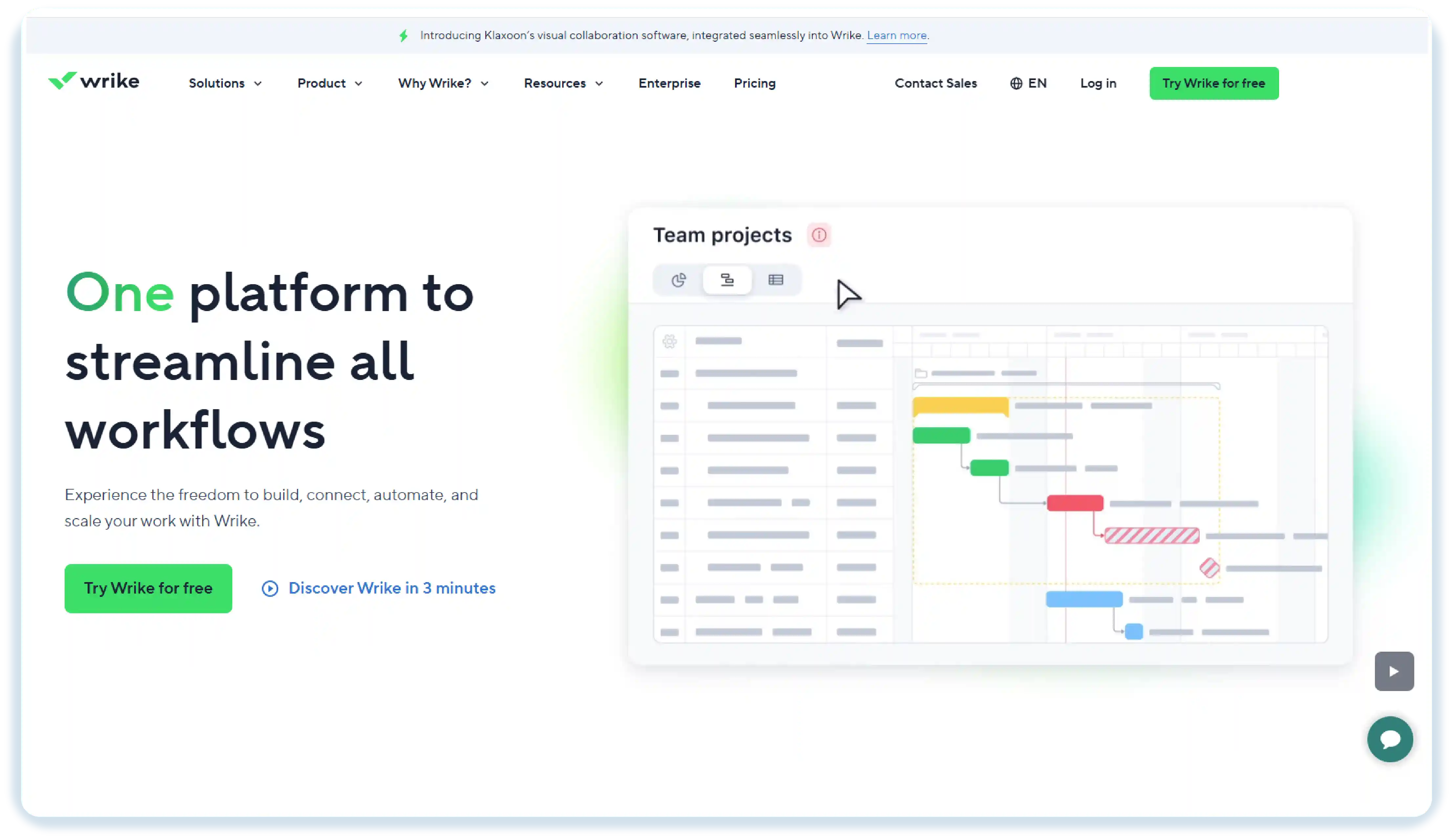
Wrike is a flexible project management tool designed to help teams stay on track by tracking tasks, deadlines, and milestones. It’s ideal for both small and large construction projects, offering a variety of features to keep everything organised.
When you use Wrike, you’ll find it easy to stay on top of your project with flexible workflows and visual timelines. Its task tracking and team collaboration tools help keep everything on track. Wrike is a great choice for construction teams handling large projects that need good coordination and communication.
Key Features:
- Task Tracking: Assign tasks easily and see how each one is progressing.
- Customisable Dashboards: Adjust the dashboard to focus on the information that matters most.
- File Sharing & Collaboration: Share files and work together with your team in one place.
- Time Tracking: Keep track of how much time is spent on tasks to manage resources better and stay on schedule.
Pros:
- Powerful automation tools to handle repetitive tasks and approvals
- Strong reporting and analytics with customizable dashboards
- Scales well for both small teams and large enterprises
- Real‑time collaboration with comments, file sharing, and live editing
Cons:
- Interface can feel confusing for new users
- No built-in chat or video call features, requires external tools for that
- Performance can slow down with large projects or files
- Can get expensive, especially for advanced plans
- Managing user permissions can be difficult and error-prone
Ratings:
- G2: 4.2 / 5
- Capterra: 4.4 / 5
Conclusion
Choosing the right construction project management software can truly impact how smoothly your projects run. These tools assist with planning, scheduling, budgeting, and communication. They help you stay organised and meet deadlines. Whether you manage small residential projects or large commercial sites, the right software improves teamwork, reduces delays, and provides a clear view of every stage of your project.
Each of the tools listed above offers something unique. Explore them, try a few, and find the one that best fits your team’s needs and workflow.
FAQs
Focus on tools that provide task tracking, real-time updates, easy collaboration, budget control, and scheduling. These features make your daily work much simpler and help your team stay on the same page.
Anyone involved in construction, such as project managers, contractors, engineers, or builders, can use it to stay organised and keep work running smoothly.
Most software uses encryption and secure cloud storage to protect your project plans, budgets, and documents from unauthorised access.
Most software is user-friendly and comes with tutorials or support to get your team started quickly.
Get a demo of BIXO

Recommended Blogs
Project Initiation: Key Steps, Best Practices, & Mistakes to Avoid
Learn what project initiation is, why it matters, key steps to follow, best practices to apply, and mistakes to avoid for a strong and successful project start.
Project Management Triangle: Managing the Triple Constraints
Master the project management triangle by balancing scope, cost, and time with simple strategies that drive successful outcomes every time.
 Jahnavi Chintakrindhi |
 Oct 13, 2025
How to Delegate Tasks Effectively: 7 Tips for Managers
Learn how to delegate tasks effectively, save time, and boost team productivity with step-by-step tips, real examples, and smart AI tools.
Bhuvana Bitra |
Oct 17, 2025
×
Focus on what matters. BIXO handles the rest!