Table of Content
Focus on what matters. BIXO handles the rest!

Managing creative projects can be hard. Deadlines are missed, feedback gets lost, and it’s easy to lose track of files. That’s why many teams rely on project management software to stay organised and work better together.
The right creative project management tools make it simple to organise tasks, see who is working on what, who needs attention and work together effectively. In this blog, you’ll find the 10 best creative project management software that can help your team stay organised, work more efficiently, and finish projects on time.
What Are the 10 Best Creative Project Management Software?
Managing projects is easier when you have the right tools to support your team. The following tools are some of the best creative project management software that help you stay organised, manage tasks easily, and keep every project on track.
A quick peek at the top project management tools currently built for creative teams
| Create Project Management Software | Best For | Pricing Starts From |
|---|
1. BIXO
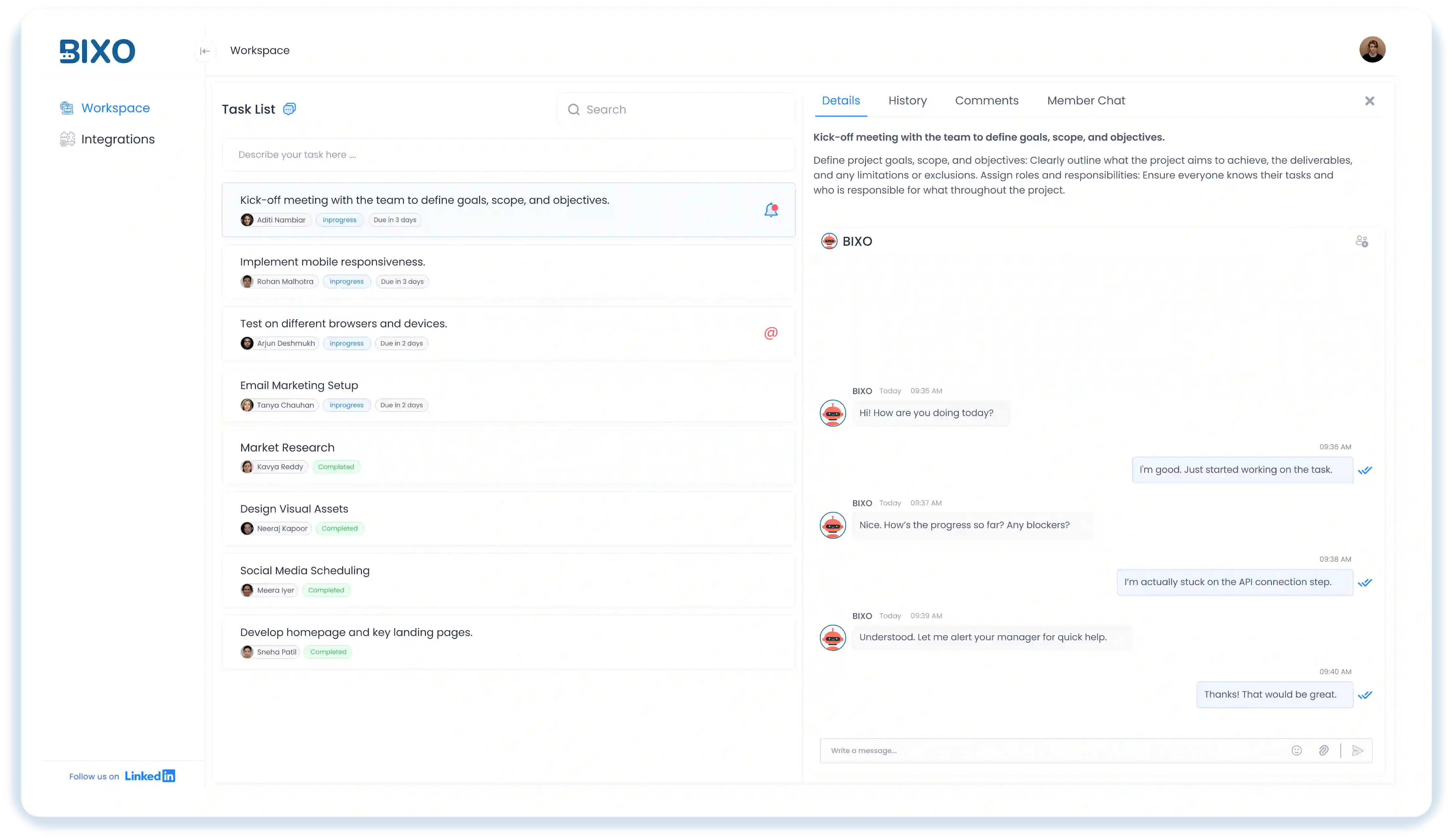
BIXO is an AI-powered task management tool that helps you keep your projects and your team organised without any extra effort. Instead of reminding people, checking updates, or clarifying tasks all day, BIXO quietly takes care of those things for you.
If your day feels busy with checking updates, explaining tasks, or trying to see who is doing what, BIXO keeps everything organised for you. It shows everything in one place and helps your team stay on track without you having to watch over every detail.
Key Features:
- Automatic Status Summaries: Collects task updates and presents them in a clean, easy-to-read summary.
- Auto Reminders: Sends automatic reminders to team members about tasks and deadlines.
- Collaborative Workspace: Supports smooth teamwork through shared updates and clear task visibility.
- Deadline Alerts: Shares upcoming deadline alerts with the entire team so everyone knows what’s due and can stay prepared.
- Helps everyone see their tasks clearly.
- Reduces confusion by keeping updates in one place.
- Routine checks are completed without manual effort, helping you stay efficient.
- Automates team follow-ups and reminders.
- Teamwork becomes easier with clear visibility on tasks.
Cons:
- Customisation options are expanding to match different team needs.
- Works best when team members actively respond to BIXO’s prompts.
2. Asana
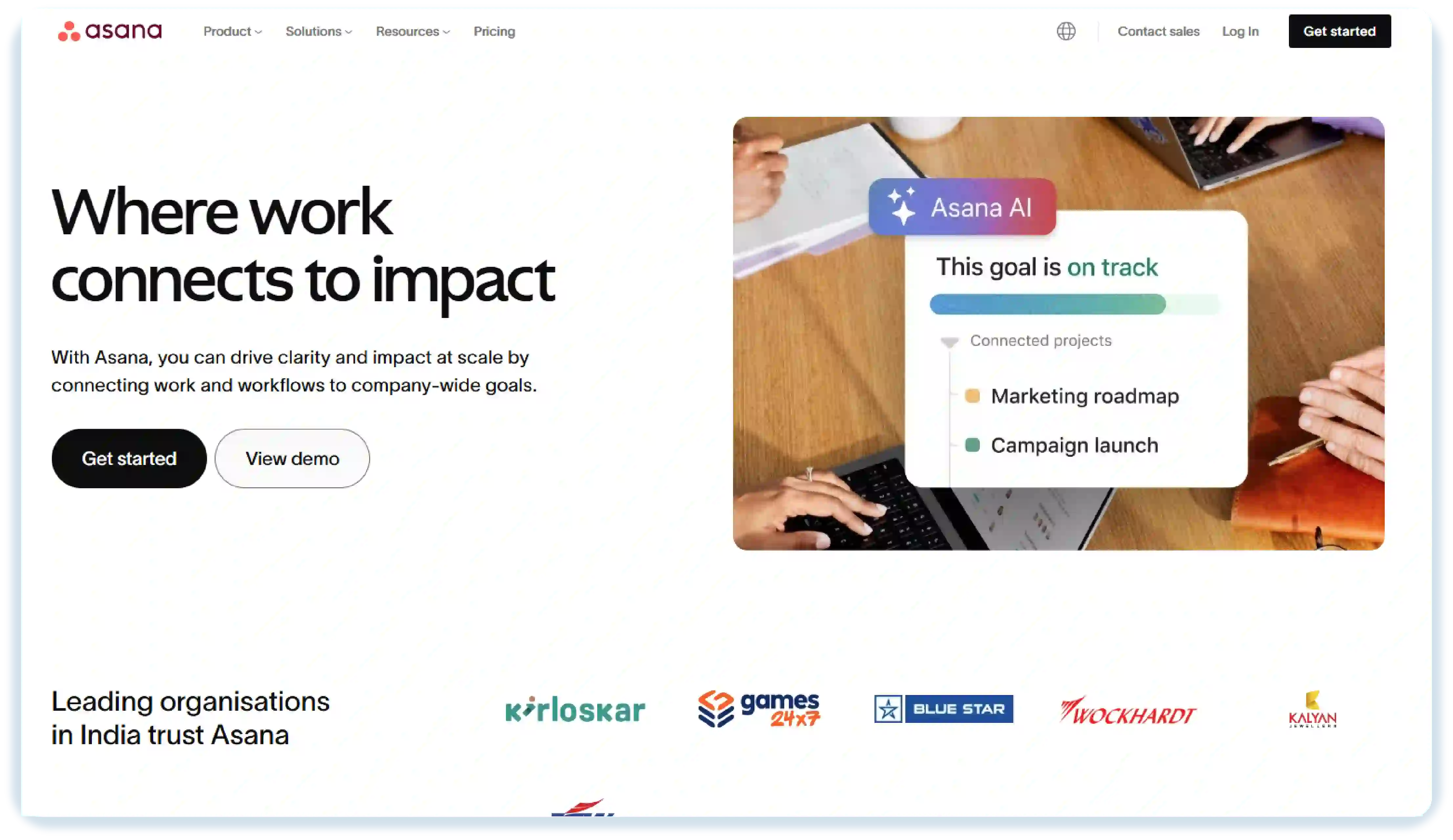
Asana is a project management tool that makes it easy for you to keep all your projects and tasks in one place. You can assign work, track progress, and make sure your team always knows what to focus on next. If you’re handling several projects or tasks at the same time, Asana helps you see everything clearly and stay on schedule.
You can create project templates, assign subtasks, and manage even complex projects without stress using Asana. Features like timeline views and progress charts help you stay on top of deadlines, while your team can easily share files and updates.
Key Features:
- Calendar View : Shows all upcoming tasks on a calendar so teams can plan better and avoid missing important dates.
- Project Boards : Uses card-style columns to show work moving from “to do” to “in progress” to “done,” making progress easy to see.
- Comments & Notes : Keeps all notes and discussions in a single space, making it easy for everyone to stay updated.
Pros:
- Easy to create and assign tasks
- Great for team collaboration
- Offers useful templates to get started quickly
Cons:
- Can feel overwhelming with too many features
- Some advanced features require a paid plan
- Limited offline access
Ratings:
- G2: 4.4 / 5
- Capterra: 4.5 / 5
3. Trello
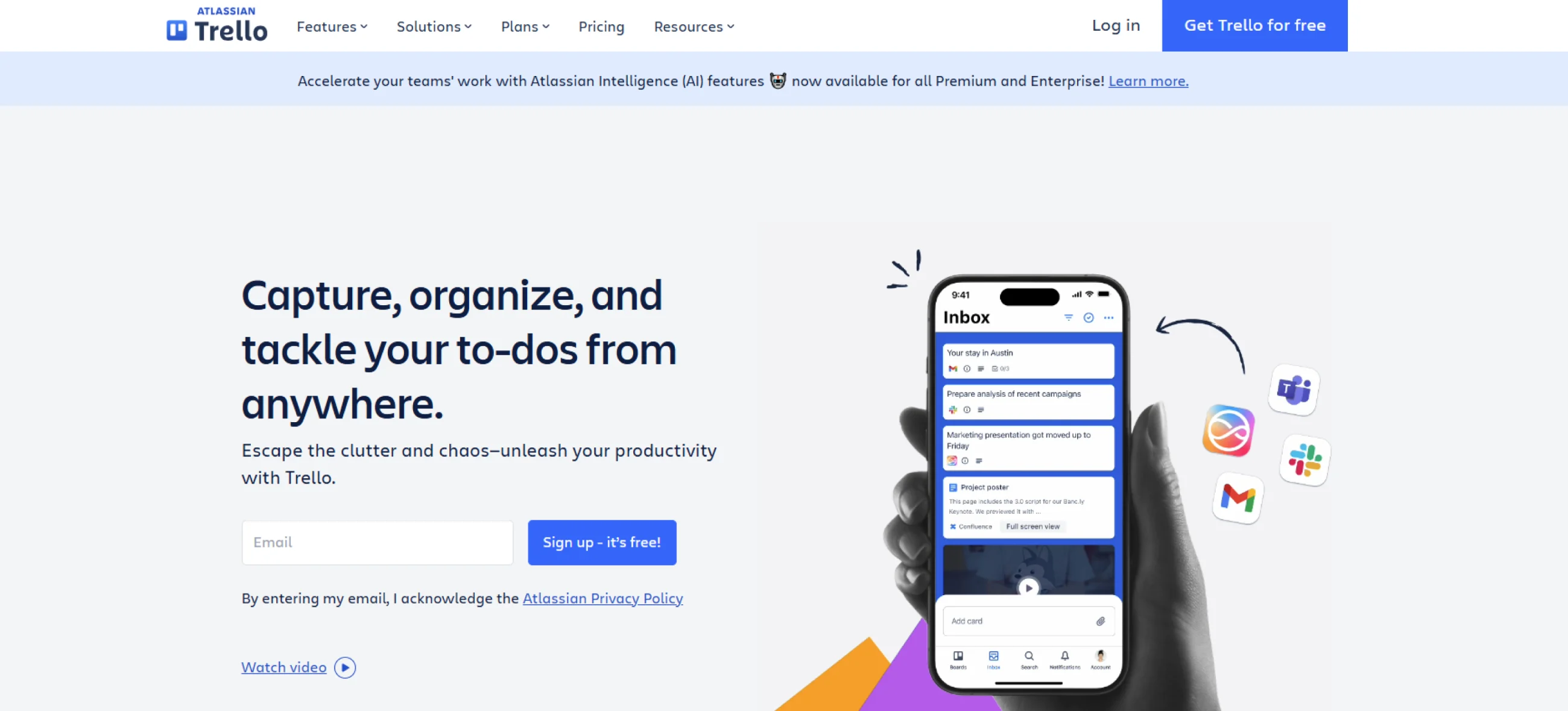
Trello is a project management tool that helps you organise your work in a simple, visual way. You can move tasks across boards, add notes, and keep everything in clear steps, so it’s easy to follow what needs to be done. If you often handle small tasks or quick projects, Trello gives you a clear view of everything without making things feel complicated.
You can add attachments, checklists, and deadlines to each card, so your team can collaborate and share updates effortlessly. Trello’s Power-Ups let you extend its functionality with integrations, whiteboards, and file previews, making it a flexible choice for project management tools for creative agencies.
Key Features:
- Drag-and-Drop Movement: Tasks can be moved from one list to another by dragging, making updates fast and effortless.
- Board Activity Timeline: Shows all recent updates in one list so everyone stays informed.
- Integrations: Connects with tools like Slack, Google Drive, Excel, Zoom, and more.
Pros:
- Simple interface
- Plenty of integration and customisation options with power-ups
- Task management becomes easier because the Kanban view shows every step clearly.
Cons:
- Many features are locked behind a paid plan
- Not ideal for very complex projects
- Cards can get messy if you have too many tasks
Ratings:
- G2: 4.4 / 5
- Capterra: 4.5 / 5
4. Monday.com
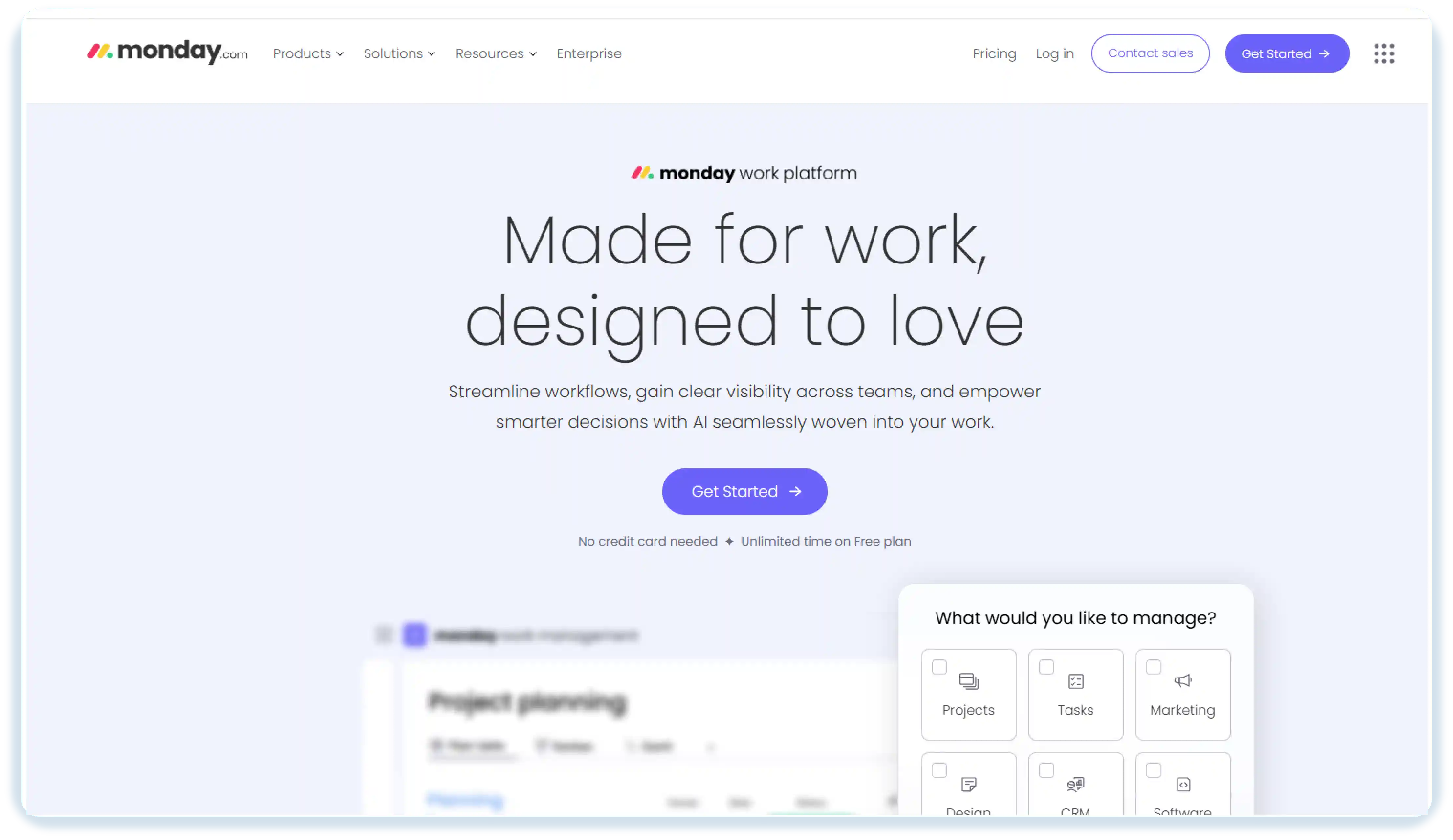
Monday.com is a creative agency project management software that helps you visually track work and manage workflows in a way that’s easy to understand. If you prefer seeing your projects laid out, colour-coded, and organised by status, this tool gives you that clarity.
With Monday.com, you’ll see boards, timelines, and status updates arranged clearly, making it easy to understand what your team is working on. Its templates and integrations help you manage different content streams or feedback loops. However, because it offers many options, it may take you time to set things up and get used to it.
Key Features:
- Built-In Time Tracking: Tracks how long tasks take, helping teams understand effort and timing better.
- Easy Team Updates: Keeps everyone informed with simple status updates, comments, and file sharing directly on each task.
- Multiple Views: Offers views like timelines, calendars, and Kanban boards so teams can look at work in the format that suits them best.
Pros:
- Highly visual dashboards
- Lots of customisation options
- Integrates with many apps
Cons:
- Can feel overwhelming with too many options
- Some features require paid plans
- May take time to set up complex workflows
Ratings:
- G2: 4.6 / 5
- Capterra: 4.6 / 5
5. Wrike
- G2: 4.6 / 5
- Capterra: 4.6 / 5
5. Wrike
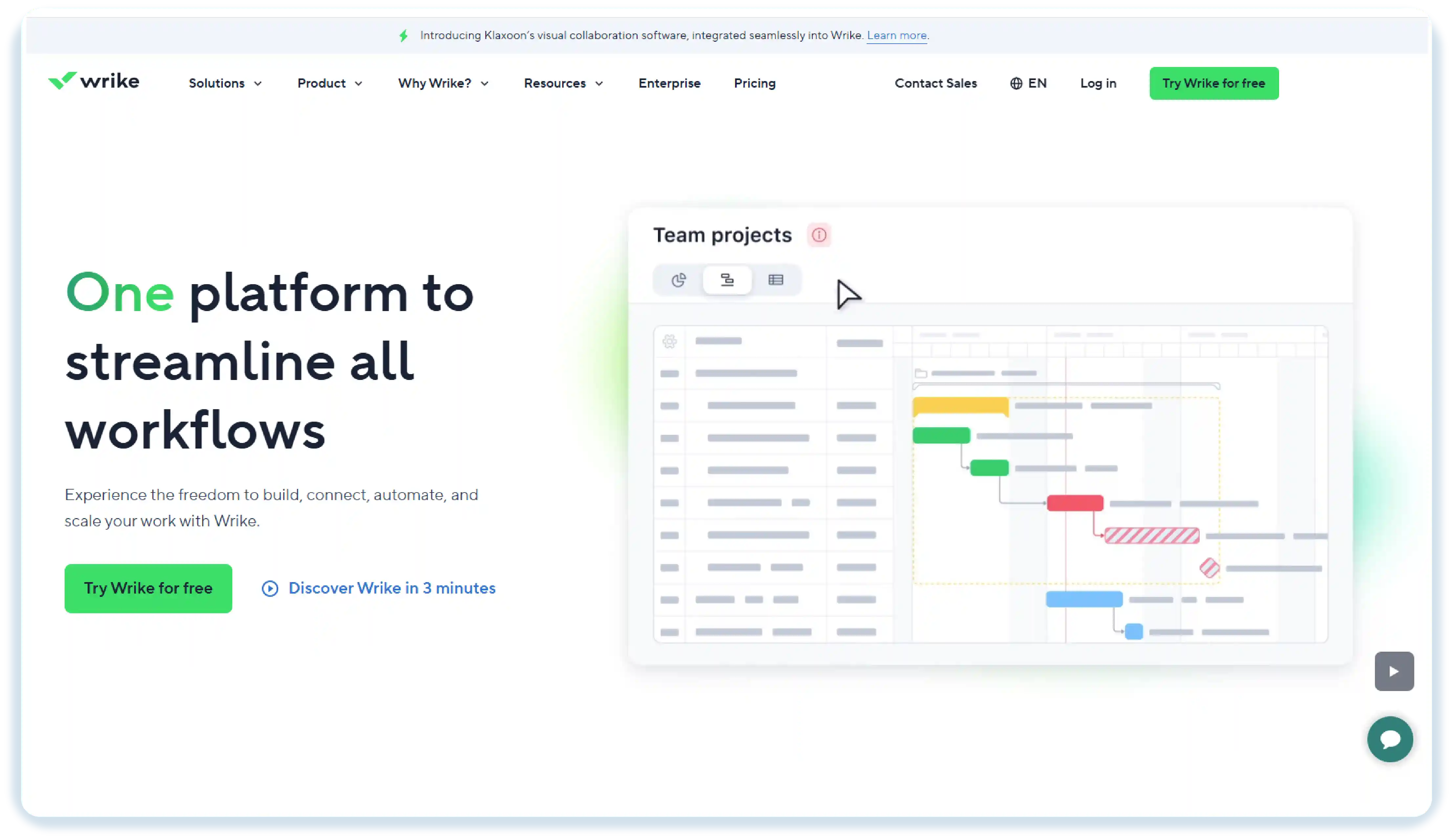
Wrike is a project management tool that helps keep everything organised in one place: tasks, deadlines, and resources. You can easily see what your team is working on, plan ahead, and keep things running smoothly. If you’re managing multiple projects or campaigns, Wrike helps you stay on top of everything without getting lost in the details.
With clear task lists, timelines, and project details, Wrike makes it simple to track progress. Gantt charts, dashboards, and reporting tools help you manage multiple projects without losing sight of any important details. While it’s packed with powerful planning and tracking features, it may take a little time to get comfortable with the interface and set up more complex projects.
Key Features:
- Clear Task Organisation: Helps teams sort tasks, set priorities, and keep everything easy to follow.
- Gantt Charts: Give a clear picture of how tasks connect, helping you plan work without confusion.
- Strong Reporting Tools: Creates simple reports that show project progress and help teams understand what needs attention.
Pros:
- Good for complex projects
- Highly customisable views
- Offers strong reporting features
Cons:
- Can be expensive for small teams
- Interface can feel crowded
- Takes time to learn at first
Ratings:
- G2: 4.2/ 5
- Capterra: 4.3 / 5
6. ClickUp
- Clear Task Organisation: Helps teams sort tasks, set priorities, and keep everything easy to follow.
- Gantt Charts: Give a clear picture of how tasks connect, helping you plan work without confusion.
- Strong Reporting Tools: Creates simple reports that show project progress and help teams understand what needs attention.
Pros:
- Good for complex projects
- Highly customisable views
- Offers strong reporting features
Cons:
- Can be expensive for small teams
- Interface can feel crowded
- Takes time to learn at first
Ratings:
- G2: 4.2/ 5
- Capterra: 4.3 / 5
6. ClickUp
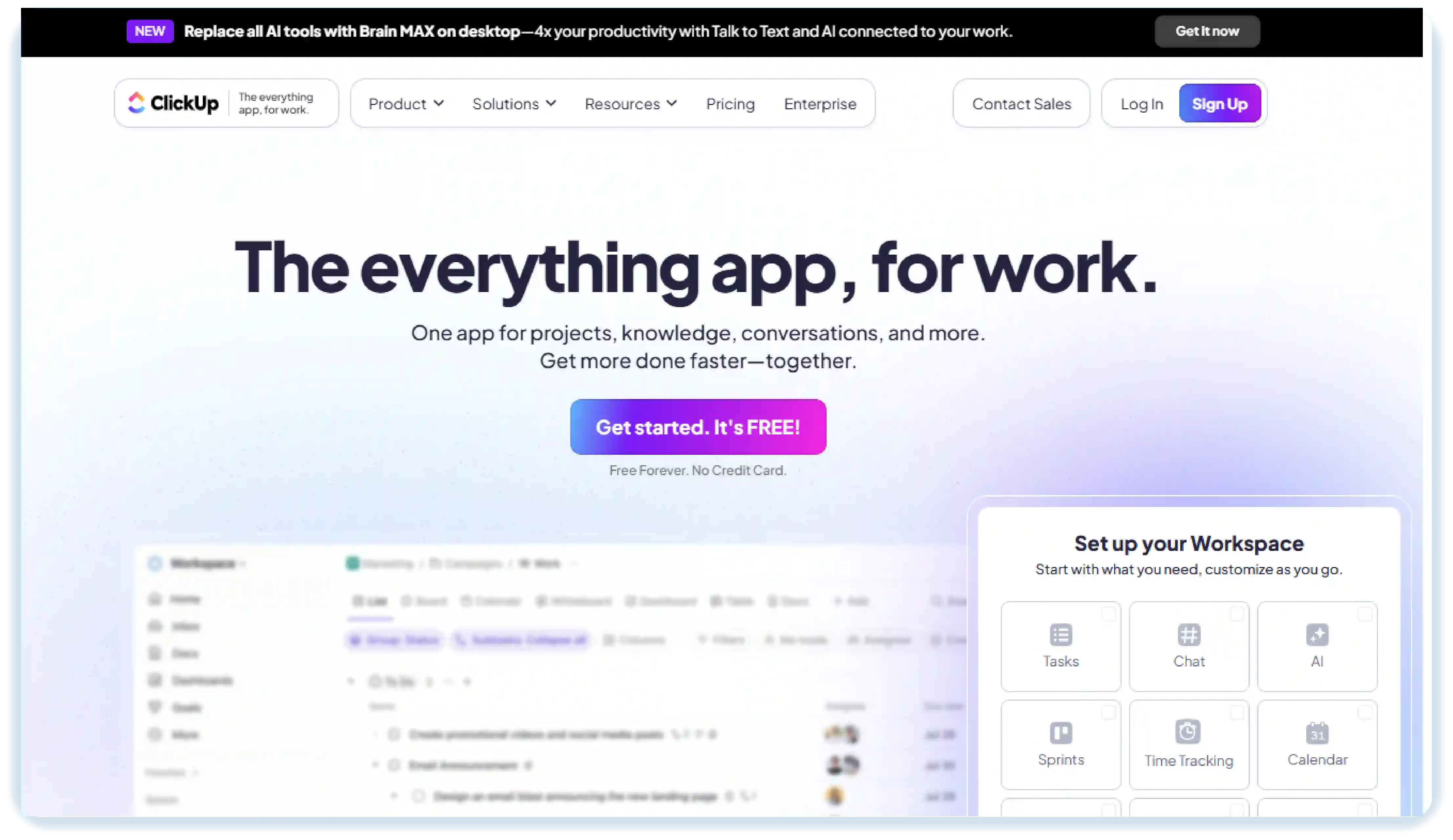
ClickUp is a creative project management software that helps you see what everyone on your team is working on and keep projects organised. You can track tasks, plan projects, and manage deadlines easily. Its boards, timelines, and docs make it simple to collaborate and stay on top of multiple projects, making it a useful tool for project management for creative teams.
ClickUp also supports smooth project execution with features like task assignment, checklists, and timelines to keep work on track. It reduces the need for multiple tools by letting teams plan, track, and collaborate in one workspace.
Key Features:
- Task Management: Create, assign, and track tasks with ease. Organise work into clear steps with checklists and due dates.
- Document Collaboration: Create and edit documents directly within ClickUp, making team collaboration easier.
- Boards and Timelines: Visualise work using boards or timelines, making it easy to track progress and deadlines.
- Automations help reduce repeated work
- Offers templates and custom task statuses
- Offers list, board, calendar, and timeline views so tasks are easy to follow.
Cons:
- Setting up spaces, views, and workflows for the first time may feel a bit slow
- A few useful tools are not easy to find unless you explore the platform
- Certain views and advanced features are only available in paid plans
Ratings:
- G2: 4.7 / 5
- Capterra: 4.7 / 5
7. Adobe Workfront
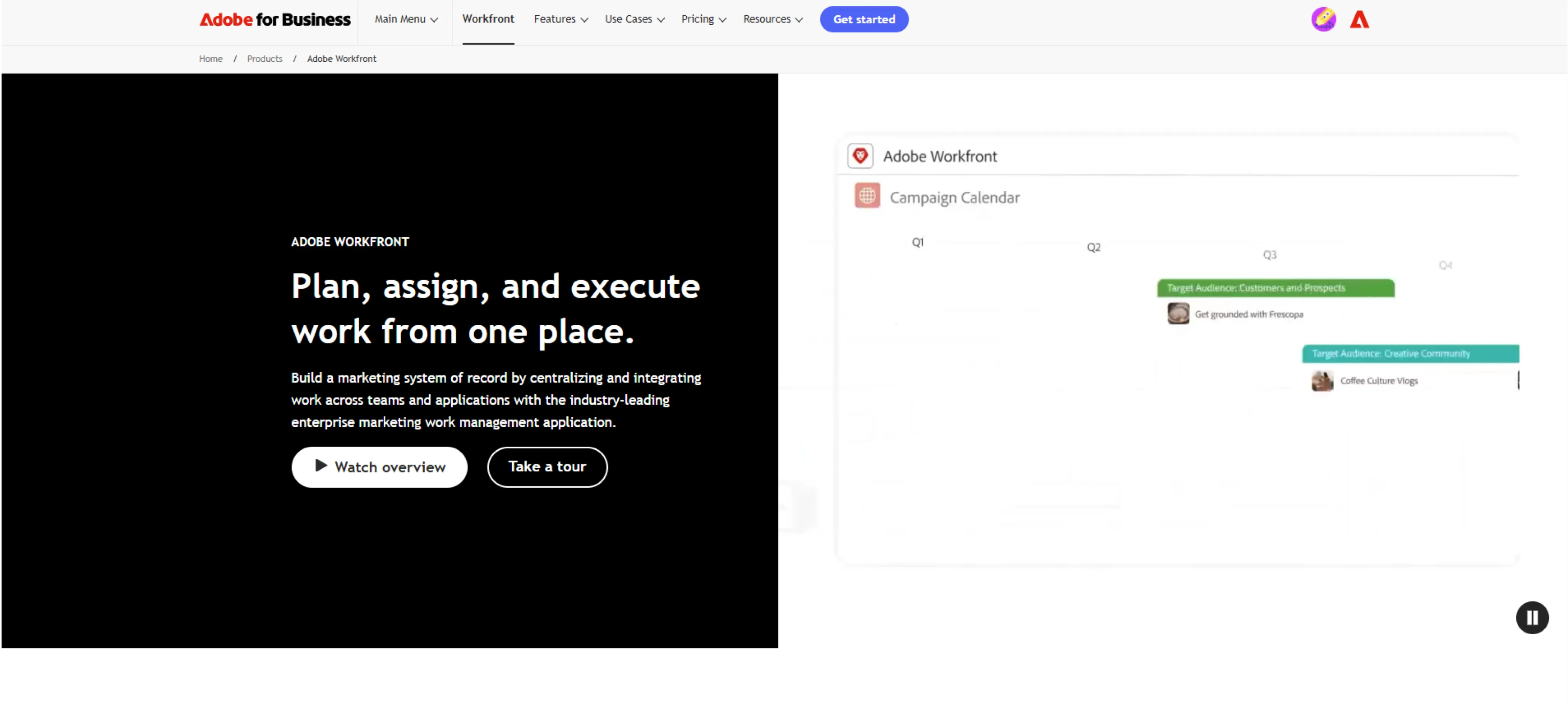
Adobe Workfront is a project management tool that helps teams stay organised and understand what everyone is working on. You can track tasks, plan projects, and manage deadlines in one place. Its dashboards and approval tools make it easy for teams to review work, share updates, and keep projects moving without confusion.
Workfront also helps teams work smoothly with features like task assignments, resource planning, and simple workflows. It brings planning, tracking, and collaboration into one workspace, so teams don’t have to switch between multiple tools to get work done.
Key Features:
- All-in-One Project View: Keeps all tasks, projects, and deadlines together so nothing is missed.
- Team Collaboration: Keeps everyone connected with updates, comments, and shared workspaces.
- Dashboards and Reporting: Provides simple dashboards and reports to track progress and team performance.
Pros:
- Planning and project tracking across multiple teams
- Real-time dashboards and reporting
- Automation for workflows and approvals
Cons:
- Can be complex to set up for first-time users
- Some advanced features require paid plans
- Customisation options can take time to learn
Ratings:
- G2: 4.4 / 5
- Capterra: 4.4 / 5
8. Smartsheet
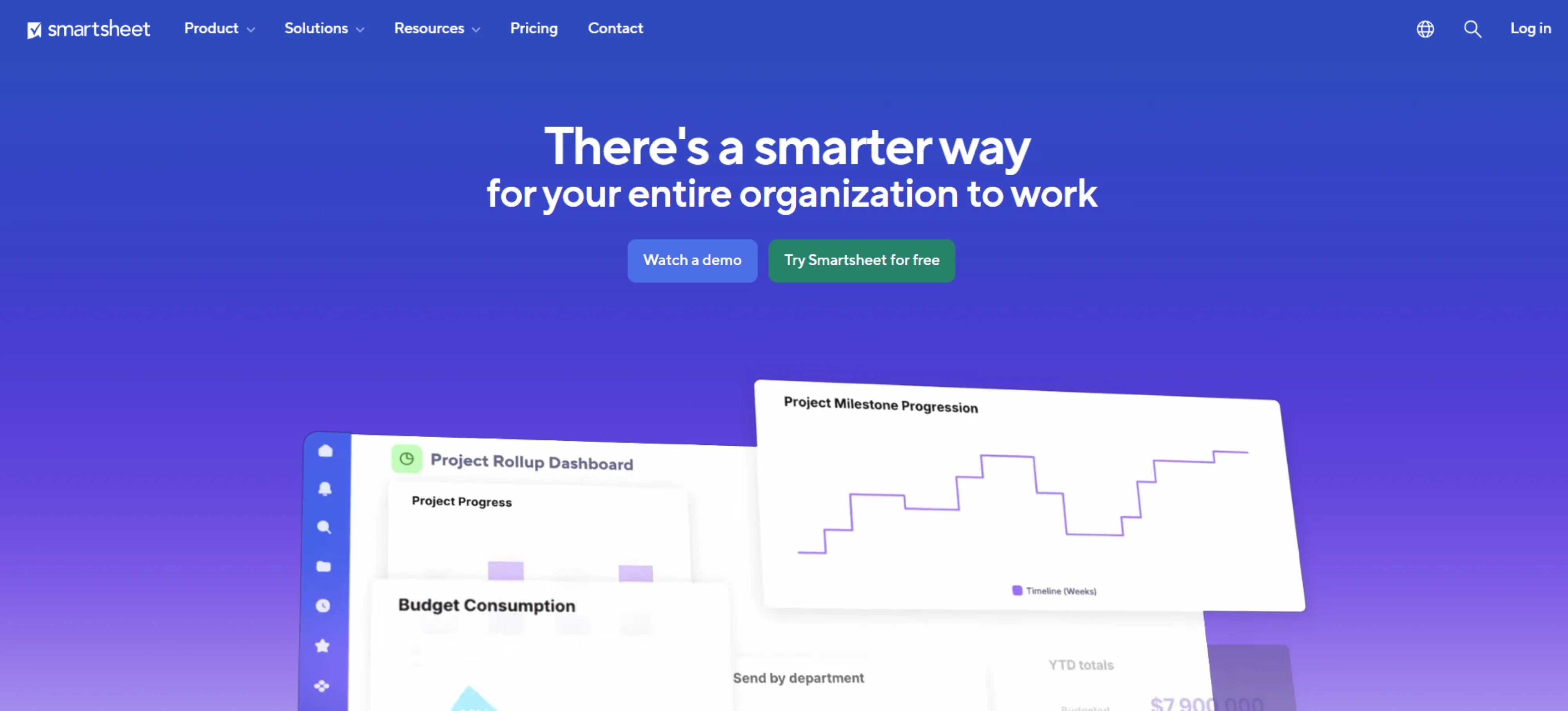
Smartsheet works like a spreadsheet you’re familiar with, but adds tools to manage projects more effectively. You can plan tasks, track deadlines, and coordinate work across different teams. It’s especially good for managing structured, cross-functional projects and keeping everything neatly organised without losing flexibility.
In smartsheet, you can link sheets, create reports, and use dashboards to see what’s happening. It makes tracking tasks and planning work easy and familiar.
Key Features:
- Dashboards and Reports : Provides an overview of project status, helping teams make quick decisions.
- Sheet Linking : Connects multiple sheets for a clear view of related tasks and projects.
- File and Resource Management : Stores documents, files, and project resources in one place for easy access.
Pros:
- Real-time collaboration and updates
- Powerful automation and workflow rules
- Flexible templates and dashboards
Cons:
- Can get expensive for larger teams
- Some advanced options take time to understand
- The grid style isn’t always great for visual planning
Ratings:
- G2: 4.4 / 5
- Capterra: 4.5 / 5
9. Notion
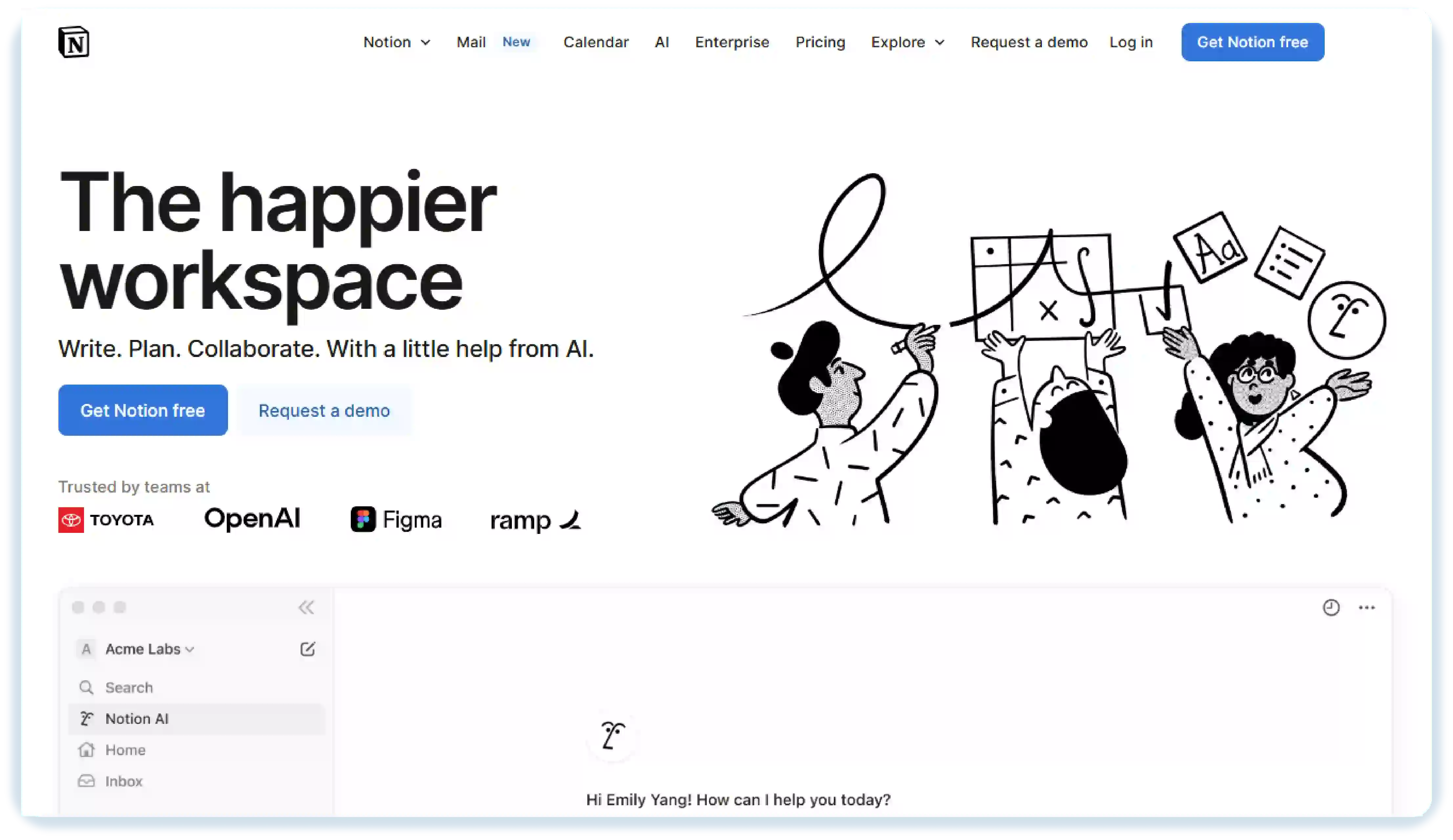
Notion is a creative project management tool that combines notes, tasks, databases, and documents in one workspace. It’s a good choice for teams because you can build flexible setups that match the way you work, whether planning content, organising campaigns, or managing research.
Notion allows you to turn any space into a task tracker, content hub, or project tracker, tailored to your needs. You have full control over how information is organised, and you can adjust Notion as your creative projects grow.
Key Features:
- Templates for Projects: Provides ready-made templates for content planning, campaigns, or research.
- Flexible Databases: Organise information in tables, lists, calendars, or boards for easy access.
- Customisable Pages: Allows teams to create pages and layouts that fit their workflow.
Pros:
- Highly customisable pages and databases
- Built-in writing, task tracking, and collaboration tools
- Helpful templates for content planning and team projects
Cons:
- Can feel difficult to set up at first
- Some AI features are available only on higher plans
- Can feel overwhelming for beginners due to the many features and options
Ratings:
- G2: 4.6 / 5
- Capterra: 4.6 / 5
10. Basecamp
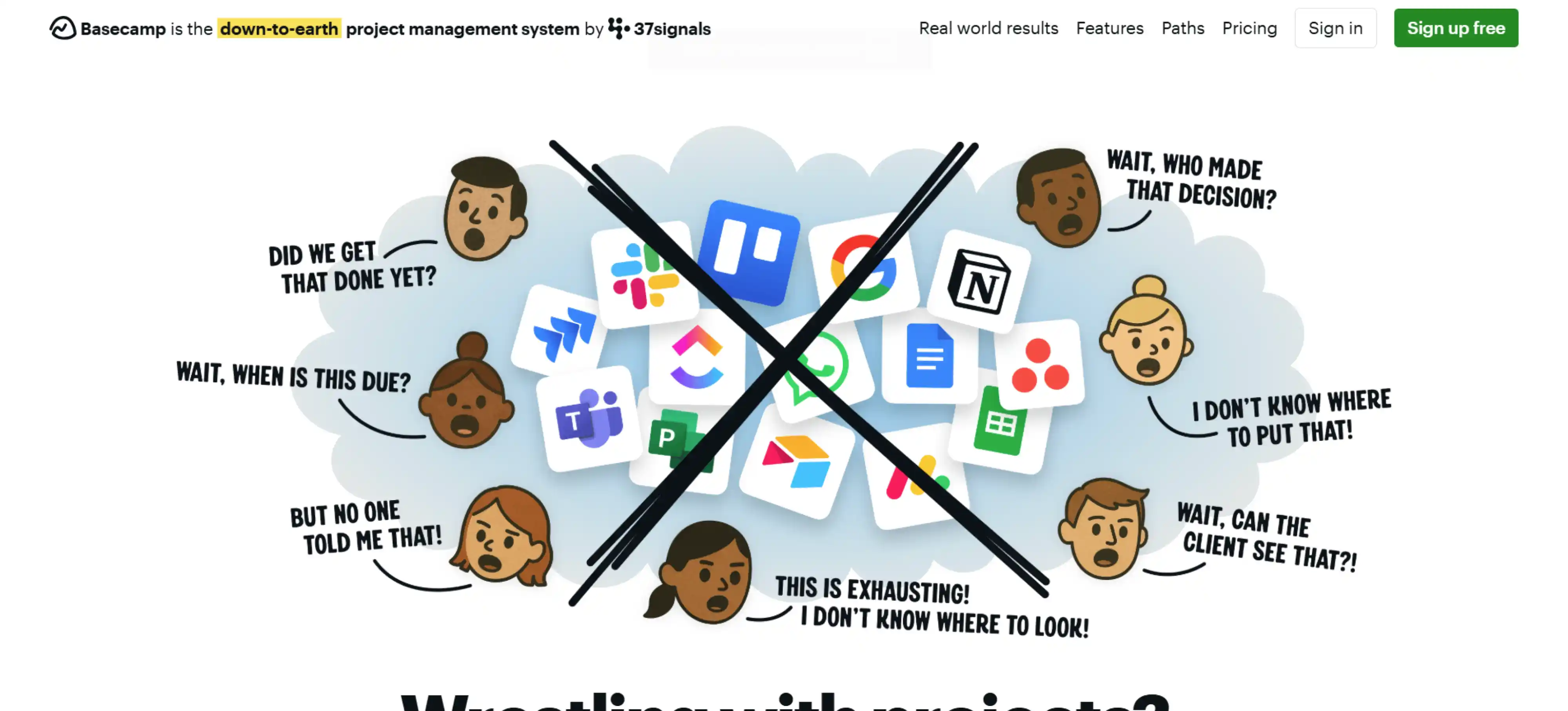
Basecamp is a project management tool known for its simple and user-friendly design. It helps teams manage tasks, communications, and files all in one place. With Basecamp, you can keep track of what’s important, get quick updates, and easily collaborate on creative projects. The tool’s straightforward interface helps your team stay focused on what really matters.
Its collaboration features make it easy to share ideas, get feedback, and make decisions together. Whether you are planning content or working on team ideas, Basecamp helps keep everything organised and easy to handle.
Key Features:
- Task Management: Allows teams to create, assign, and track tasks easily.
- Schedules and Milestones: Highlights key dates and deadlines to help teams stay organised and complete projects smoothly.
- To-Do Lists: Break projects into simple steps and help track what needs to be done.
Pros:
- Easy to set up and use
- Great for team collaboration and communication
Cons:
- Limited customisation options
- No built-in time tracking
Ratings:
- G2: 4.3 / 5
- Capterra: 4.3 / 5
Conclusion
Picking the right project management tool can make your day-to-day work a lot smoother. Every tool has its strengths. Some show your tasks visually, some let you work in your own way, and some are better for bigger projects. The important thing is choosing one that matches how your team works, keeps everyone on the same page, and helps your projects move forward without stress.
FAQs
Yes, but it’s better to avoid using too many tools. Choose one main platform that fits most of your needs so your team doesn’t get confused or switch between multiple apps.
Absolutely. Most creative project management tools are built for remote and hybrid teams. They help everyone stay aligned even when working from different locations.
In many cases, yes. A lot of these platforms include chat, comments, and shared spaces so your team can talk, share ideas, and give feedback without switching between apps.
Yes. Even if you work alone, these tools help you plan content, track deadlines, store ideas, and keep all your client work organised in one place.
Get a demo of BIXO

Recommended Blogs
Project Initiation: Key Steps, Best Practices, & Mistakes to Avoid
Learn what project initiation is, why it matters, key steps to follow, best practices to apply, and mistakes to avoid for a strong and successful project start.
Project Management Triangle: Managing the Triple Constraints
Master the project management triangle by balancing scope, cost, and time with simple strategies that drive successful outcomes every time.
 Jahnavi Chintakrindhi |
 Oct 13, 2025
How to Delegate Tasks Effectively: 7 Tips for Managers
Learn how to delegate tasks effectively, save time, and boost team productivity with step-by-step tips, real examples, and smart AI tools.
Bhuvana Bitra |
Oct 17, 2025
×
Focus on what matters. BIXO handles the rest!