Table of Content
Focus on what matters. BIXO handles the rest!

Handling work, personal goals, and everyday tasks at the same time can get messy. You may start with notes on your phone, make a spreadsheet later, set reminders in different apps, and still forget what needs attention.
That’s why choosing the right personal project management software is important. You don't need something complicated or made for big teams. You just need a simple project management software that helps you stay organised, manage your tasks, and stick to your plans without stress.
This blog will help you find the best personal project management tools that fit the way you work, not just popular names or tools filled with extra features you don’t really need.
What Is Personal Project Management Software?
Personal project management software is a productivity tool that helps you organise your personal work in one place. It lets you plan tasks, set goals, and track your progress without using many different tools at once.
It is not made for large teams or big companies. It is made for your personal work, like managing a side project, tracking habits, or planning long-term goals.
People use these tools to:
- Set priorities and stay focused
- Track deadlines and progress
- Keep notes, ideas, and files together
- Build routines and stay consistent
Here are the tools you can start using right away.
1. BIXO
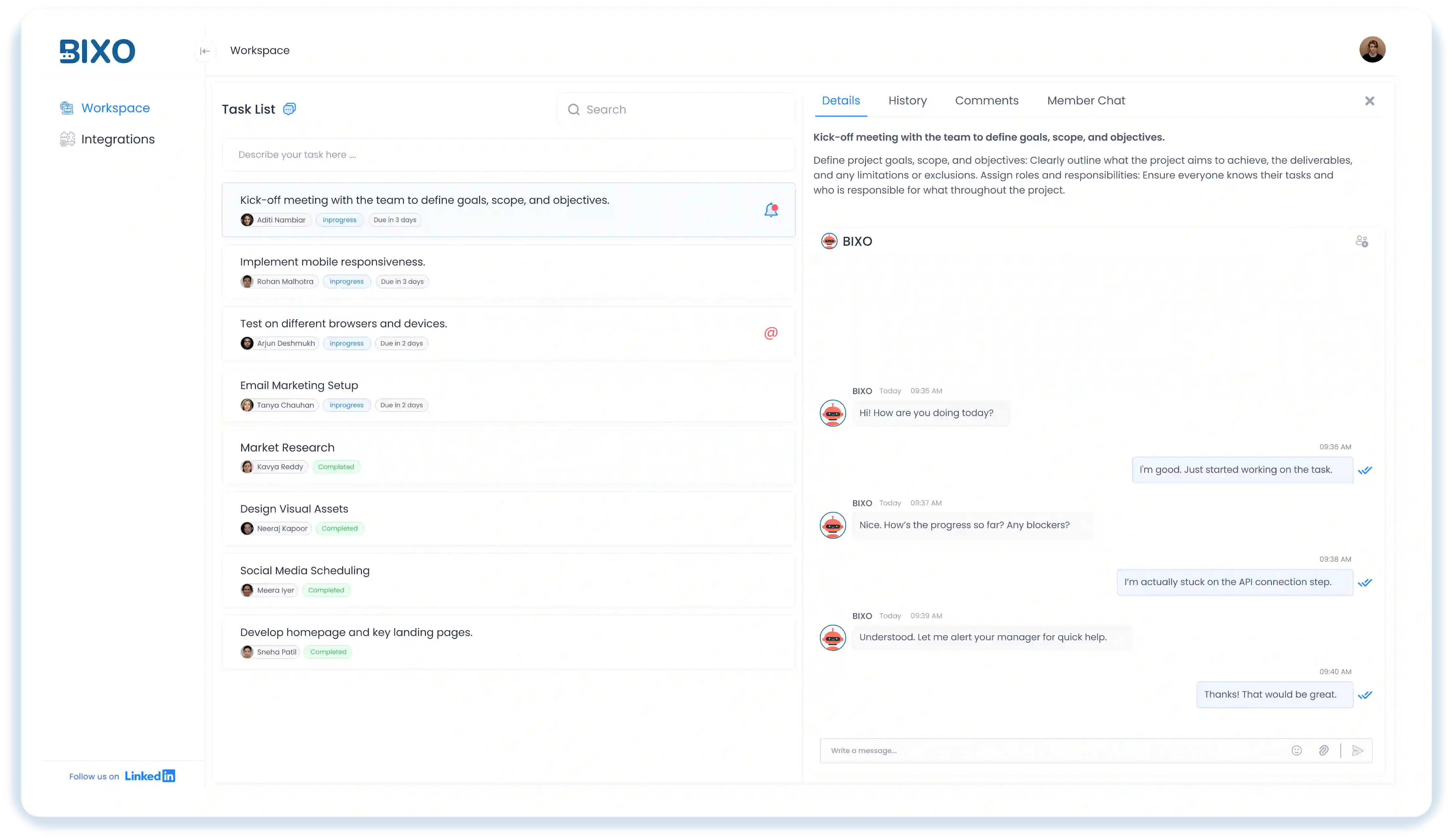
BIXO is an AI-powered task manager that helps you stay organised without doing manual tracking. It collects updates, reminds you about pending work, and keeps your tasks in order so you do not have to follow up or remember everything yourself.
Instead of just helping you plan your work, BIXO helps you complete it. It organises tasks based on what needs attention, sends reminders at the right time, and gives you a clear view of your progress.
It is designed for people who manage multiple tasks and need clear updates. Whether you are handling client work, managing a team, or planning daily work tasks, BIXO reduces the effort of keeping track of everything so you can focus on doing the actual work.
Key Features:
- Automated Follow-ups and Reminders: It follows up with your team and sends reminders automatically so you do not manually track every task.
- Integrations: Connects with tools like Azure DevOps, Trello, Jira, and Basecamp to reduce manual updates. Helps keep your project workflow in sync across platforms.
- Unified Project Dashboard: View tasks, deadlines, and progress in one organised space. It makes managing workload easier without switching between multiple apps.
- Deadline Alerts: Helps you stay ahead of deadlines instead of rushing at the last minute. You get timely reminders so you can plan your day without stress.
- End-of-Day Reports: Send a clear summary report of completed and pending tasks at the end of the day. It helps you review progress and plan the next day with clarity.
Pros:
- Integrates with Azure DevOps, Trello, Jira, and Basecamp.
- Shows end-of-day progress.
- Easy to use and understand.
- Keeps all your projects and tasks in one place.
- Helps improve focus and stay organised.
- Reduces the need to switch between multiple apps.
Cons:
- Customisation options are expanding over time to match different team needs.
- Works best when team members actively respond to BIXO’s prompts.
Use Cases:
BIXO works best for:
- Remote or hybrid teams dealing with communication gaps.
- Growing companies that need to manage larger teams efficiently.
- Teams that lose time in follow-ups, standups, or repeated status meetings.
- Businesses handling many tasks, deadlines, and clients.
Pricing:
- Contact the sales team for a custom plan based on your team size and requirements.
2. Todoist
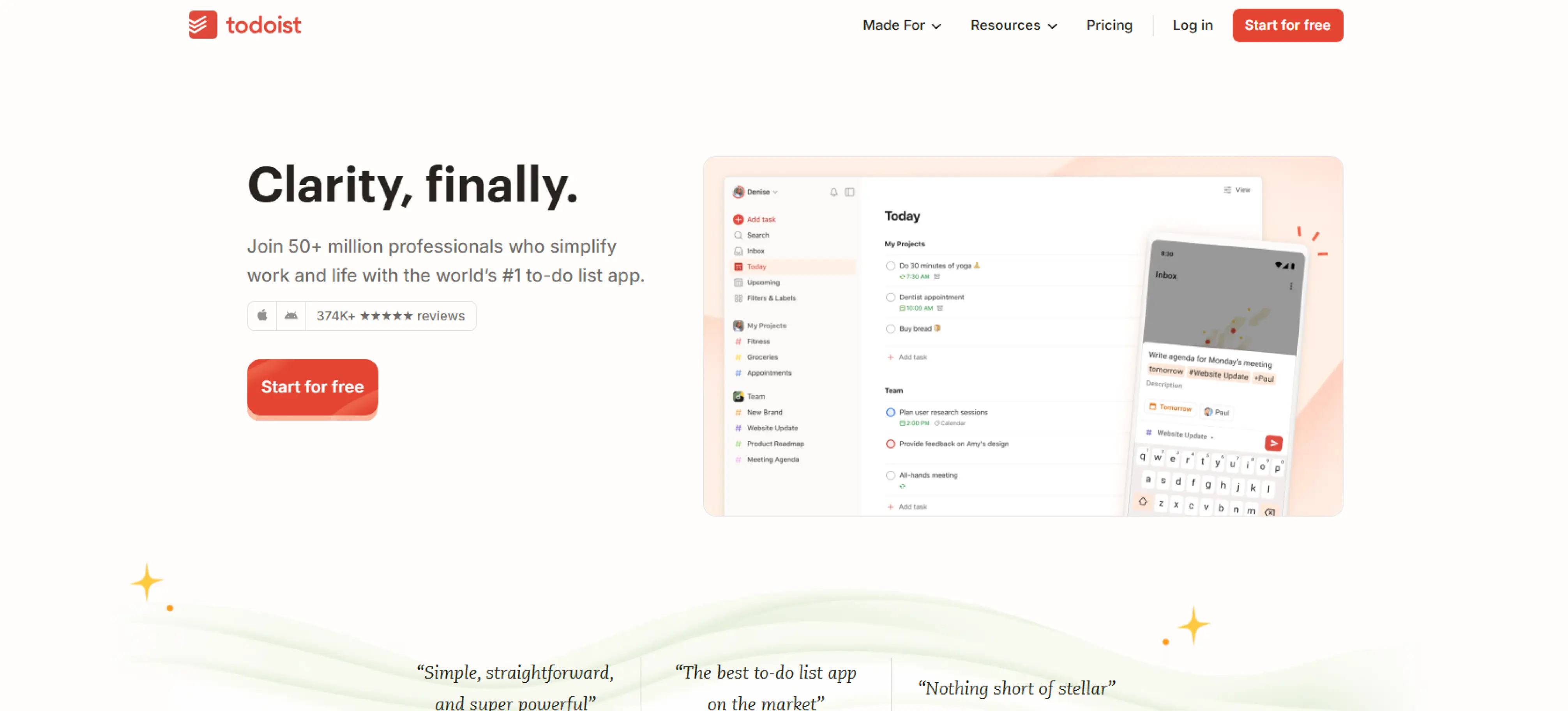
Todoist is a project management software that assists you in managing your tasks, projects and everyday to-dos efficiently. It is compatible with devices, which means it is easy to use to manage personal or work activities anywhere. With features like task prioritisation, due dates, recurring tasks, and project sections, Todoist makes it easy to track personal projects. Integrations with Google Calendar, Slack, and Dropbox help keep your workflow in one place.
Key Features:
- Task Creation and Prioritisation: Quickly create tasks and prioritise them so that you can give your attention to the most important things every day.
- Due Dates and Recurring Tasks: Set deadlines and repeating tasks to stay consistent and manage ongoing responsibilities efficiently.
- Cross-Platform Access: Access Todoist on web, mobile, and desktop, so you can manage your tasks anytime, anywhere.
Pros:
- Simple and easy to use.
- Organises tasks and projects effectively.
- Recurring tasks help build habits.
Cons:
- Free version is limited.
- Lacks advanced project tracking.
- No AI-powered features or automated follow-ups.
- Reporting and analytics are basic.
- Limited customisation for workflows.
Use Cases:
Todoist works best for:
- Individuals with personal to-dos and daily schedules.
- Students planning assignments and study objectives.
- Small teams monitoring simple work with no complex features.
Pricing:
- Premium Plan: $4/month for reminders and advanced features
- Business Plan: $6/user/month for team collaboration
Ratings:
- G2: 4.5 / 5
- Capterra: 4.6 / 5
3. Notion
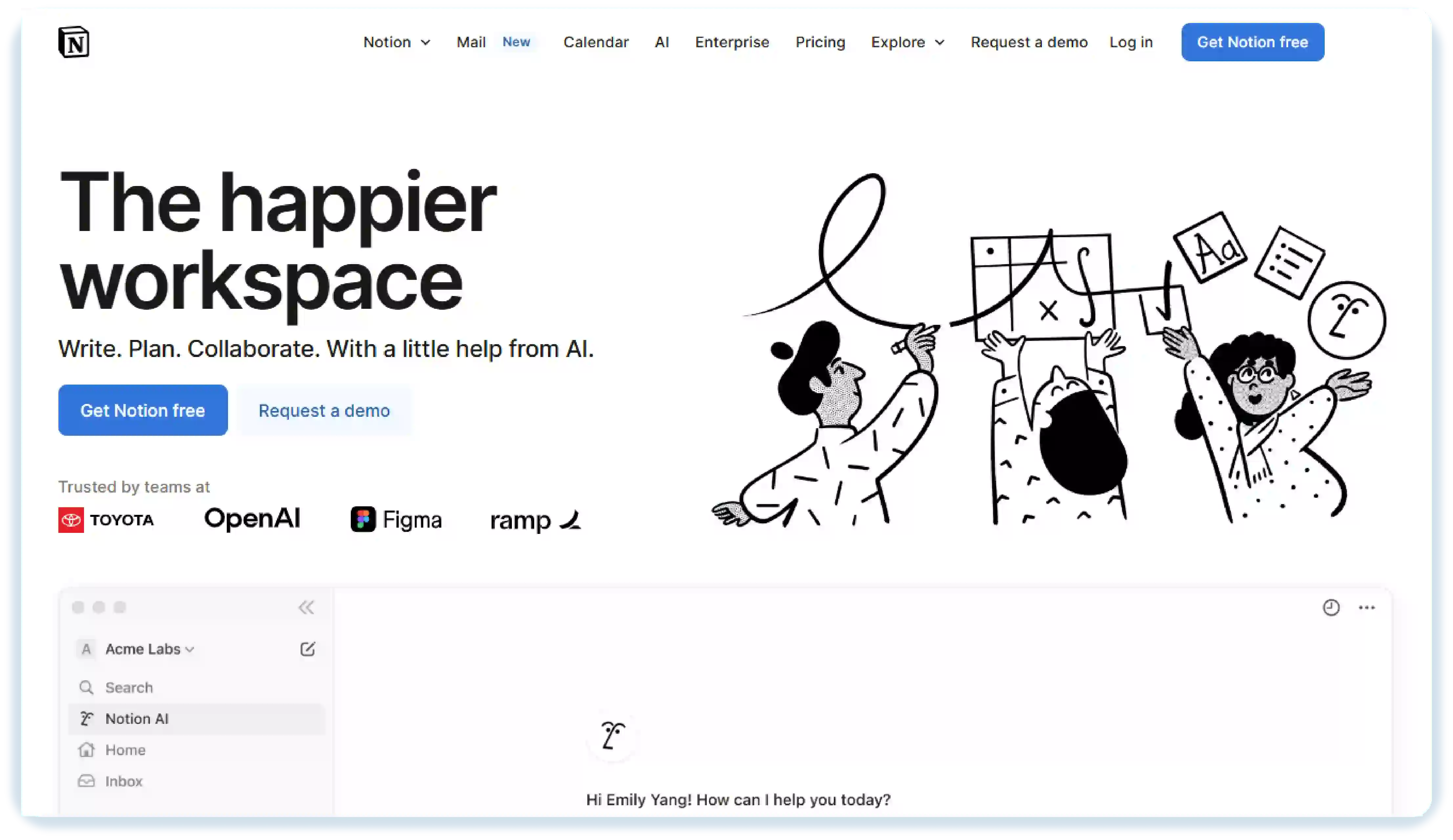
Notion is a flexible tool for managing personal tasks, projects, and notes all in one place. It works on computers, tablets, and phones, so you can stay organised whether you’re at home or somewhere. With simple task lists, tables, or boards, you can track progress and plan your projects easily. For individuals, Notion can serve as a handy personal project management app or personal project planning software to set goals, manage tasks, and keep everything in one central place.
Key Features:
- Task Management: Create and organise tasks, projects, and notes in a structured and flexible way.
- Databases and Tables: Use tables, boards, and lists to track projects, deadlines, and personal goals.
- Integrations: Connect with tools like Google Calendar, Slack, and Zapier to streamline workflow.
Pros:
- Highly customisable for individual workflows.
- Combines tasks, notes, and databases in one too.
- Works on multiple devices.
- Suitable for both personal projects and small-scale team use.
Cons:
- Can be overwhelming for beginners due to flexibility .
- Lacks built-in AI features or automated follow-ups.
- Offline access is limited.
- Some integrations require third-party tools.
- Reporting and analytics are basic compared to specialised project management software.
Use Cases:
Notion works best for :
- Process and design teams writing down processes and roadmaps.
- Businesses that require a workspace with everything to work and take notes.
- Content creators planning calendars and storing ideas.
Pricing:
- Free: $0 per member/month.
- Plus: $10 per member/month.
- Business: $20 per member/month.
- Enterprise: Custom Pricing.
Ratings:
- G2: 4.6 / 5
- Capterra: 4.7 / 5
4. TickTick
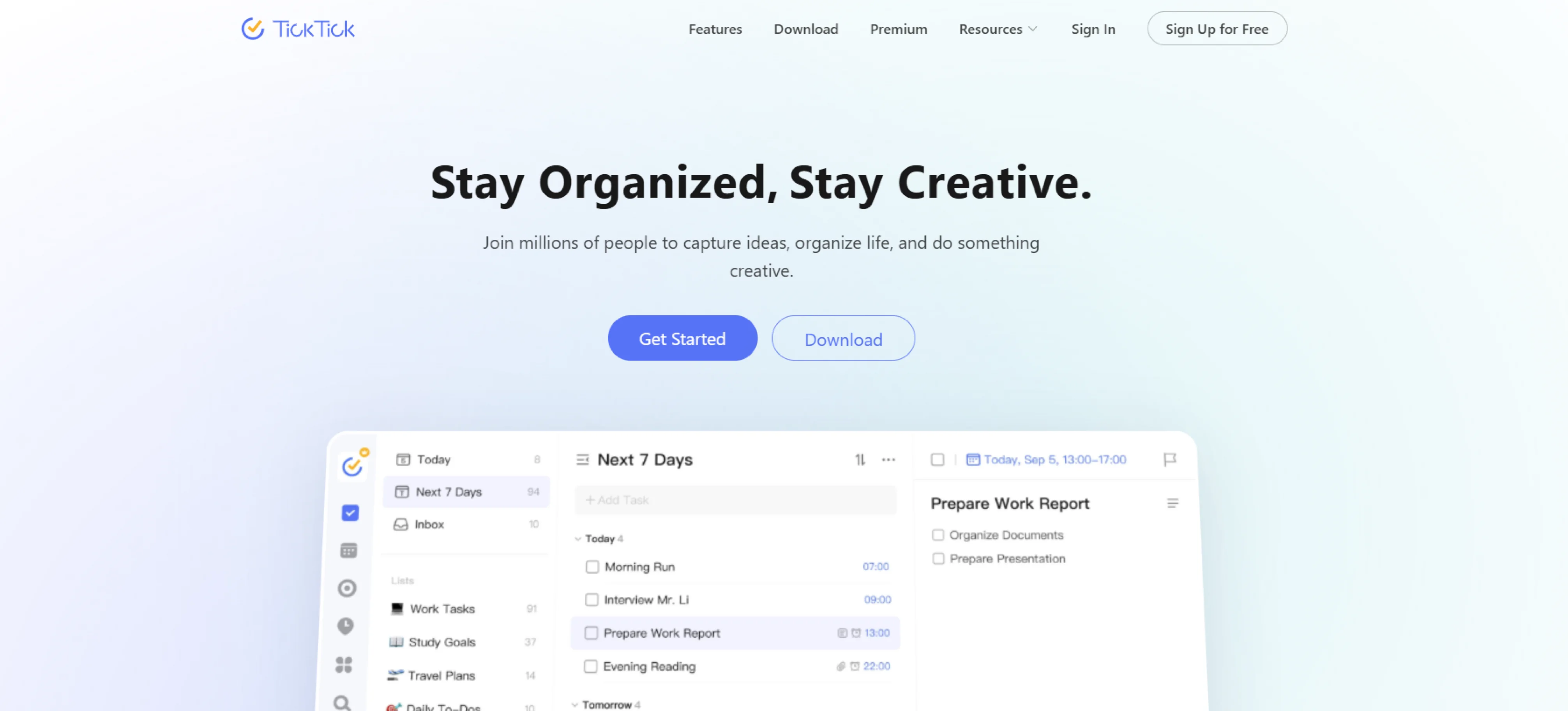
TickTick is a simple personal project management application that assists you in planning your daily activities, priority setting, and sticking to your plans. It is compatible on web and mobile, so that one can manage personal tasks, plan schedules, work objectives, and reminders at a single location. TickTick allows users to remain focused and get things done without being overwhelmed with features such as task lists, calendar view, habit tracking, and reminders.
Key Features:
- Lists Tasks & Subtasks: Helps you break work into smaller steps so tasks feel easier to manage.
- Smart Reminders: Sends timely alerts so you don’t forget important tasks or deadlines.
Pros:
- Easy to use and beginner-friendly.
- Clean interface for planning daily routines.
- Helpful reminders that reduce manual tracking.
Cons:
- Free version has limited features.
- Advanced features require a paid plan.
- Lacks strong collaboration tools for large teams.
- Not ideal for tracking large workloads across multiple projects.
Use Cases:
TickTick works best for:
- Process and design teams writing down processes and roadmaps.
- Businesses that require a workspace with everything to work and take notes.
- Content creators planning calendars and storing ideas.
- Teams developing flexible work management workflows.
Pricing:
- Free plan: Basic task and reminder management.
- Premium (Monthly): $2.99/month for advanced reminders, more tasks, and extra calendar features.
- Premium (Yearly): $35.99/year with full access to calendar views, themes, statistics, and higher usage limits.
Ratings:
- G2: 4.6 / 5
- Capterra: 4.7 / 5
5. Microsoft To Do
Microsoft To Do is a lightweight task organiser built to help you plan daily work, set reminders, and keep track of tasks across devices. It’s suitable for managing routines, small projects, and personal goals without complicated features or learning curves.
Key Features:
- Cloud Sync Across Devices: Access tasks easily on mobile, desktop, or browser with your Microsoft account.
- My Day Focus View: Helps you choose what to focus on today rather than all tasks at once.
- Due Dates & Reminders: Helps you remember tasks when they’re due by sending alerts, so you don’t forget important work.
Pros:
- Completely free with no major feature limits.
- Integrates well with Outlook and Microsoft tools.
- Great for everyday task organisation.
- Syncs across all devices seamlessly.
Cons:
- Limited reports and analytics.
- Minimal customisation options.
- Basic collaboration, not built for full-scale teamwork.
- Not suitable for complex or multi-phase project tracking.
Use Cases:
Microsoft To Do works best for:
- People planning work schedules and personal deadlines.
- Employees who deal with repetitive tasks and reminders.
- People inside the Microsoft ecosystem who use Outlook every day.
Pricing:
- Free plan: Access to all essential features, including reminders, cloud sync, and device access.
Ratings:
- G2: 4.4/ 5
- Capterra: 4.6 / 5
6. Sunsama
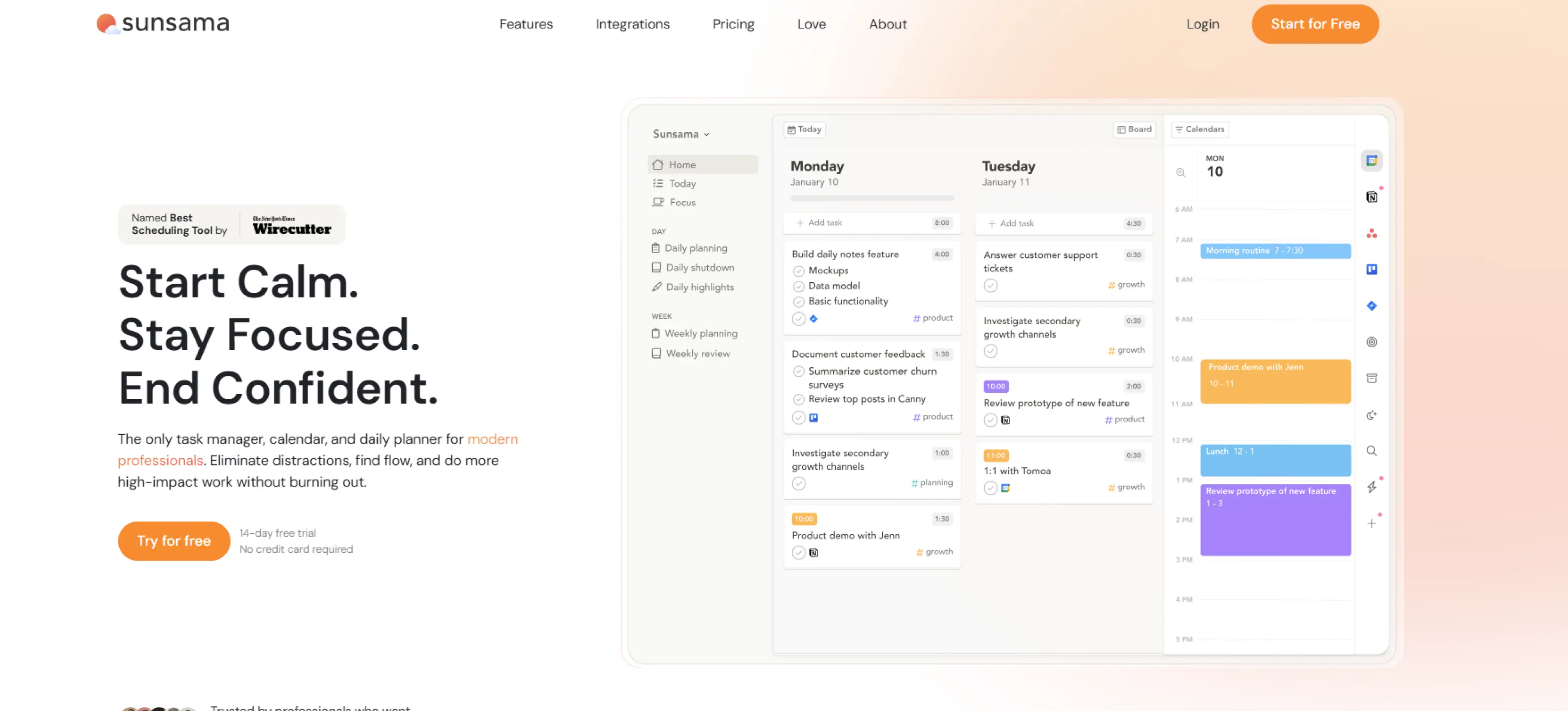
Sunsama helps managers plan their day in a calm and organised way. Instead of giving you a long list of tasks, it lets you pick what you want to focus on today and schedule it into your day. You can pull tasks from tools like Gmail, Slack, Trello, and Notion and see everything in one place. It’s helpful if you want to plan your day properly instead of just reacting to work as it comes.
Key Features:
- Focus & Time Tracking: Helps you stay focused on one task and see how long things actually take.
- Tool Integrations: Pull tasks from Gmail, Jira, Trello, Notion and keep everything in one plan.
- Calendar + Tasks Together: See your meetings and tasks in the same view, making it easier to plan your day without flipping between apps.
Pros:
- Very clean and calming interface, good for mindful planning.
- Great for daily planning and routine building .
- Encourages realistic workload rather than over-scheduling.
- Helps you plan your tasks around calendar events instead of just making lists.
Cons:
- Not ideal for large teams or complex workflows.
- Higher pricing compared to basic task managers.
- Requires manual planning every day, not fully automated.
Use Cases:
Sunsama works best for:
- Founders who shuffle between work, meetings, and priorities.
- Professionals who want to plan their day to be focused.
Pricing:
- 14 – Day Free Trial: No credit card required
- Yearly Subscription: $16 per month
- Monthly Subscription: $20 per month
Ratings:
- G2: 4.6 / 5
- Capterra: 4.7 / 5
7. Tweek.so
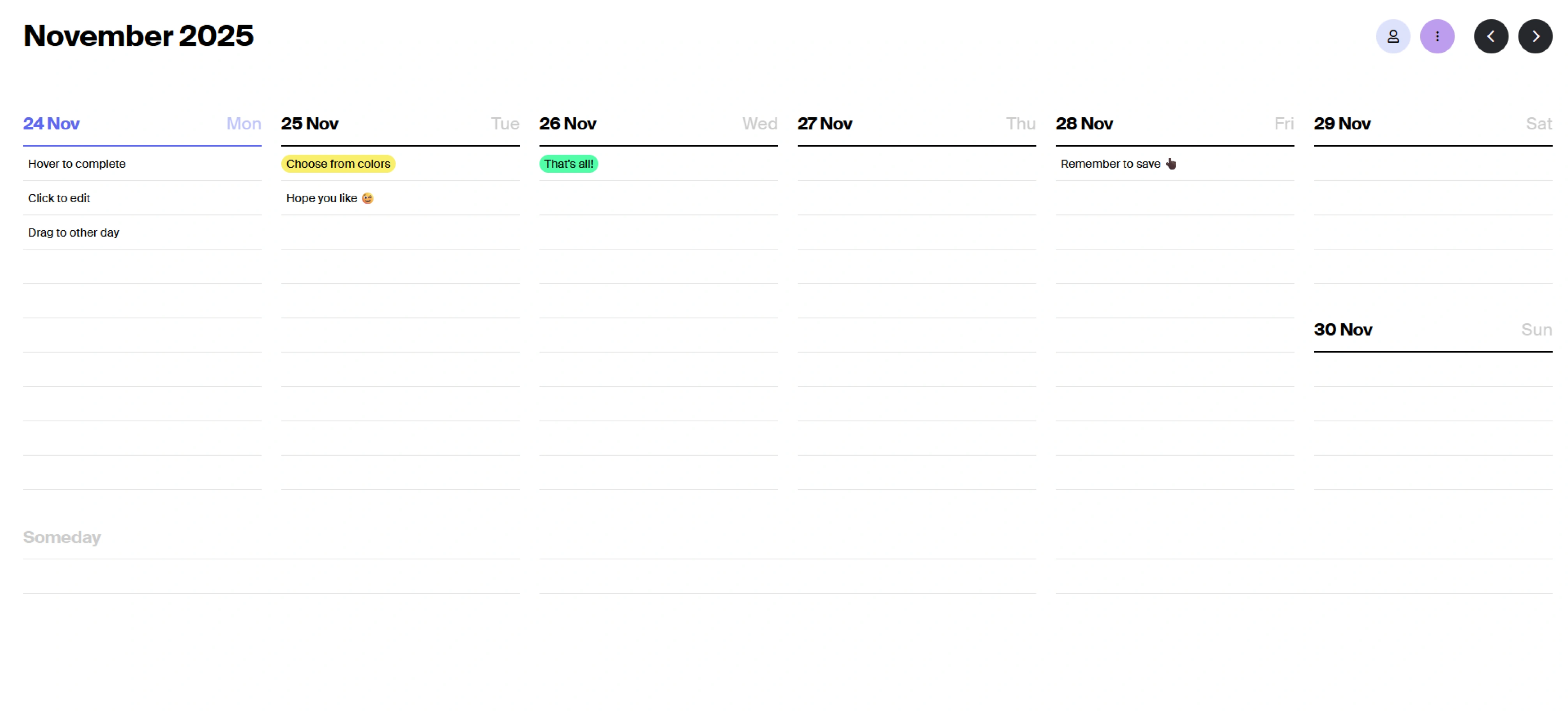
Tweek.so is a weekly planner that lets you plan tasks day by day without any complex setup. The layout looks like a simple weekly calendar where you can add tasks to each day and move them around easily when plans change. If you want a clean and straightforward tool instead of heavy project management software, it helps you stay focused and keep your week organised without distractions.
Key Features:
- Drag-and-Drop Tasks: Move tasks to different days quickly when plans shift, without extra settings.
- Minimal Interface: No dashboards, charts, or extra buttons. It gives you a clean layout to plan your week clearly.
- Weekly Layout: Plan tasks across the week in a calendar-style view that’s easy to scan quickly.
Pros:
- Very simple and easy to use.
- Weekly layout makes planning easier.
- Good for personal tasks and small projects.
- Clean and distraction-free interface.
Cons:
- Not useful for big or complex projects.
- Limited options for working with teams.
- No advanced project tracking features.
- No automation like reminders or follow-ups.
Use Cases:
Tweek.so works best for:
- People who prefer simple tools in planning.
- Individuals who handle weekly activities in an organised way.
- Individuals who do not want complicated dashboards and features.
Pricing:
- Free: 0$/month
- Premium: 5.99$/user/month
Ratings:
- G2: 4.4 / 5
- Capterra: 3.0 / 5
8. Akiflow
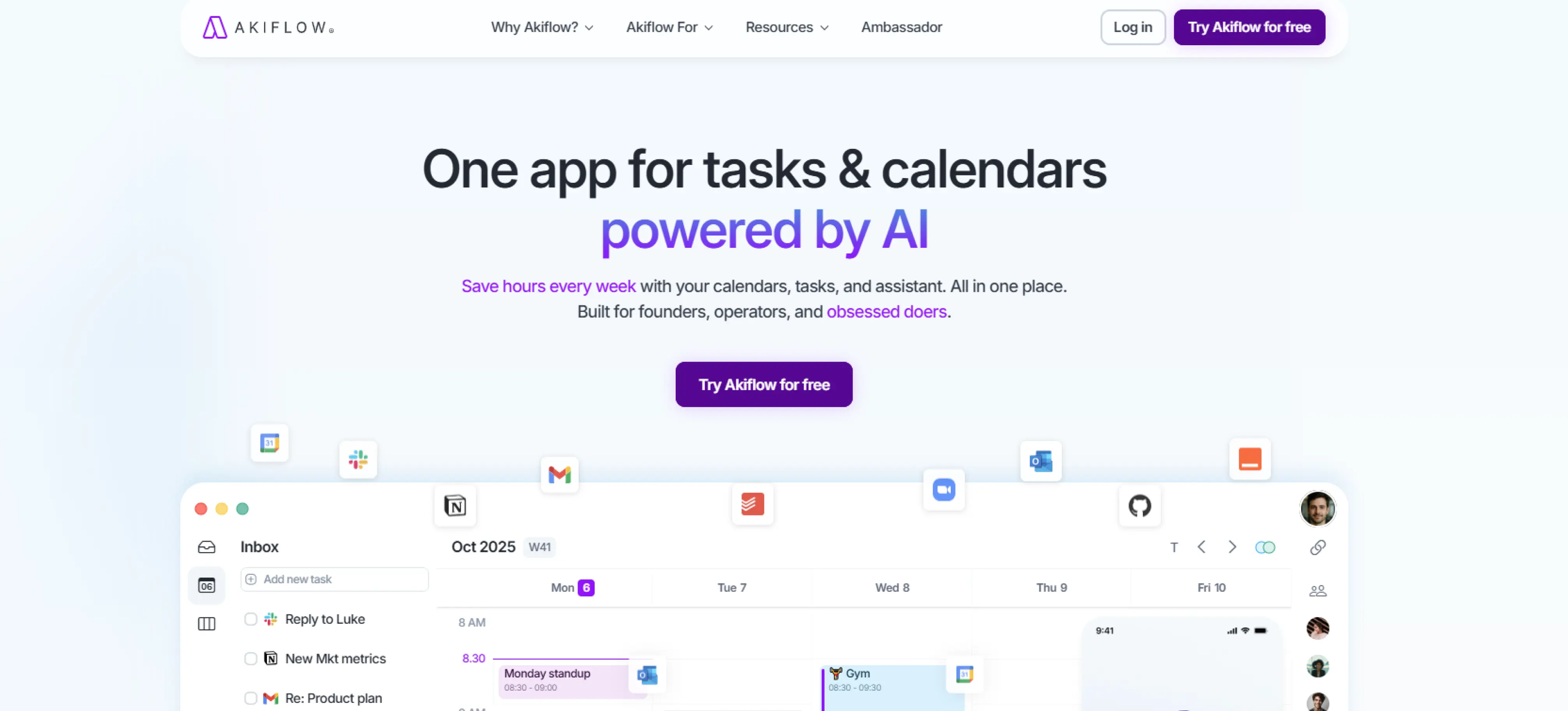
Akiflow is a planner tool that helps you combine your calendar and tasks in one place. You can pull in tasks from different tools, block out time on your calendar, and manage everything without switching apps. It’s useful for managers who want to stay on top of their schedule and work efficiently by planning and executing in one streamlined view.
Key Features:
- Time-Blocking from Task List: You can pick tasks and schedule them directly into your calendar, making it easier to plan your day instead of just listing tasks.
- Quick Commands & Shortcuts: You can add or edit tasks using shortcuts without clicking around, helping you plan faster when you're busy.
- Calendar & Tool Integrations: Connect Akiflow with tools like Google Calendar, Slack, Notion, and others so everything stays in one place.
Pros:
- Consolidates tasks and meetings.
- Very fast to use once you know the shortcuts.
- Helps you plan realistically with calendar + tasks together.
Cons:
- Price is on the higher side for individuals.
- No advanced collaboration tools.
- Limited team-project features or shared workspaces.
Use Cases:
Akiflow works best for :
- Remote employees integrating activities across several platforms.
- People who focus on productivity wanting easy time-blocking.
- Teams dealing with too many notifications from different apps.
Pricing:
- Pro Yearly: $9.5 Per month
- Pro monthly: $34 Per month
Ratings:
- G2: 4.8 / 5
- Capterra: 4.7 / 5
9. Evernote Tasks
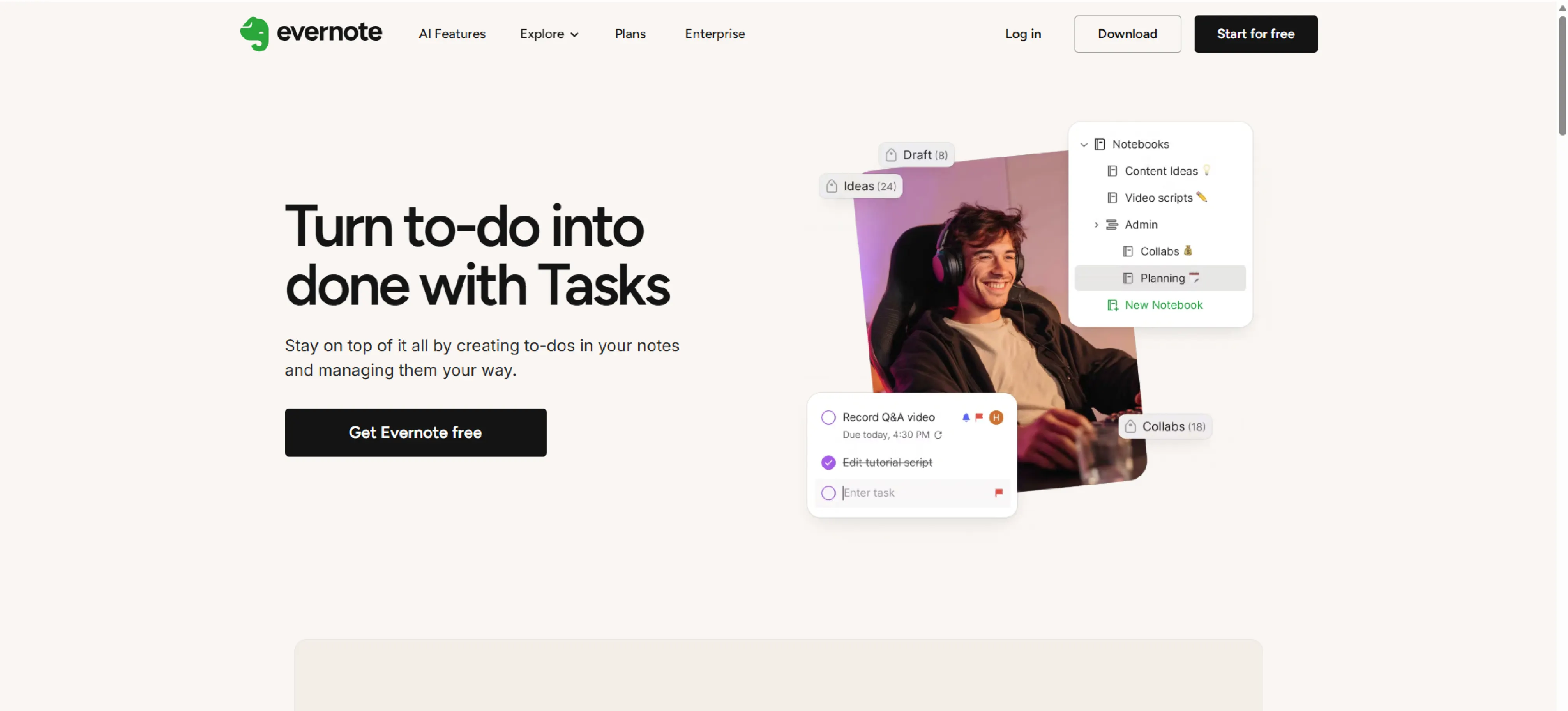
Evernote Tasks is a task management tool built into Evernote that helps you turn notes into actionable tasks. You can set deadlines, add reminders, and link tasks to relevant notes to keep your projects and ideas organised in one place. It works across your devices, so you can track follow-ups, plan small projects, and manage your daily responsibilities efficiently.
Key Features:
- Add Tasks Directly Inside Your Notes: You can create tasks right from your notes, so nothing gets lost and all your ideas turn into actionable steps.
- Mark Priorities or Flag Tasks: Highlight urgent tasks or flag important items to focus on what matters most each day.
- Sync Across Mobile and Desktop: Access your notes and tasks anywhere, so you can plan and update your work on any device.
Pros:
- Keeps work and notes together.
- Very convenient if you already use Evernote for ideas or research.
- Reminders help you stay on top of your to-dos.
- Good for personal planning and lightweight project tracking.
Cons:
- Not designed for complex team projects.
- Limited task management features compared to full PM tools.
- Reminder and task features only work within Evernote (no external sheets).
- Less reporting or analytics capability
Use Cases:
Evernote Tasks works best for:
- Individuals who keep notes + tasks in a single location.
- Students managing class notes and deadlines.
- Writers and researchers organising ideas.
Pricing:
- Starter: $2.80 / month
- Advanced: $7.18 / month
Ratings:
- G2: 4.4 / 5
- Capterra: 4.4 / 5
10. nTask
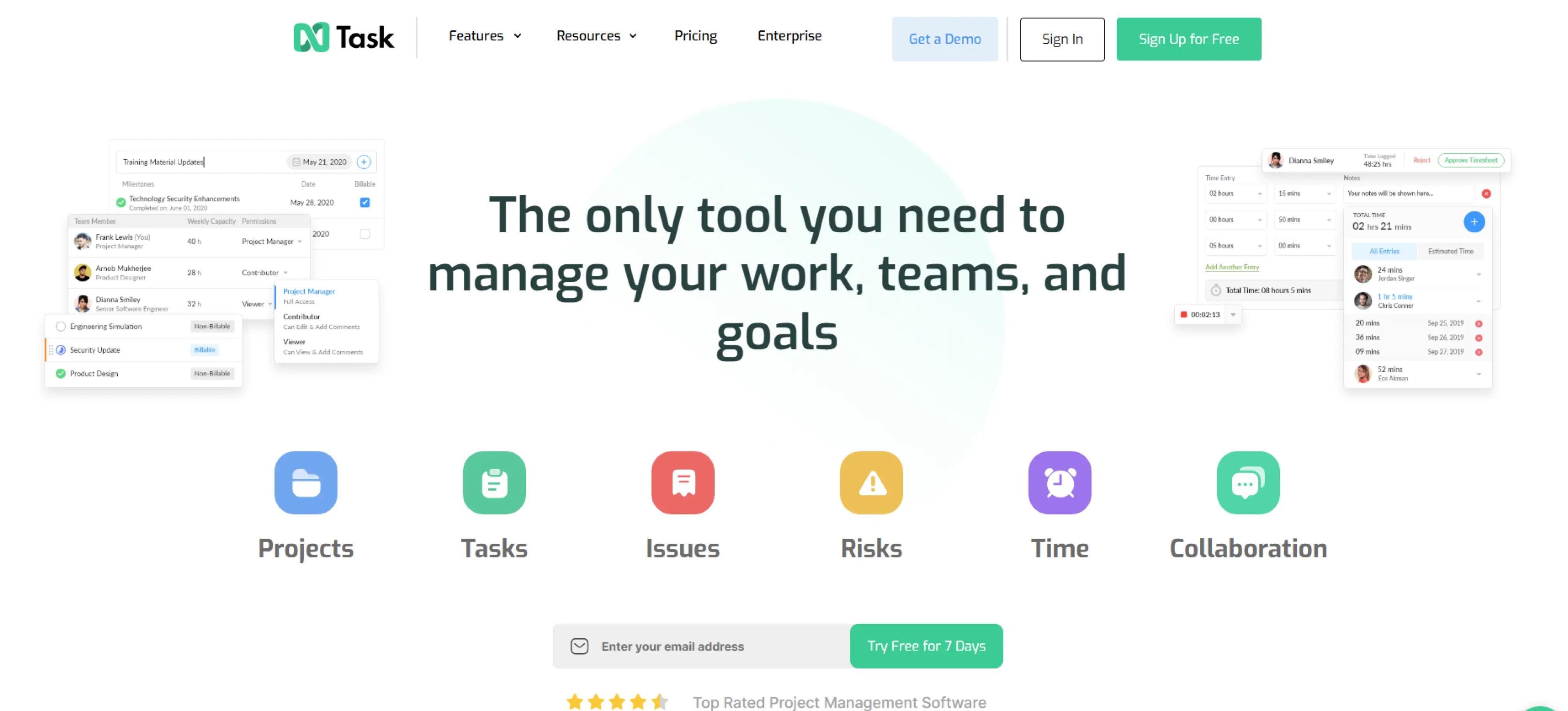
nTask is a complete project management solution that helps you track tasks, schedule meetings, manage risks, and more. It is also easy to use if you are a solo manager or part of a small team. It gives you structure without forcing you to use a heavy or complicated tool.
Key Features:
- Task Lists, Projects, and Sub-Tasks: Create tasks, organise them into projects, and break them down into smaller sub-tasks to keep work structured and manageable.
- Time-Tracking and Timesheets: Track how much time is spent on tasks or projects, helping you monitor productivity and plan workloads efficiently.
- Gantt Charts and Kanban Boards: Visualise project timelines with gantt charts or manage tasks with Kanban boards for a clear overview of progress.
Pros:
- Good for tracking work, risks, and meetings in one place.
- Affordable plans for individuals and small teams.
- Time tracking helps you see where your time goes.
Cons:
- Interface can feel busy or technical.
- Requires time to set up project structure properly.
- Some features (Gantt, advanced reporting) are paid-plan only.
Use Cases:
nTask works best for :
- Structured project management teams.
- PMs monitoring risks, problems and workloads.
- Small groups working together on delivering tasks.
Pricing:
- Free: $0 $0 Free forever for 10 users
- Standard: $7.91 per user / month
Ratings:
- G2: 4.4 / 5
- Capterra: 4.2 / 5
Conclusion
Choosing the right personal project management software makes managing tasks and projects much easier. It helps save time, reduce stress, and stay on top of deadlines without constantly switching between apps. By checking features, integrations, and usability, you can find a tool that fits your workflow. Whether for personal tasks or small team projects, the right software keeps you organised. Start using a solution that works for you and plan more effectively today.
FAQs
Yes, many tools are flexible enough to handle both personal and small-scale work projects.
Evaluate your workflow, required features, integrations, and budget. Use free trials to test which software fits your needs best.
Most personal project management tools are made to be simple, so you can start organising your tasks without needing any technical skills.
Yes, having your tasks organised helps you plan better, avoid forgetting important work, and complete tasks faster.
Get a demo of BIXO

Recommended Blogs
Project Initiation: Key Steps, Best Practices, & Mistakes to Avoid
Learn what project initiation is, why it matters, key steps to follow, best practices to apply, and mistakes to avoid for a strong and successful project start.
Project Management Triangle: Managing the Triple Constraints
Master the project management triangle by balancing scope, cost, and time with simple strategies that drive successful outcomes every time.
 Jahnavi Chintakrindhi |
 Oct 13, 2025
How to Delegate Tasks Effectively: 7 Tips for Managers
Learn how to delegate tasks effectively, save time, and boost team productivity with step-by-step tips, real examples, and smart AI tools.
Bhuvana Bitra |
Oct 17, 2025
×
Focus on what matters. BIXO handles the rest!