Table of Content
Focus on what matters. BIXO handles the rest!

Have you ever felt tired juggling several creative projects, tight deadlines, and constant client demands? Ideas can be lost, tasks may be missed, and projects may fall behind without the right tools. Creative agency project management software helps you organise work, enhance teamwork, and keep your creative process running smoothly.
In this blog, you’ll get a clear look at the top 10 project management tools built for creative agencies. You’ll find their features, pros and cons, pricing, and the best use cases, along with simple tips to help you pick the tool that truly fits your team and workflow.
What Is Creative Agency Project Management Software?
Creative agency project management software allows you to plan projects, schedule tasks, manage workflows, and monitor work with clients in one environment. It unites your creative process in the way you are able to plan the work, collaborate with your team, track progress, and complete projects on time. It’s a workflow tool designed to support and guide your entire creative process.
This helps you handle ideas, materials, timelines, and feedback more easily, so you stay in control of your projects.
10 Best Creative Agency Project Management Software
Creative work moves quickly, and you need tools that keep your team organised and working together smoothly. Here are the best options that help you plan projects, manage deadlines, and deliver great work without the stress.
1. BIXO
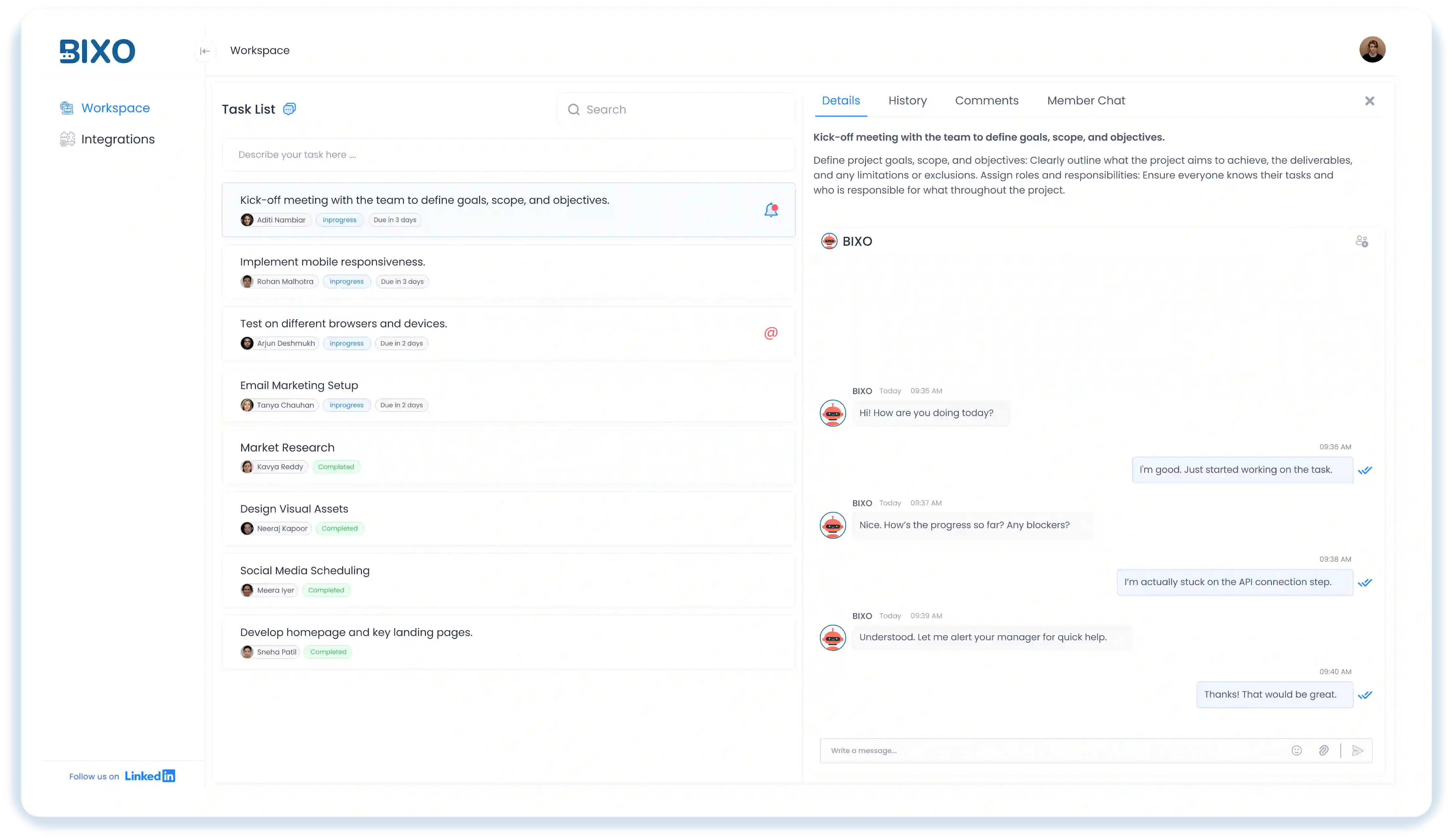
BIXOis an AI assistant that will help you stay on track with your creative projects without any constant follow-ups. It follows up with your team, collects updates, monitors progress, sends deadline reminders, and only notifies you when something is really going wrong. This implies that you will get to spend less time on status updates and more time focusing on ideas, client work, and delivering quality projects.
You can always be aware of who works on what, where the bottlenecks are, and what could fail to meet a deadline. Working in the background, BIXO understands the patterns of your team and keeps every project organised, on schedule, and stress-free.
Key Features :
- Automated Task Follow-Ups : BIXO checks in with your team, gathers updates, and keeps you in the loop automatically.
- Real-Time Progress Reports : You get accurate and summarised EOD reports daily.
- Blocker Detection and Escalation : If someone is stuck, BIXO spots it early and alerts you before deadlines slip.
- Automated Team Check-Ins : BIXO asks each person about their tasks, plans, and concerns so you don’t chase updates.
- Well-Being and Activity Insights : Helps to identify unusual patterns, burnout signs, or low activity of your employees.
- Tool Integrations : BIXO works with your existing project tools and syncs tasks automatically.
Pros :
- Cuts down time spent on follow-ups and chasing updates.
- Helps you manage large teams with less effort.
- Gives clear visibility of progress, delays, and workload.
- Reduces unnecessary meetings and status calls.
- Supports team well-being by catching early issues.
- Works 24/7 and never misses a deadline reminder.
Cons :
- Customisation options are expanding over time to match different team needs.
- Works best when team members actively respond to BIXO’s prompts.
Use Cases :
BIXO works best for :
- Creative agencies handling many tasks, deadlines, and clients.
- Remote or hybrid teams dealing with communication gaps.
- Growing companies that need to manage larger teams efficiently.
- Teams that lose time in follow-ups, standups, or repeated status meetings.
- Managers who want clear visibility without micromanaging.
- Businesses that need reliable, real-time progress tracking.
Pricing :
Contact the sales team for a custom plan based on your team size and requirements.
2. Scoro
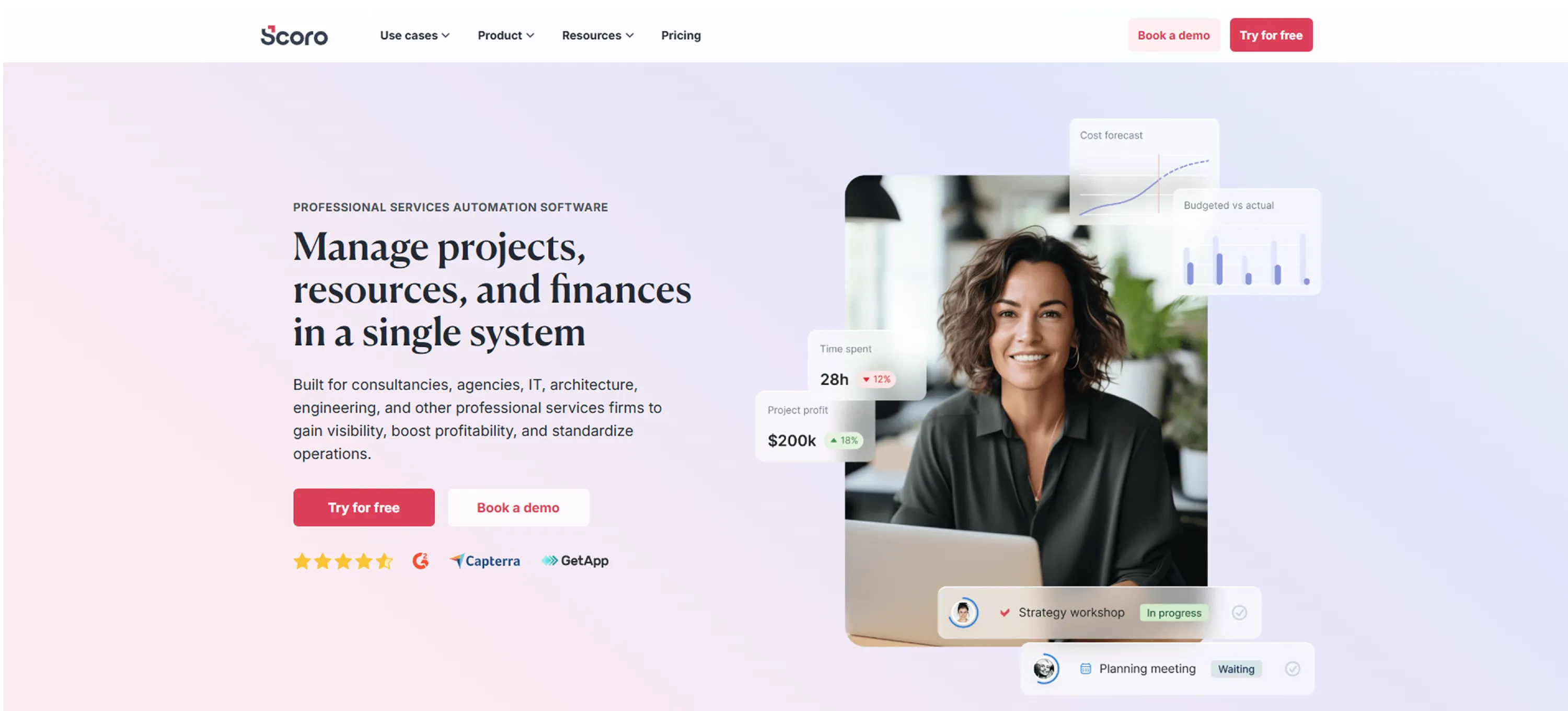
Scoro is a work and agency management platform that pulls your projects, tasks, time tracking, finances, and reporting into one space. It helps creative teams plan their work, manage resources, control budgets, and follow progress without jumping between different tools. You can handle everything from early estimates to project delivery to invoicing in the same place, which makes it easier to see how your workload is moving and what needs attention.
Key Features :
- Project & Task Management : You can plan projects, break work into tasks, set deadlines, and track progress with simple visual tools.
- Time Tracking & Timesheets : Record time, log billable hours, and review team timesheets so you understand where your effort is going.
- Resource & Workload Planning : You can see who is available, balance workload, and allocate people to the right projects.
- Budgeting & Financial Management : Create budgets, monitor costs, send quotes and invoices, and track profitability from a single dashboard you use every day.
Pros :
- Combines project, time, and financial management in one system.
- Makes it easier to track budgets and profitability.
- Offers workload and resource planning tools.
Cons :
- Can feel complex for smaller teams or beginners.
- Pricing is high compared to simple project tools.
- Setup takes time because there are many options to configure.
- Some features may feel more suited for larger or structured teams.
Use Cases :
Scoro works well for :
- Creative agencies managing projects, budgets, and client billing.
- Marketing and advertising teams that need strong financial tracking.
Pricing :
Scoro doesn’t offer a free plan, and the Essential plan starts at about $26 per user each month. Higher plans add things like deeper financial tools, automation, and more reporting options.
Ratings :
- G2 : 4.5 / 5
- Capterra : 4.6 / 5
3. Productive
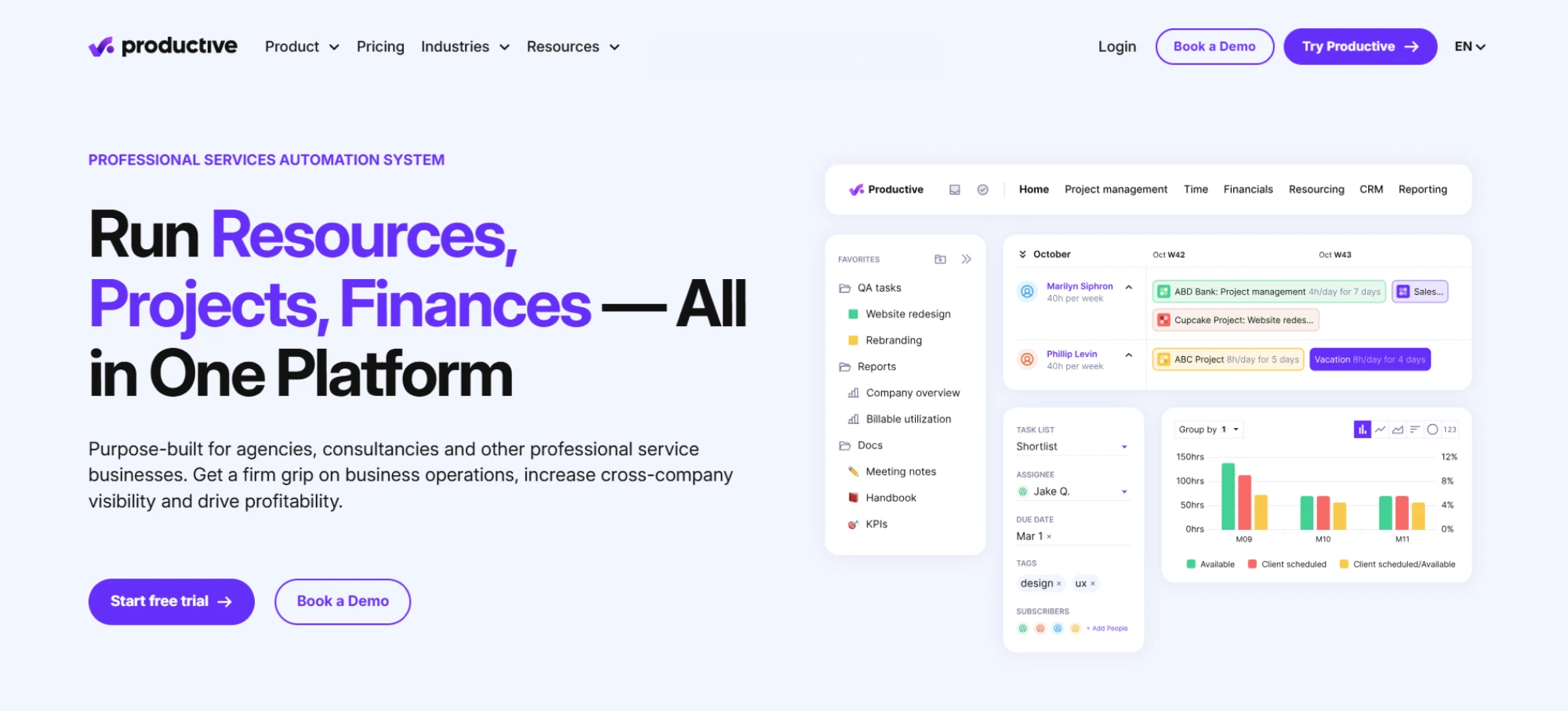
Productive is a creative agency project management software that enables you to plan projects, organise tasks, track time, manage budgets, and understand team workload in a single place. It unites your project work and operational details so you can track progress, handle client work easily, and keep your creative workflow organised to completion.
Key Features :
- Task Management : Lets you create tasks, organise them in lists or boards, assign owners, and track progress throughout the project.
- Time Tracking : Helps your team log hours easily, so you can understand billable work, monitor time spent, and manage timesheets without confusion.
- Budgeting & Cost Control : Allows you to set project budgets, track expenses, and see how costs compare with planned estimates.
- Resource Planning : Shows who’s available, who’s overloaded, and helps you allocate team members to projects based on workload.
Pros :
- Gives you clear visibility into project budgets and profitability.
- Strong time tracking and cost-management options.
- Simple interface for everyday task work.
Cons :
- Can feel heavy for smaller or very simple teams.
- Some users say the reporting options are limited.
- Takes time to set up the more advanced parts.
- Invoicing integrations may need extra configuration.
Use Cases :
Productive works best for :
- Creative agencies.
- Marketing and design studios.
- Consulting firms.
- Digital service companies.
Pricing :
- Essential : from $9/user/month (when billed annually).
- Professional : from $24/user/month (annual billing).
- Ultimate : from $32/user/month (annual billing).
Ratings :
- G2 : 4.6 / 5
- Capterra : 4.6 / 5
4. Wrike
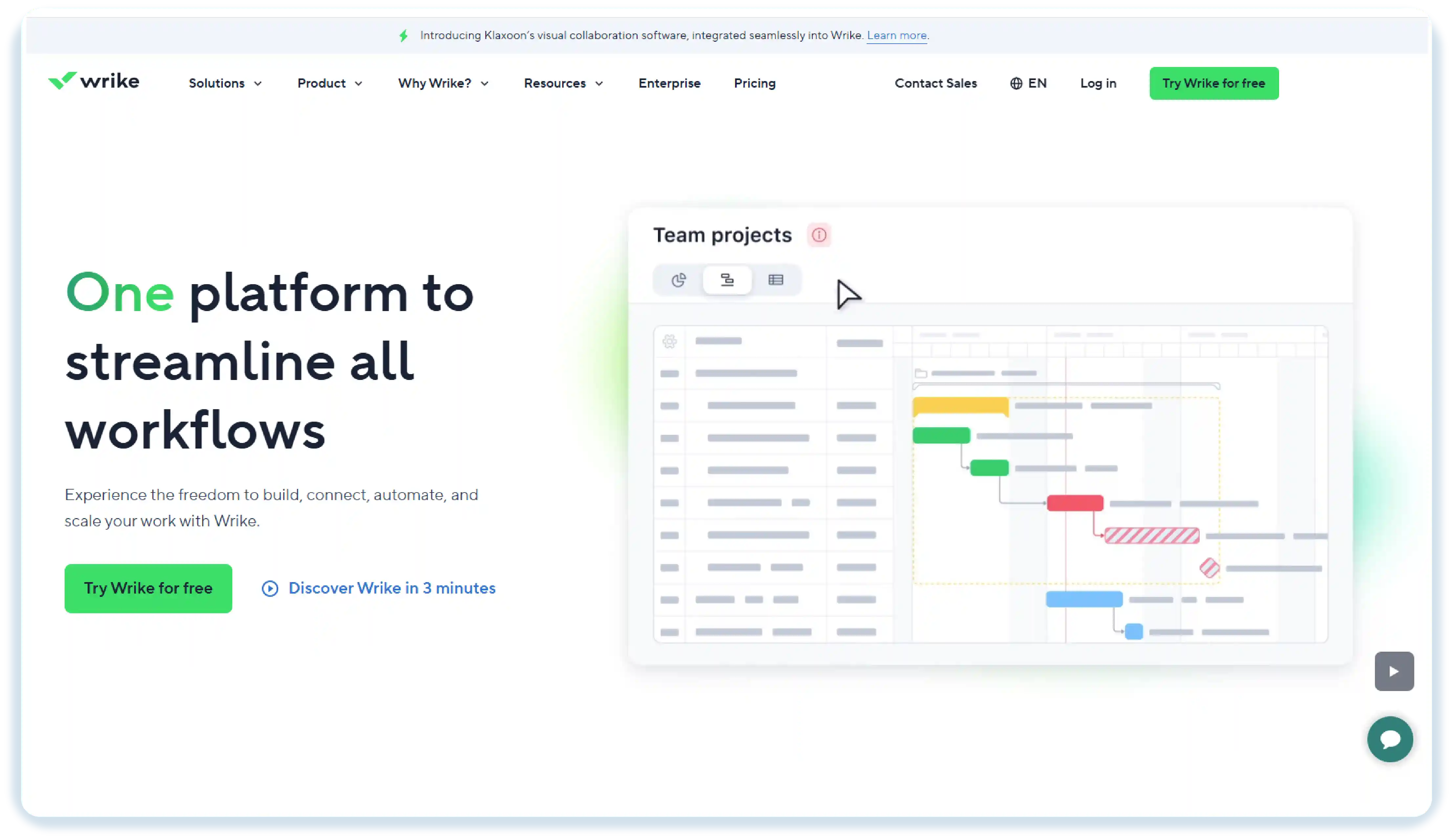
Wrike is a project and work management tool that helps you plan projects, organise tasks, track progress, and manage resources in one place. It gives you flexible workflows, simple collaboration tools, and clear visual timelines that keep your creative work organised and moving smoothly. You can share files, give feedback, and handle approvals with ease, which makes managing daily tasks and bigger projects feel far less complicated.
Key Features :
- Task & Project Management : Create tasks and sub-tasks, assign team members, set due dates, and organise projects into folders or lists for easy tracking.
- Custom Workflows : Define workflows that match how your team works and automate repetitive steps to save time.
- Gantt Charts & Timeline Views : Plan project schedules visually, manage dependencies, and adjust timelines by moving items easily.
- Resource Management : See who’s available, who’s busy, and assign work based on team capacity.
Pros :
- Gives clear visibility into project progress and team workload.
- Customisable workflows let you adapt the software to your team’s way of working.
- Works well for managing complex or long-term creative projects.
Cons :
- Can feel a bit complex or confusing for new users or smaller teams
- Takes time to learn and set up workflows and automations.
- Pricing can be a little hard to understand and may feel costly.
- Some users notice slowdowns, and the interface feels messy when handling many projects.
Use Cases :
Wrike works well for :
- Creative and marketing teams handling big projects with many stages.
- Design teams that need smooth review and feedback on their work.
- Product teams that need to align development timelines with creative tasks.
Pricing :
- Free : $0/user/month, basic task management and board/table views.
- Team : $10/user/month for 2–15 users (annual billing) with Gantt charts, automations, and dashboards.
- Business : $25/user/month for 5–200 users, includes time tracking, resource management, custom workflows, and more.
Ratings :
- G2 : 4.2 / 5
- Capterra : 4.4 / 5
5. Resource Guru
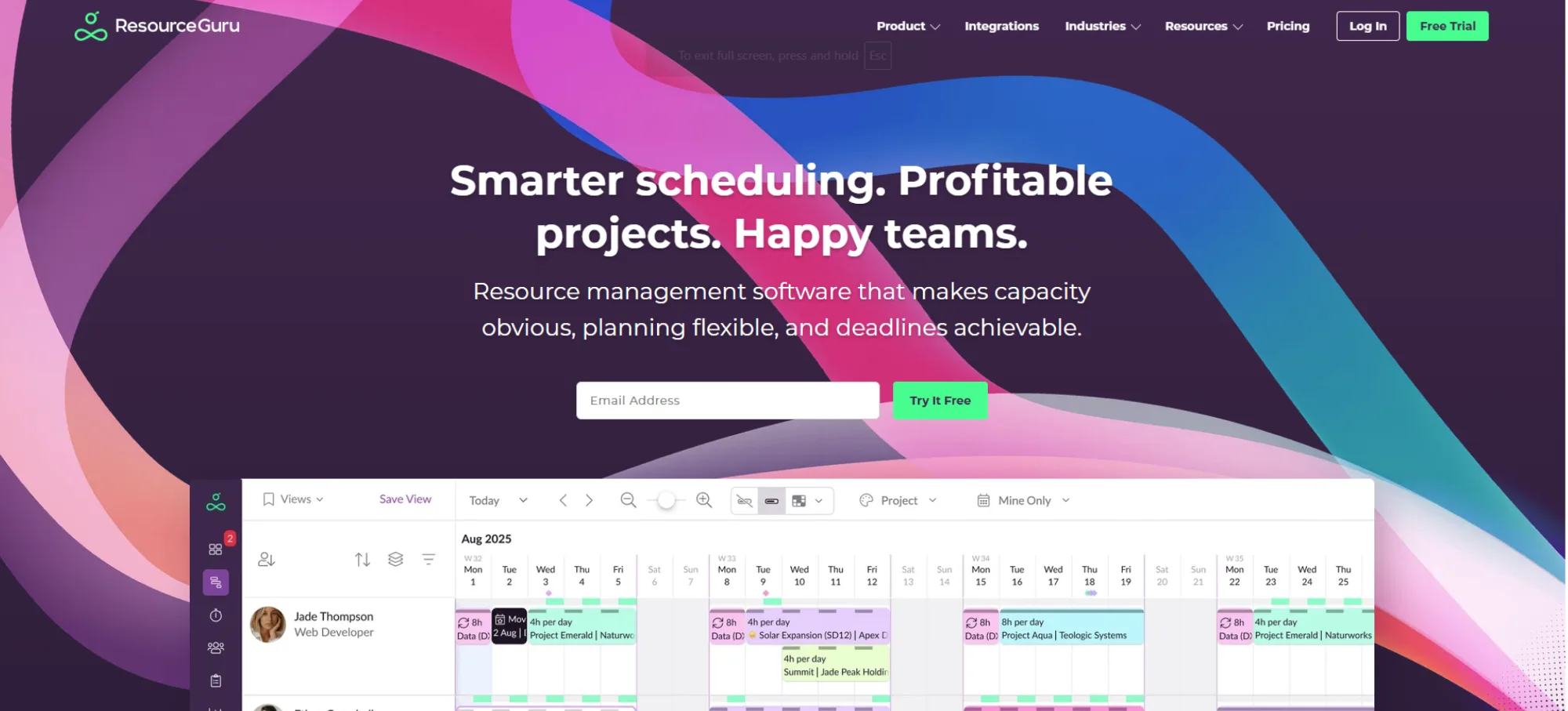
Resource Guru is a resource scheduling and capacity planning tool that helps creative agencies and teams know who is available, schedule work, and balance workloads without guesswork. It brings your scheduling, time tracking and capacity planning together, so you can avoid overbooking, see the actual availability, and set realistic project schedules. It also contributes to you being able to manage leave, keep track of actual hours and keep the workload of your team steady rather than scattered.
Key Features :
- Resource Scheduling : You can drag and drop people, equipment, or rooms into a schedule and instantly see who’s booked, who’s free, and how workloads are spread.
- Capacity Planning : Real-time availability bars and utilisation heatmaps help you balance workloads and avoid overbooking before it happens.
- Leave and Availability Management : Track casual leaves, sick days, and part-time hours so your plans are based on actual availability, not guesswork.
- Project Scheduling and Forecasting : Build timelines using real resource data and forecast upcoming demand to plan future work with confidence.
Pros :
- You get a clear view of team availability and workload.
- Scheduling feels simple because you can easily move tasks around.
- Helps you avoid overbooking and plan ahead with confidence.
- The design is clear and easy to understand, and many users find it simple to learn.
Cons :
- Reporting options are limited compared to more advanced tools.
- Doesn’t offer deep project-management features for very complex setups.
- Mobile use can feel restricted for some users.
- Has fewer integrations than bigger project-management platforms.
Use Cases :
Resource Guru works well for :
- Creative and marketing agencies that need a clear way to schedule people and manage project workloads.
- Teams that handle both staff and equipment bookings, such as production houses or studios.
Pricing :
- Grasshopper : Starts at $4.16/user/month, focused on scheduling and resource management.
- Blackbelt : $6.65/user/month, adds time tracking, reporting, and custom fields.
- Master : $10.00/user/month, includes advanced scheduling, approval workflows, and enterprise-level tools.
Ratings :
- G2 : 4.6/ 5
- Capterra : 4.6 / 5
6. Kantata
Kantata is a professional services automation (PSA) tool that helps creative agencies manage projects, resources, finances, and team collaboration all in one place. It gives you a clear view of project progress, team workloads, and profitability, so you can plan and deliver work smoothly. Kantata also makes it easier to track billable hours, manage budgets, and forecast resource needs, helping you keep creative projects on track without any surprises.
Key Features :
- Resource Management : See who’s working, who’s available, and assign tasks based on your team’s real capacity.
- Project Financials : Track budgets, costs, and revenue so you can understand how profitable each project is.
- Time & Expense Tracking : Log hours and expenses and link them to your projects or clients for easier billing.
Pros :
- Brings project, resource, and financial data into one place, which helps you make decisions more easily.
- Time and expense tracking tools help you record actual work and costs.
- Gives you clear visibility into resource use, making it easier to balance your team’s workload.
Cons :
- Pricing is not very clear, and you need to ask for a quote, which makes planning your budget harder.
- The mobile experience is not very smooth for many users
- Performance can slow down when dealing with large amounts of data or complex reports.
Use Cases :
Kantata is well-suited for:
- Creative agencies and consultancies that run client-billable projects.
- Professional services firms that need detailed resource planning and financial tracking.
Pricing :
- Kantata does not have fixed public pricing. They use a custom-quote model based on your team size, modules, and specific needs.
Ratings :
- G2 : 4.2 / 5
- Capterra : 4.2 / 5
7. Quickbase
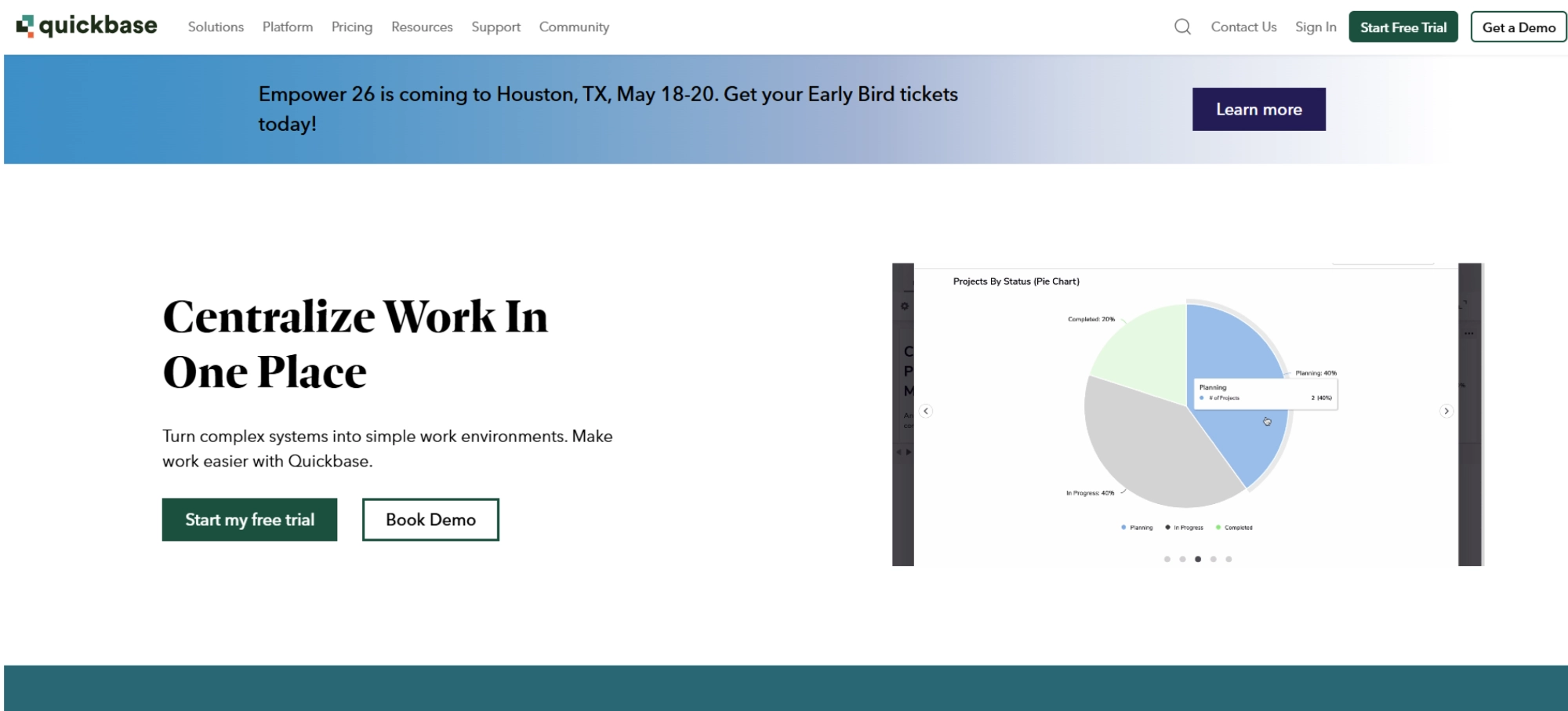
Quickbase is a no-code work management platform that assists teams in creating custom workflows, project tracking, and day-to-day operations in a single system. With this tool, you can organise projects, automate activities, manage complex data, and combine various teams together without a lot of technical knowledge. It can be adjusted to fit any kind of unique processes, and this makes it suitable for agencies that want a system that works with their operations.
Key Features :
- Custom Workflows : You can create and adjust workflows without coding, so your tasks, approvals, and updates move smoothly.
- Real-Time Dashboards : You can see project progress, deadlines, and team activity all in one view.
- Automation Tools : Let the system handle repetitive tasks like notifications or updates, saving you time.
- Resource & Capacity Tracking : See who’s available and how much work your team has so you can plan projects more effectively.
Pros :
- You can customise it easily without any coding skills.
- Works well if your agency has unique or complex workflows.
- Lets you track data and generate reports effectively.
- Grows with your projects without causing issues.
Cons :
- Might feel a bit confusing at first if you’re new to no-code tools.
- Setting up custom options can take some time.
- Costs go up if you need more advanced features or additional users.
- The interface can feel a bit packed when handling lots of data.
Use Cases :
Quickbase is well-suited for:
- Creative agencies managing complex or multi-step workflows.
- Marketing teams juggling several campaigns at the same time.
- Agencies needing custom tracking for clients, assets, or budgets.
- Operations teams handling resource planning and approval processes.
- Any service-based business with project-driven work.
Pricing :
- Quickbase has different pricing plans called Team, Business, and Enterprise. The exact cost isn't listed publicly for all plans, so you'll need to reach out to their sales team. Pricing depends on the number of users and the features you need.
Ratings :
- G2 : 4.4 / 5
- Capterra : 4.4 / 5
8. Ravetree
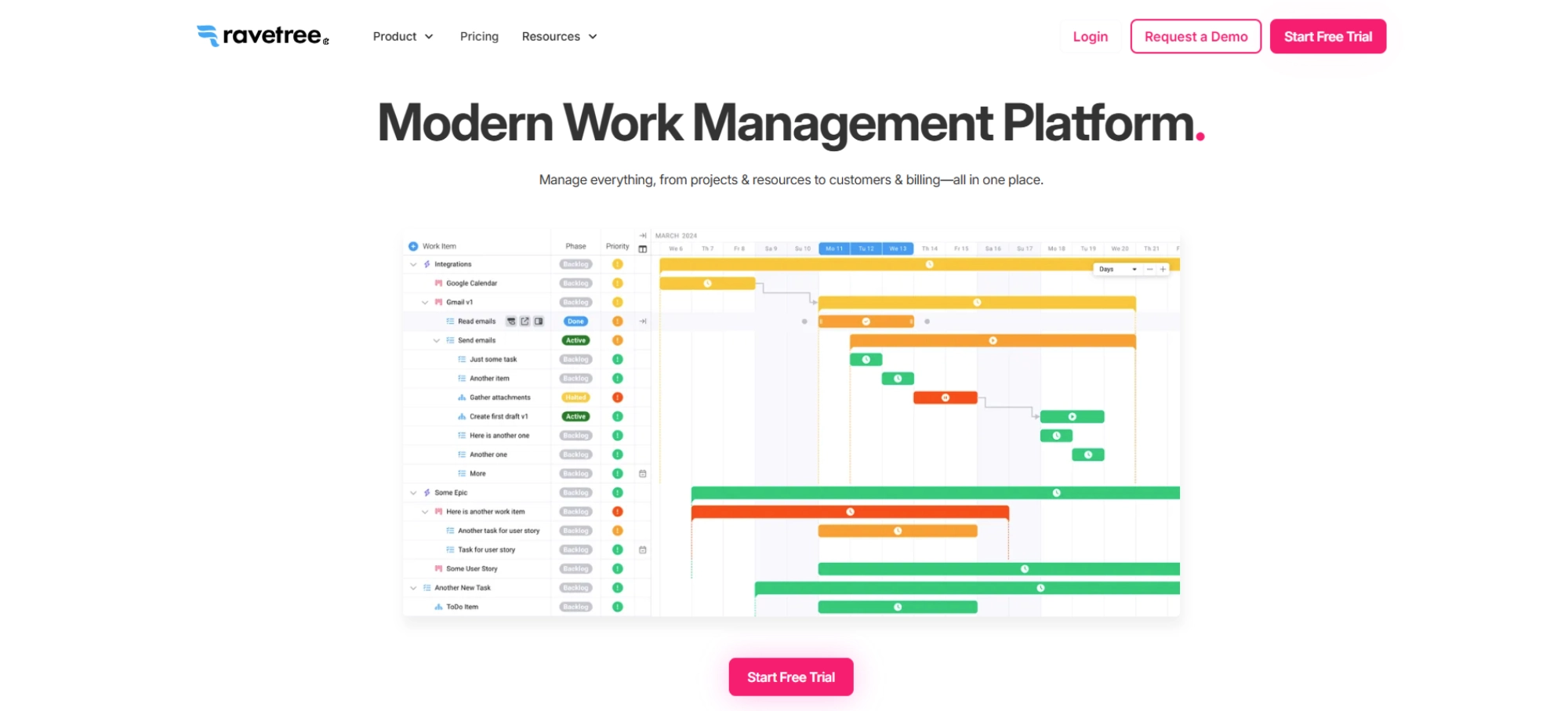
Ravetree is a project and agency management software created to assist creative agencies in managing work, resources, finances, and client collaboration within a single platform. It integrates time and expense tracking, budgeting, client portals, and task management, providing agencies with a clear overview of project success, resource utilisation, and financial position.
It is also useful in terms of enabling teams to organise internal activities, deadlines, and ensuring that every team member is aware of their role, which makes it easier to keep projects on schedule and clients informed.
Key Features :
- Project & Task Management : Helps you track work from start to finish with task hierarchy, milestones, and timelines.
- Time & Expense Tracking : Lets you log hours and expenses, and link them to projects for accurate tracking.
- Resource Planning : You can view team capacity, assign people to projects, and balance workloads.
- Client Portal & Collaboration : Allows you and your clients to check project status, give feedback, and review deliverables in one place.
Pros :
- Gives a unified space for project work, financials, and client collaboration.
- You can adapt workflows to how your agency actually works.
- Time tracking and billing features help you convert work into client invoices smoothly.
Cons :
- Has a learning curve for new users because of its broad capabilities.
- Pricing may feel high for smaller agencies, depending on your needs.
- Onboarding and setup can take time to configure for specific agency workflows.
- Some users note that the interface could feel complex or busy, especially when managing many projects.
Use Cases :
Ravetree works well for :
- Creative agencies handling both client projects and internal tasks.
- Digital service teams that need to budget, track time, and invoice clients.
- Small to medium agencies looking for a system to connect project planning, resource management, and finances.
Pricing :
- Ravetree costs $39 per user per month (monthly plan).
- On a yearly plan, it’s $348 per user per year.
- On a quarterly plan, it’s $34 per user per month.
Ratings :
- G2 : 4.2 / 5
- Capterra : 4.4 / 5
9. Teamwork.com
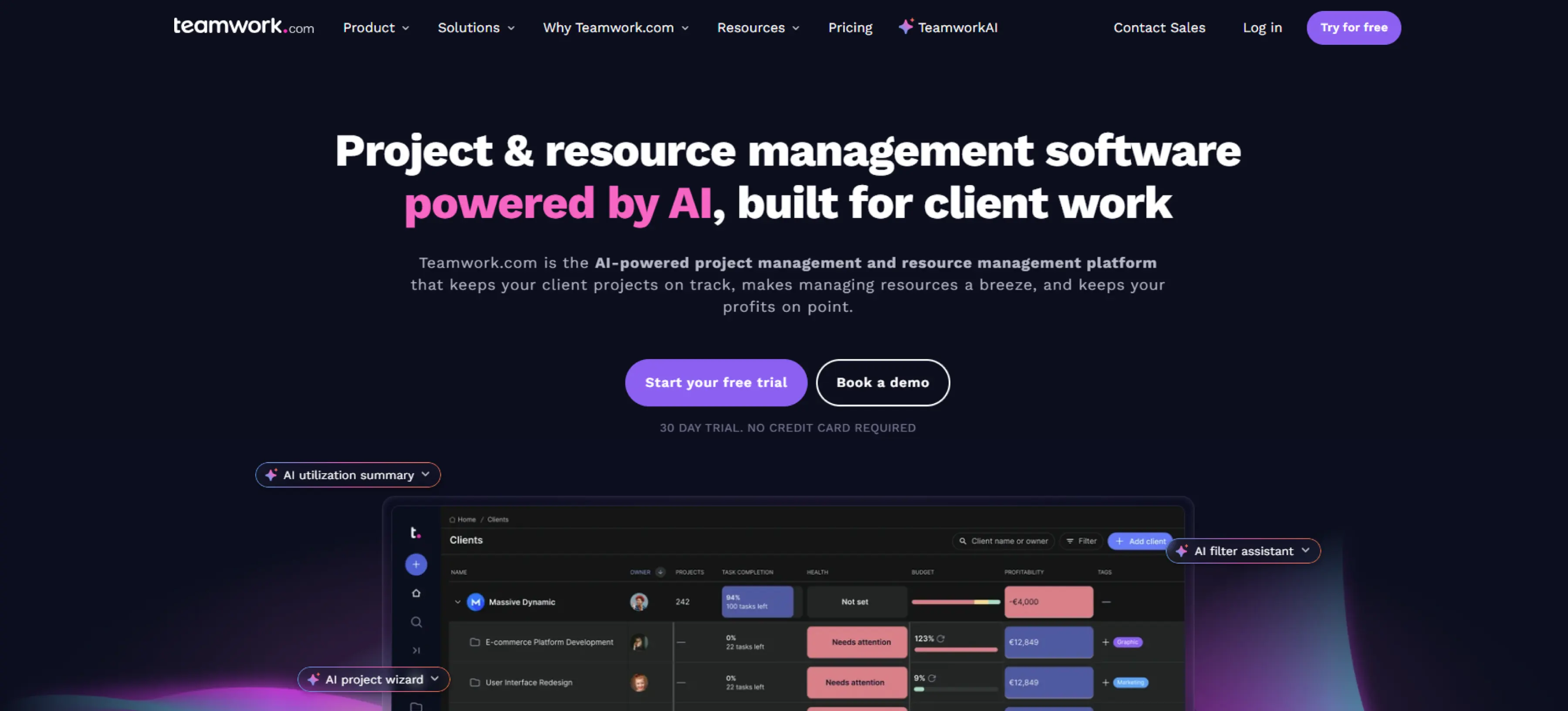
Teamwork.com is a project and work management platform designed for teams, especially creative agencies, to plan projects, manage tasks, track time, and handle resources in one place. It makes it easier to keep communication in one spot, work smoothly with clients, and see budgets and project finances at a glance. You can monitor progress, set deadlines, assign responsibilities, and keep projects moving from start to finish.
Key Features :
- Task Management & Views : Use list, board, table, or Gantt views to organise tasks, set dependencies, and manage project flow.
- Time Tracking & Timesheets : Log time with individual or team timesheets, set reminders, and track billable hours you need to record.
- Resource Scheduling : See who is booked, plan for availability, and manage workloads with a visual resource planner you can rely on.
- Budgeting & Financials : Set project budgets, monitor expenses, and track profitability.
Pros :
- Combines project planning, time tracking, and resource management in one place.
- Lets you visualise and manage resource availability easily.
- Strong reporting features help you keep an eye on financial health.
- Good for teams that need to work closely with clients, as client users can be involved in project collaboration.
Cons :
- Some users report bugs or slowdowns in tool performance.
- Higher‑tier plans (for advanced financial features) can be expensive.
- Can feel overwhelming for beginners due to the many features and options.
Use Cases :
Teamwork is especially useful for :
- Creative agencies working with clients who need visibility into project status.
- Service teams that bill by time and need accurate tracking of hours and profitability.
- Project‑based teams that need to manage resources across multiple projects.
Pricing :
- Free : $0/user/month (basic features).
- Deliver : $10.99/user/month (billed annually).
- Grow : $19.99/user/month (billed annually).
Ratings :
- G2 : 4.4 / 5
- Capterra : 4.5 / 5
10. Nifty
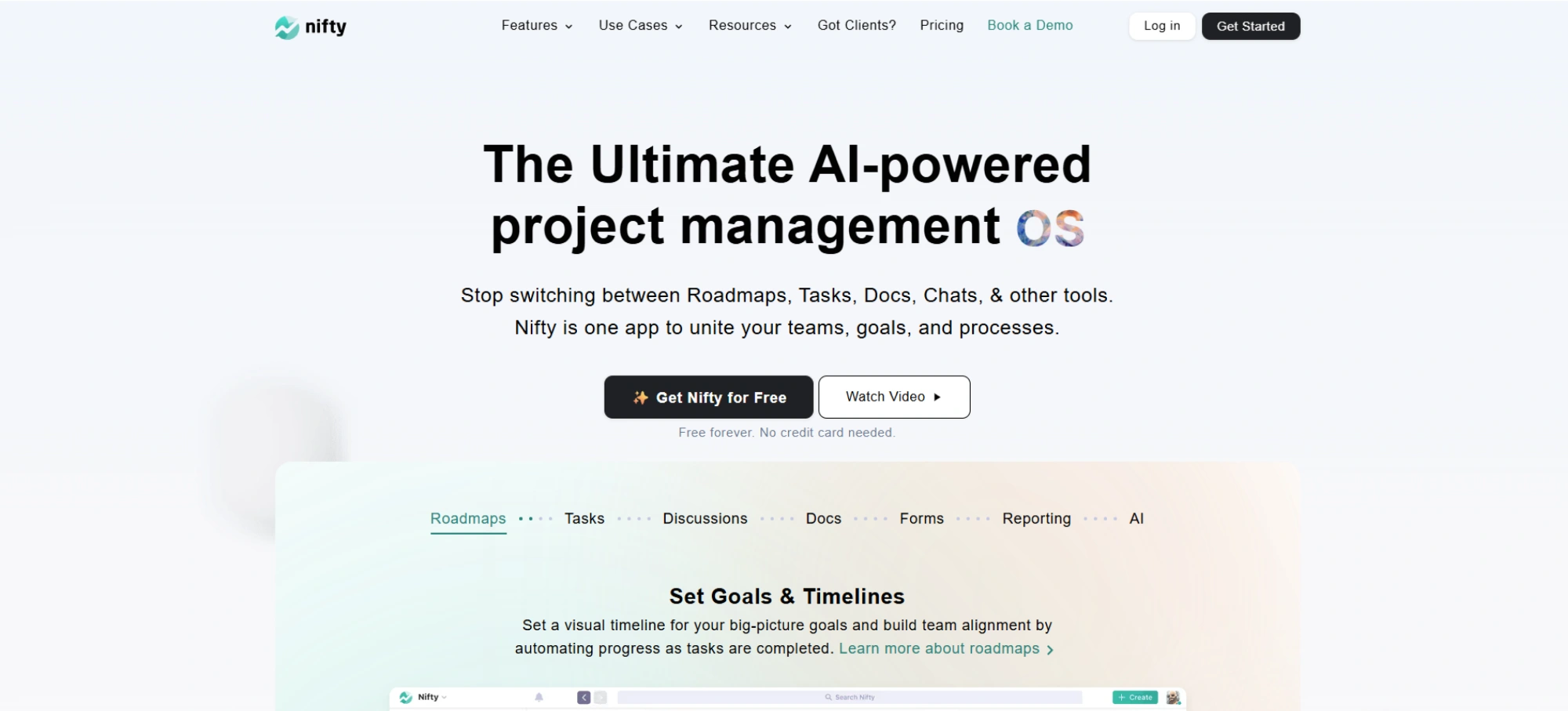
Nifty is a project management and collaboration platform that helps creative teams plan tasks, track milestones, and stay in touch, all in one place. With flexible views, real-time updates, and built-in tools for time tracking and goal management, it keeps everyone coordinated and on track. You can handle multiple projects at once, bring files and discussions together, and monitor progress easily.
Key Features :
- Multiple Task Views : Choose from Kanban, list, spreadsheet, or Gantt layouts so you can work in the way that suits you.
- Milestone Planning & Goals : Create milestones to map out long-term goals and track progress toward them.
- Time Tracking & Reporting : Log working hours directly on tasks and generate simple reports to monitor how time is spent.
- Docs & Discussion : Use built‑in docs, wikis, and chat to share ideas, write plans, and keep all your communication in one workspace.
Pros :
- Very intuitive and easy to use, especially for non-technical team members.
- Good for coordinating multiple projects in one place with its flexible views.
- Supports real-time collaboration with built-in discussion tools.
Cons :
- Reporting capabilities are limited compared to more complex project management tools.
- Mobile app performance and access could be better.
- Some users have reported bugs or stability issues.
Use Cases :
Nifty works well for :
- Creative agencies managing multiple campaigns and projects.
- Marketing teams coordinating tasks, milestones, and goals.
- Remote teams who value real‑time collaboration and a central workspace.
Pricing :
- Free : $0 (forever, unlimited members).
- Starter : $39/month (Billed annually).
- Business : $124/month (Billed annually).
- Unlimited : $399/month (Billed annually).
Ratings :
- G2 : 4.7 / 5
- Capterra : 4.6 / 5
Creative Agency Project Management Software Comparison
Here’s a quick comparison to help you see which tool fits your creative workflow and budget.
| Creative Agency Project Management Software | Best For | Pricing Starts From |
|---|
Conclusion
Your creative work becomes much easier when you use the right creative agency project management software that matches how you actually work. Each platform on this list tackles a different challenge, whether it’s organising tasks, improving teamwork, giving you better visibility, or helping you stay on top of budgets and time. All you need to do is choose the one that fits your workflow. That way, you stay organised, keep projects moving, communicate clearly, and deliver client work without chaos. When your tools lift the weight instead of adding to it, your entire creative process feels faster, lighter, and far more dependable.
FAQs
A creative agency project management tool brings everything into one place. You can plan projects, organise tasks, manage resources, track progress, and work easily with your team and clients. It keeps you organised, helps you stay ahead of deadlines, and makes your whole creative process feel much easier to manage.
Prices shift based on the tool and the features you need. Starter plans usually land around $7-$10 per user each month. If you need budgeting, resource planning, or automation, expect $20-$40 per user or a custom quote.
It gives you a clearer view of your projects, cuts down the usual chaos, and keeps everyone on the same page. You deliver on time, manage budgets well, avoid repetitive work, and keep your creative process flowing from start to finish.
- Project and task planning.
- Time tracking and timesheets.
- Resource and workload management.
- Budget and profitability tracking.
- File sharing, feedback, and client collaboration.
- Real-time progress tracking.
Choose a tool that fits the way you work, the size of your projects, and what you’re willing to spend. Go for something easy to set up, good for teamwork, and packed with the features you actually use.
Get a demo of BIXO

Recommended Blogs
Project Initiation: Key Steps, Best Practices, & Mistakes to Avoid
Learn what project initiation is, why it matters, key steps to follow, best practices to apply, and mistakes to avoid for a strong and successful project start.
Project Management Triangle: Managing the Triple Constraints
Master the project management triangle by balancing scope, cost, and time with simple strategies that drive successful outcomes every time.
 Jahnavi Chintakrindhi |
 Oct 13, 2025
How to Delegate Tasks Effectively: 7 Tips for Managers
Learn how to delegate tasks effectively, save time, and boost team productivity with step-by-step tips, real examples, and smart AI tools.
Bhuvana Bitra |
Oct 17, 2025
×
Focus on what matters. BIXO handles the rest!